
A quick tour of the app
What each tab is for, so you know where to look for what.
Subscrr tracks three things: what repeats, what you actually spend, and how the year ahead adds up. Four tabs along the bottom: Overview, Subscriptions, a third one called Plan or Spending depending on which of its two modes you opened last, and Settings.
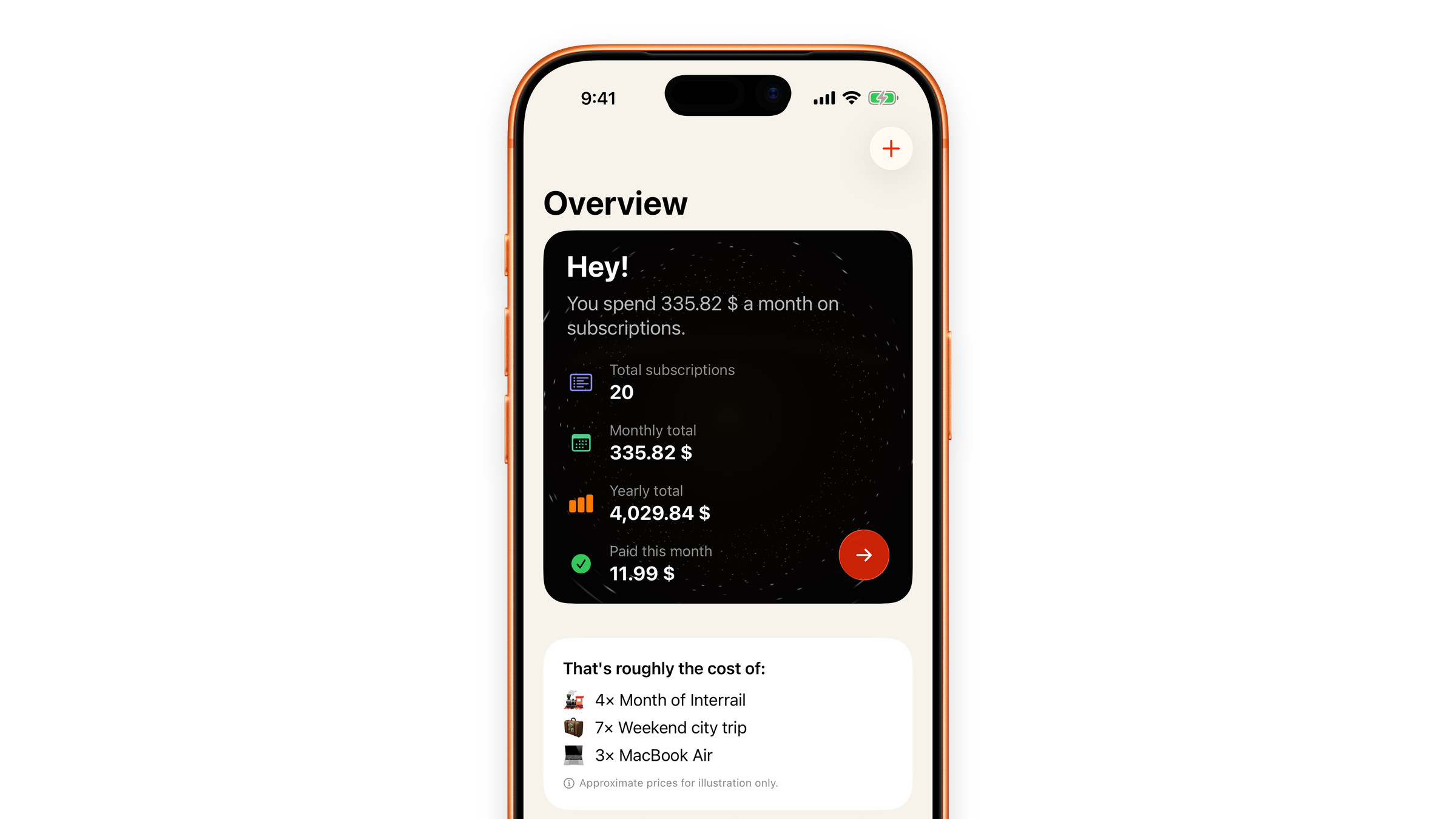
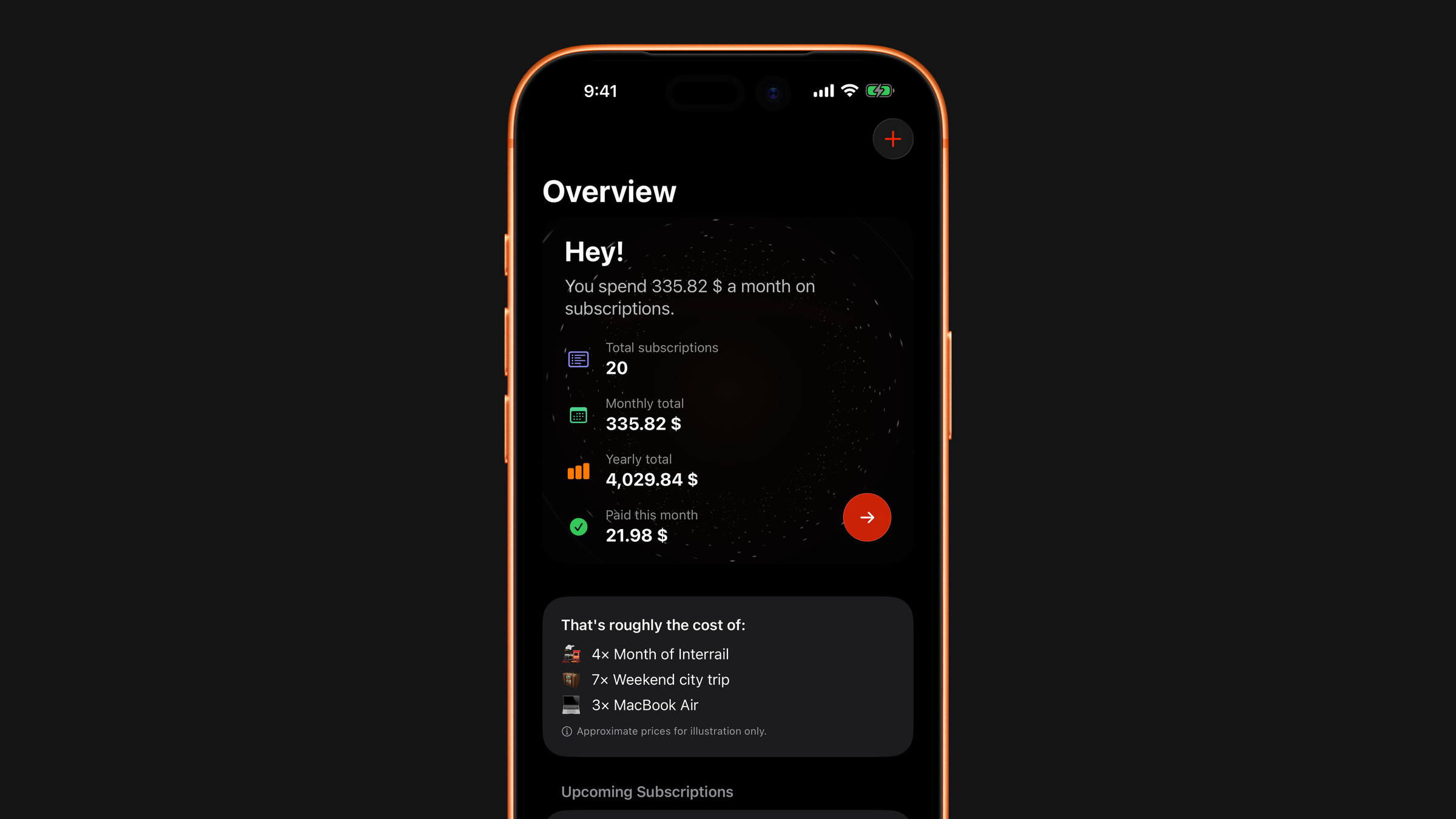
Overview
The dashboard. A dark card at the top says how much you spend a month on subscriptions and lists how many are active, the monthly total, the yearly total and what is already paid this month. Below it: the yearly total turned into everyday things, the charges coming up in the next 30 days, and your top categories. Further down sits the daily affirmation, a calm thought about money, which you can send to your Lock Screen, and a card that opens the Subscrr Journal.
While you are still setting up, a short checklist appears on this tab: add your first subscription, turn on notifications, build your first plan. It goes away once all three are done.
What the numbers mean: Read your dashboard.
Subscriptions
The list of everything that bills you again and again, with the next charge date and the price on each one. A ring around each icon fills as the charge approaches, turns orange once it is a week or less away and green once you have marked the payment as paid. A search bar at the bottom of the list finds anything you track once scrolling stops being quick.
The arrows in the top left corner change the order of the list, including grouping it by category. The plus button adds a subscription or imports your Apple ones, and the three dots next to it switch the list to a calendar of charges or let you select several subscriptions to delete at once.
This is the half that sends reminders. The chat icon next to the arrows opens Subscrr AI, which reads through everything you pay for and says what to deal with first.
Spending
One tab with a switch at the top of it, Spending and Plan.
Spending
For things that are not subscriptions but behave like them: a coffee every working morning, a taxi twice a week. You enter what it costs and how often you do it, and Subscrr turns the habit into a monthly and yearly number. Usually an uncomfortable one. See Calculate what a habit costs.
The plus button here also holds Scan a receipt. Photograph a receipt or a bank screenshot and Subscrr reads the total and the line items, then sorts them into categories automatically, without connecting to any bank. See Scan a receipt with AI Spend.
Plan
A year of your money on one screen. Describe your income and your regular payments in plain words in the chat here, and Subscrr lays them out month by month: income, fixed expenses, debt, savings, investments, everything else. If you already keep a table of your own, send it as a file instead and it becomes the plan. See Build your financial plan.
Scenarios sit next to the plan and answer what if questions, spending more, a large purchase in March, months without income, without changing the plan itself. See Try a scenario.
Your subscriptions never rewrite the plan on their own. When they change, Plan asks whether to update, and the plan stays as you left it until you answer. See Keep your plan up to date.
Settings
Currency, language, appearance, reminders, the app icon, iCloud sync, Premium and data controls all live here.
Did this answer your question?