
Mark a payment as paid
Tick off what you have already covered, and Paid this month tells the truth.
Not every payment leaves your card by itself. Rent, a tutor, your share of a family plan: the date arrives, but whether the money moved is something only you know. And sometimes you pay ahead.
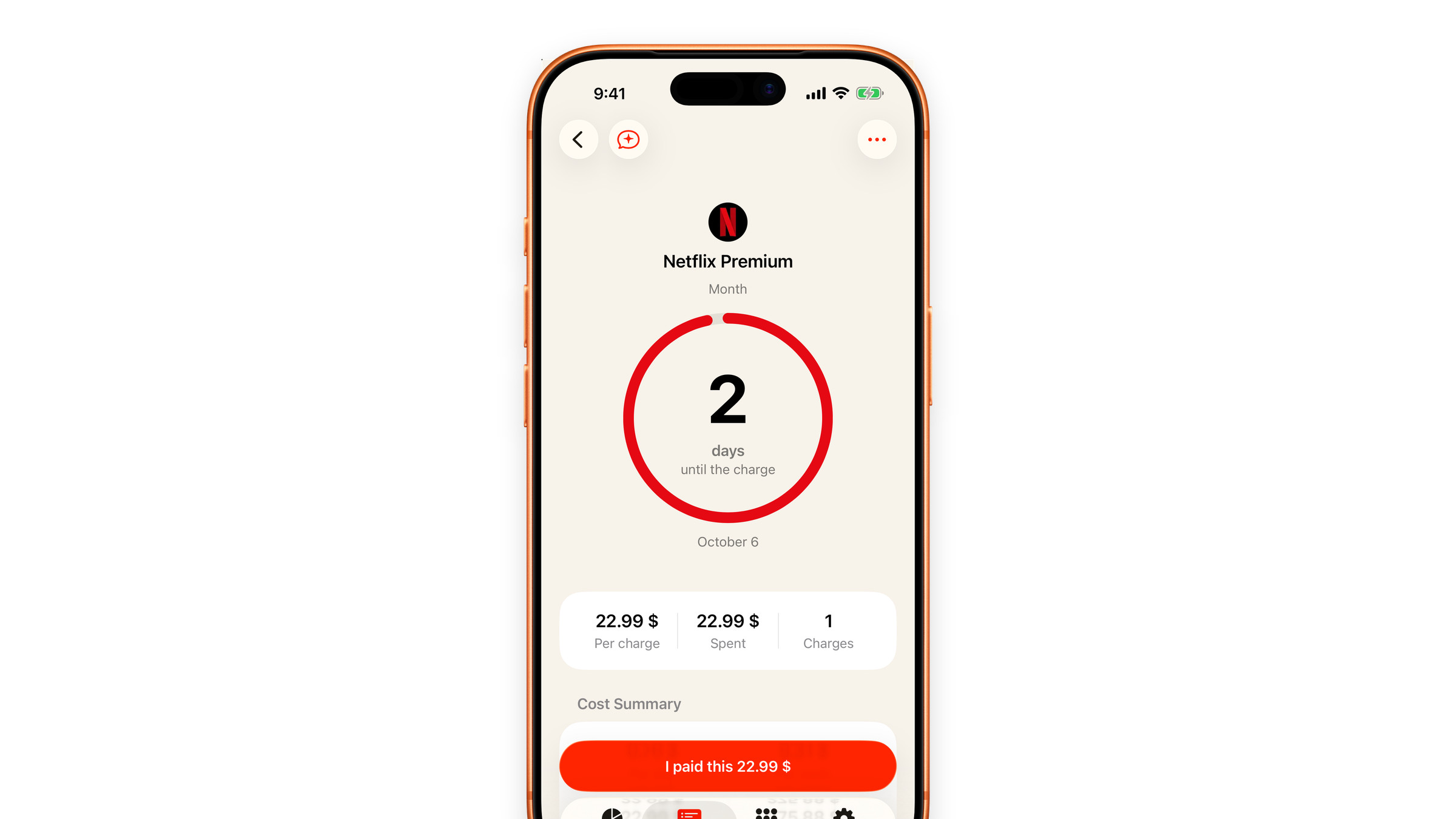
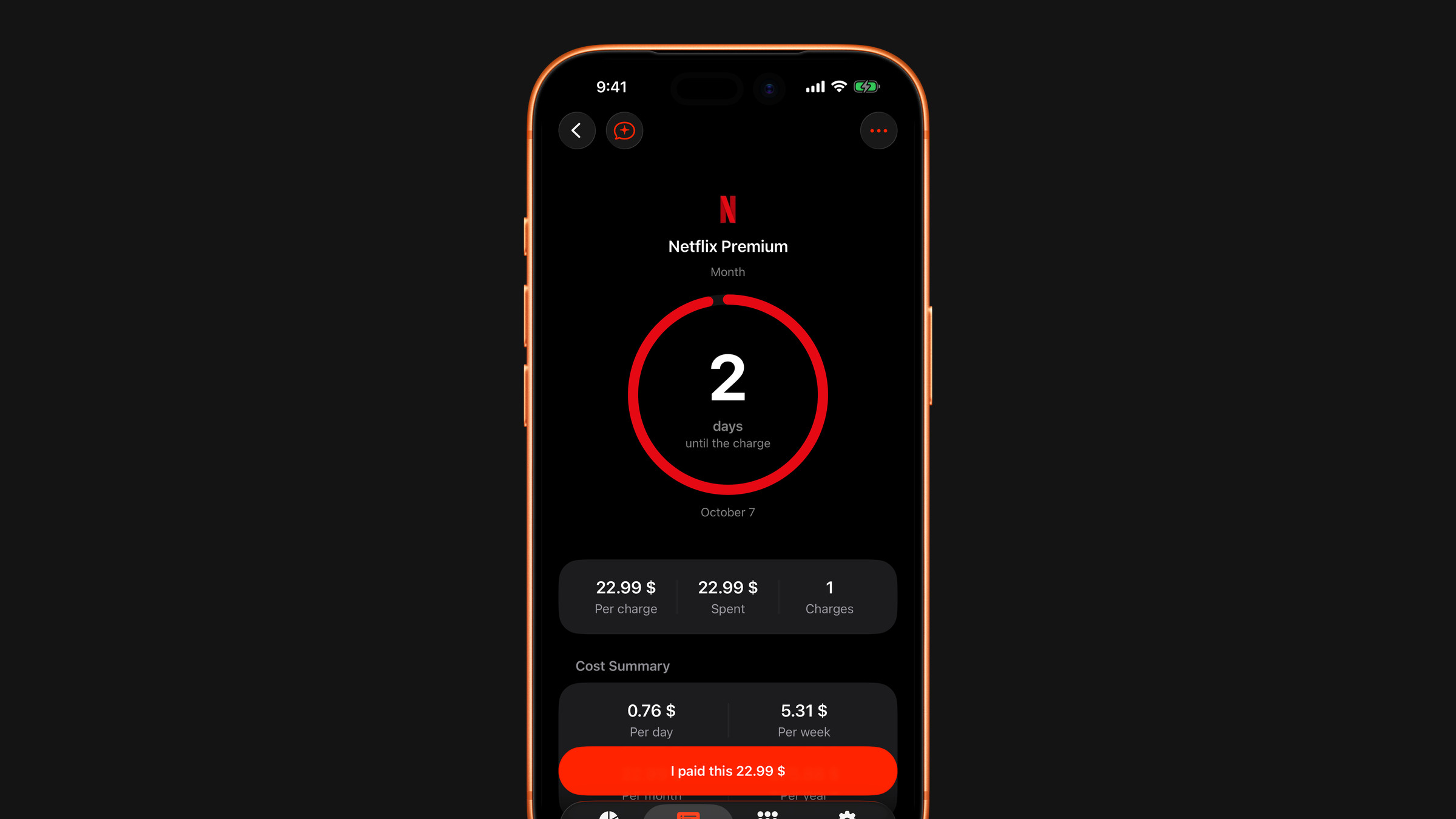
Tick it off
- From the subscription: open it and tap the large button at the bottom, which reads I paid this followed by the amount, for example "I paid this 22.99 $". After you tap it, the button turns grey and reads Undo payment.
- From the list: swipe a subscription to the right and tap Mark as paid. Pressing and holding a row opens a menu with the same action.
A green Paid badge appears in the list and the ring around the icon turns green.
To take it back, tap Undo payment on the subscription, or swipe the row to the right again and tap Mark as unpaid.
What it changes
- Paid this month on the Overview rises by that amount, when the charge falls in the current month.
- The reminder for that charge does not fire. You have already dealt with it; being nudged again is noise. The next charge reminds you as usual.
- Once at least one payment is marked, the Subscriptions tab gets an All / Paid switch at the top, so you can see only the ones you have closed.
Charges whose date has already passed count as paid automatically: an automatic renewal happens on its own, and asking you to confirm every past month would be busywork. Those cannot be un-ticked.
What it does not change
Monthly and yearly totals stay put. They answer what a subscription costs over time, and one payment being settled early does not change that.
Did this answer your question?