
Edit or delete a subscription
Change a price after a hike, correct a date, or remove something you have cancelled.
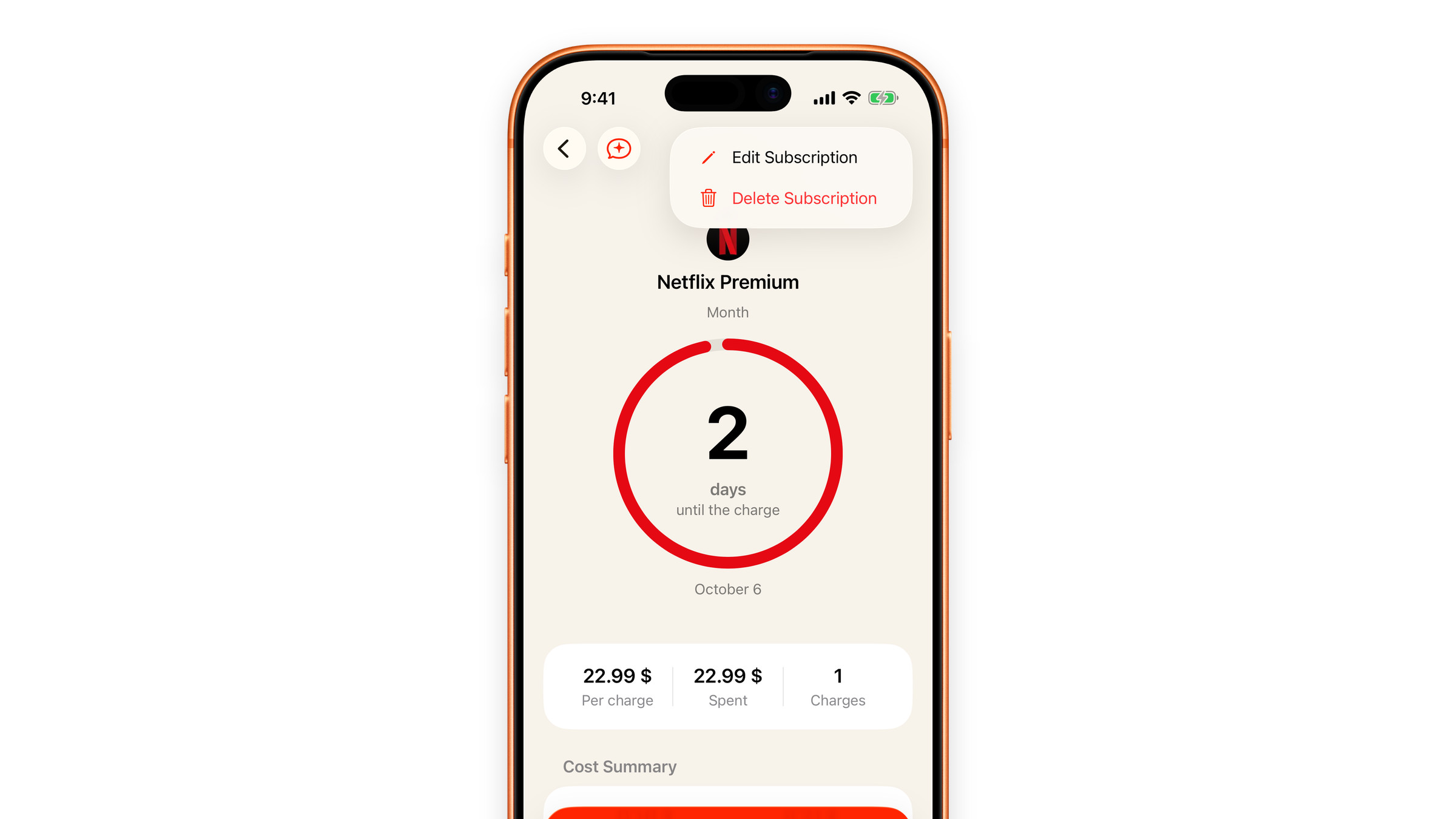
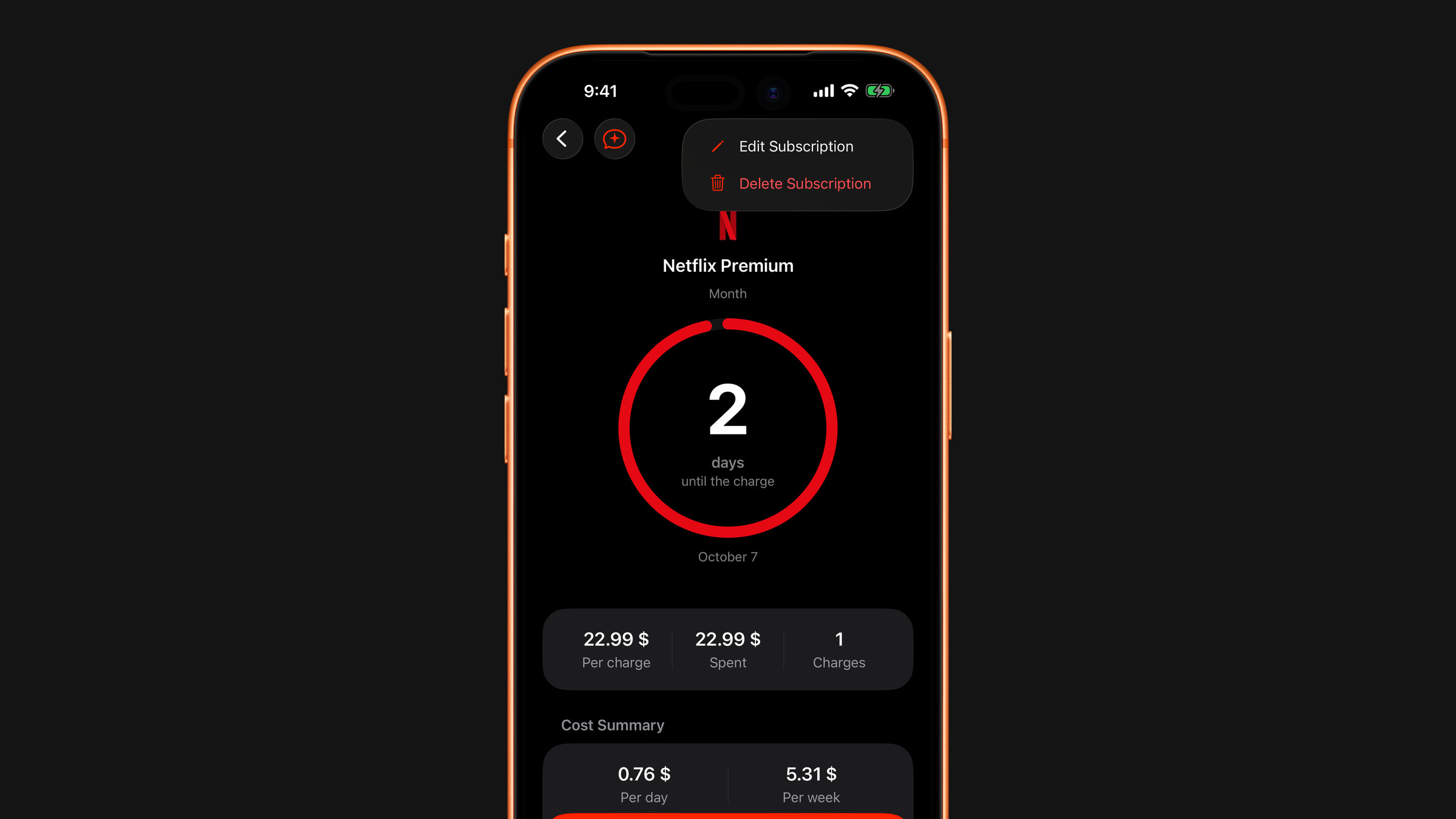
Edit
Tap the subscription in the list to open it, then tap the three dots in the top right corner and choose Edit Subscription. (Pressing and holding a row in the list opens a menu with Edit too.) You can change the name, amount, currency, period, start date, category, duration, sharing, whether it counts in the totals, the comment, where it is billed and the icon. Save with the check mark and every total recalculates immediately.
The field worth revisiting is Amount. Services raise prices quietly, and a tracker with last year's number tells you a comforting lie. When you change the price, Subscrr keeps the old one: the subscription's page lists every price under Price history, with the change in percent, and the list shows a small arrow next to the price for a month after a change.
To move a charge to another date, change Started: the next charge date is counted forward from it in steps of the period. If you change the Period itself, charges before the change stay on the old schedule, and the new one begins on the date you set in Started in the same edit, or from today if you leave it alone.
Delete
Open the subscription, tap the three dots and choose Delete Subscription, then confirm. You can also swipe a row to the left in the list, press and hold it and choose Delete Subscription, or use the red button at the bottom of the edit form. Several at once: tap the three dots on the Subscriptions tab, choose Select, tick the rows and tap the bin.
Deleting removes it from every total and cancels its scheduled reminder. A banner at the bottom offers Undo for a few seconds, which brings the subscription back. Deleting several at once asks for confirmation instead and has no undo.
Deleting a subscription in Subscrr does not cancel it with the provider. Cancel it where you bought it first. The Manage Subscription row on the subscription's page opens the right place: your Apple subscriptions for anything billed by Apple (iOS Settings → your name → Subscriptions), the service's website otherwise.
Cancelled but still running
If you have cancelled a service that is paid until the end of the period, it is usually cleanest to leave it in Subscrr until the last day, so the forecast stays truthful, and delete it after. Or give it an end date under Duration and it drops out by itself: see Set a duration or a one-off.
Did this answer your question?