
Set a duration or a one-off payment
Not everything runs forever: give a subscription an end date, or record a single payment.
A prepaid year of a course, a gym membership that ends in June, a single large purchase: none of these repeat forever, and treating them as endless inflates every total.
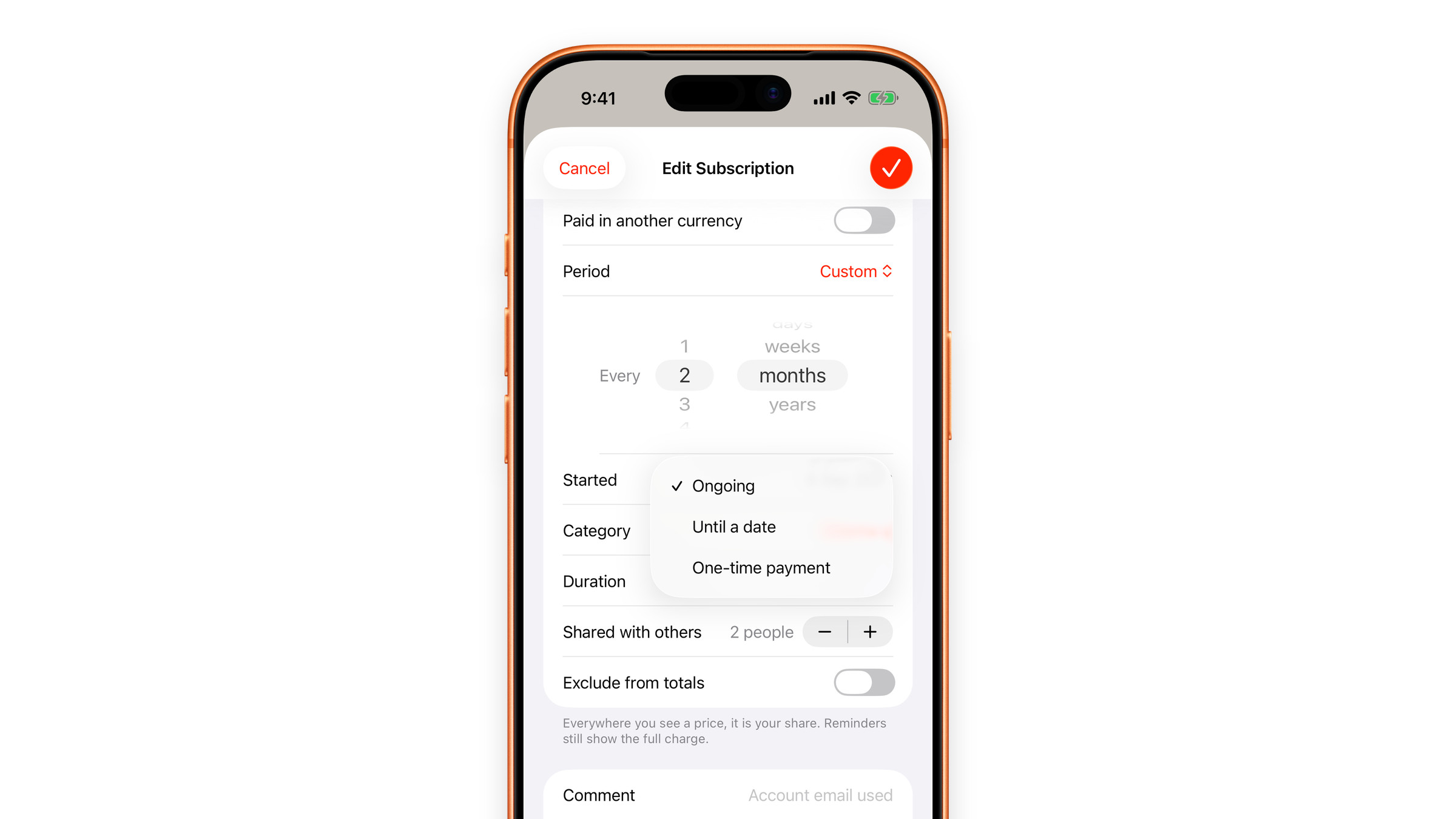
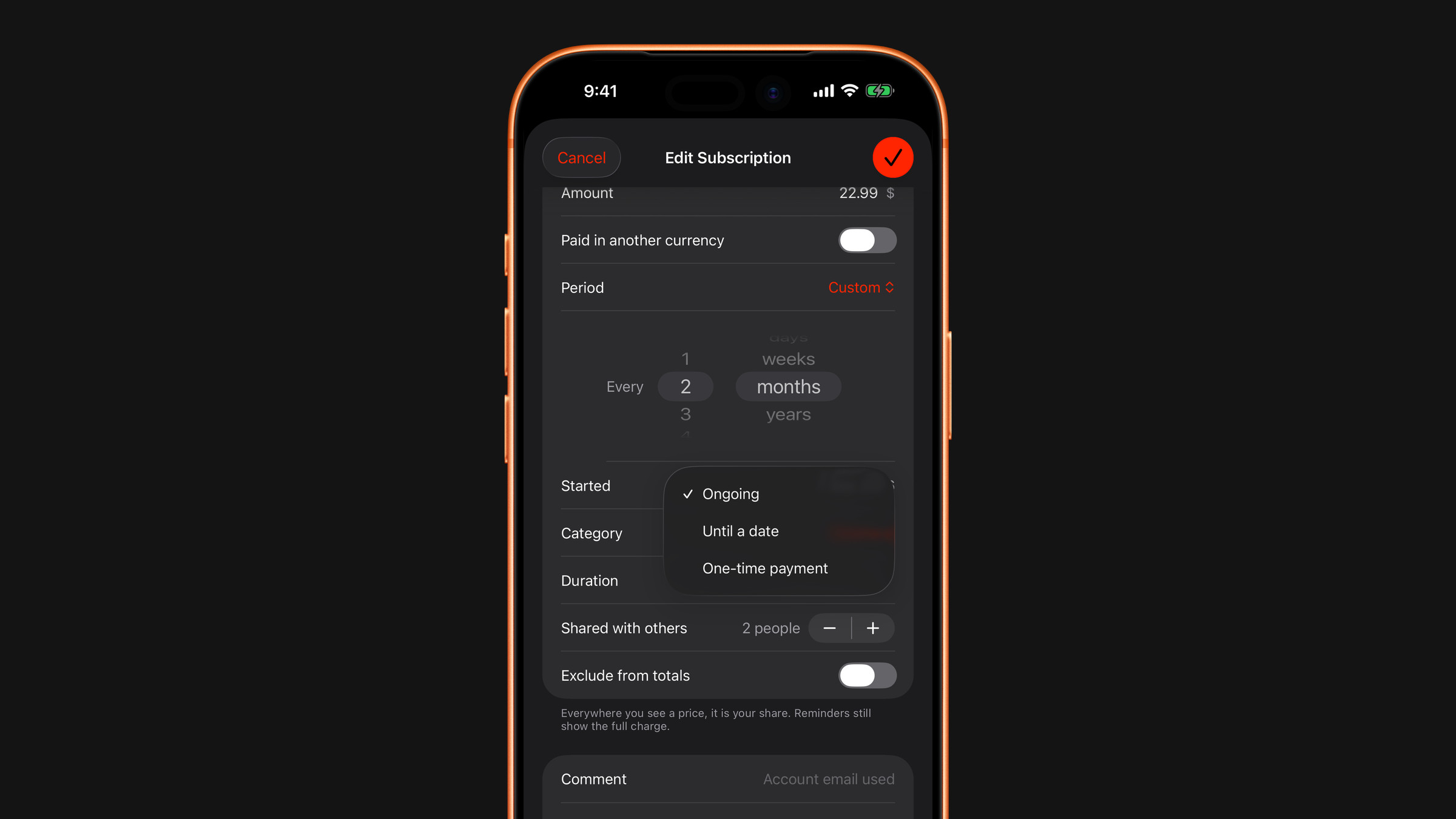
The three options
When adding or editing a subscription, tap the Duration row under Details:
- Ongoing: the default. Bills until you delete it.
- Until a date: a new Ends on row appears, where you pick the last day it can bill. Keeps repeating until then.
- One-time payment: a single charge on the day you set under Started.
What happens after the end date
The subscription stops producing charges, drops out of the monthly and yearly totals, and stops reminding you. It stays in the list, marked Ended, so the history of what you paid is not lost. Delete it whenever you want it gone.
How a one-off is counted
A one-time payment is not a rate, so it is left out of the monthly and yearly totals and of the per-month and per-year figures on its own page. It appears where it belongs: in the list with the label One-time instead of a billing period and a Due date instead of Renews, in Upcoming Subscriptions on the Overview when it falls within the next 30 days, and in the calendar view of the list. You get a reminder before the date like for any other charge, and you can mark it as paid ahead of time. After its date it shows as Ended.
Did this answer your question?