
Use a custom billing interval
For anything that does not fit weekly, monthly or yearly: every 3 months, every 10 days, every 2 years.
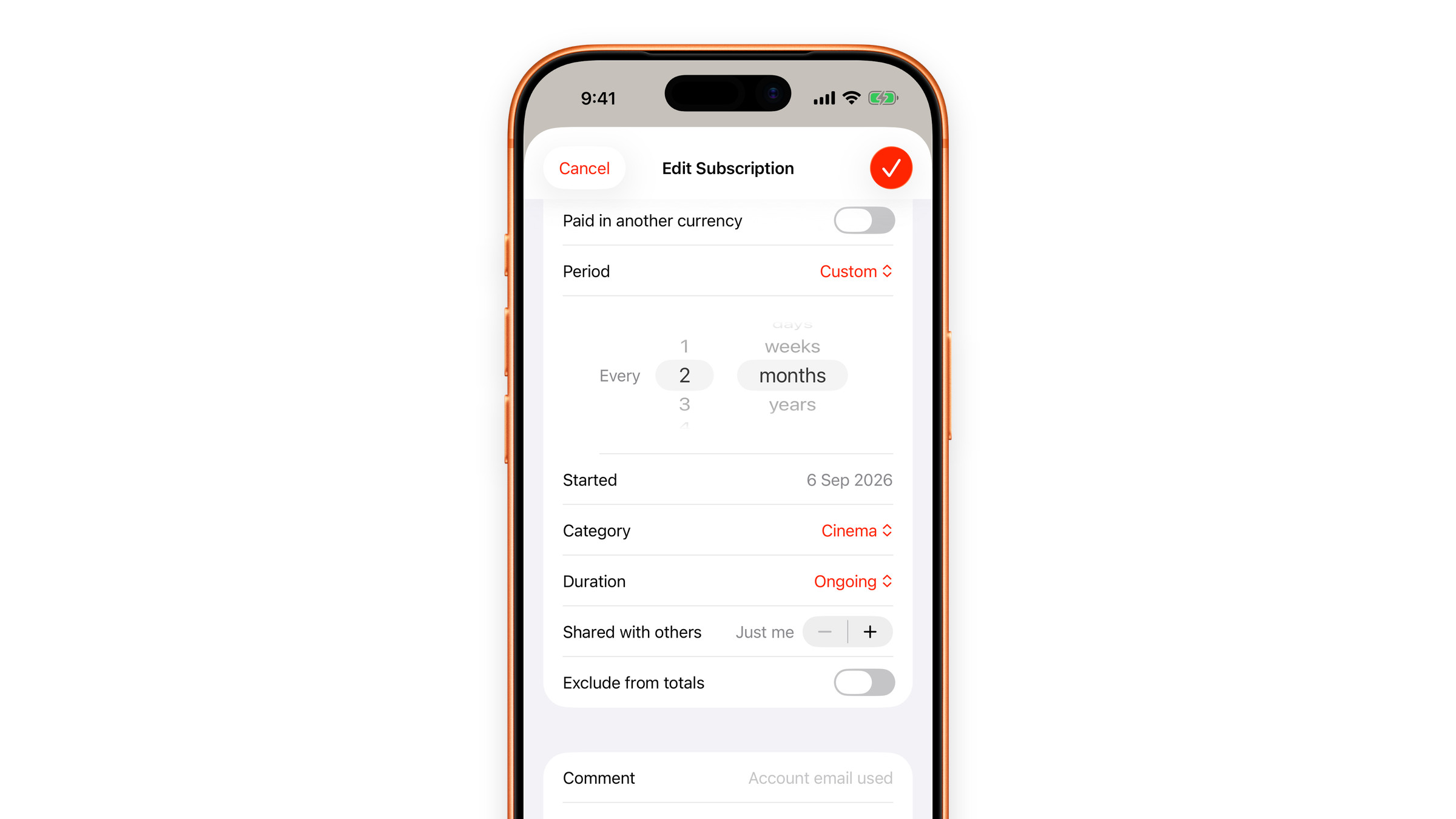
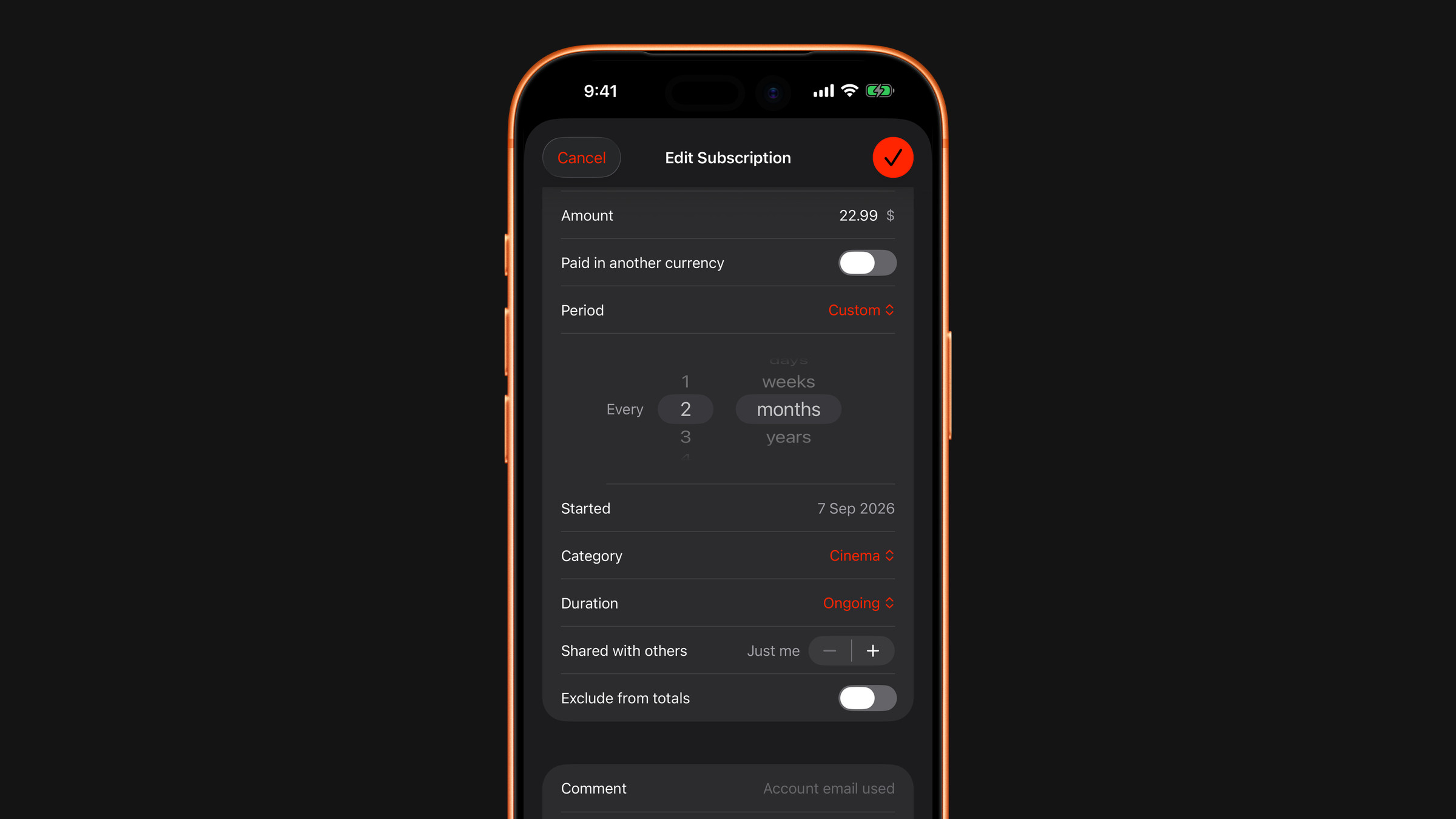
Besides the presets in the Period row (week, month, 3 months, 6 months and year), Subscrr supports a custom interval: every N days, weeks, months or years, with N from 1 to 60.
- Create a subscription, or open one, tap the three dots and choose Edit Subscription.
- Tap Period and choose Custom.
- Two wheels appear after the word Every. Set the number on the left and the unit on the right, for example every 6 weeks, every 10 days for something genuinely odd, or every 2 years for a biennial renewal.
Custom intervals work in the calculator too, which is where they earn their keep: a haircut every five weeks is not a subscription, but it costs like one.
How totals are calculated
Whatever interval you pick, Subscrr converts it to a yearly figure and derives the per-day, per-week and per-month numbers from that. This is why the numbers on different screens always agree with each other: they all come from the same annual base. See Cost per day, month and year.
Did this answer your question?