
Put the affirmation on your Lock Screen
Go live with the daily affirmation: Lock Screen, Dynamic Island and a home screen widget.
The daily affirmation lives on the Overview tab, but a calm thought helps most in the moments between things, which is exactly when you are looking at the Lock Screen, not at an app.
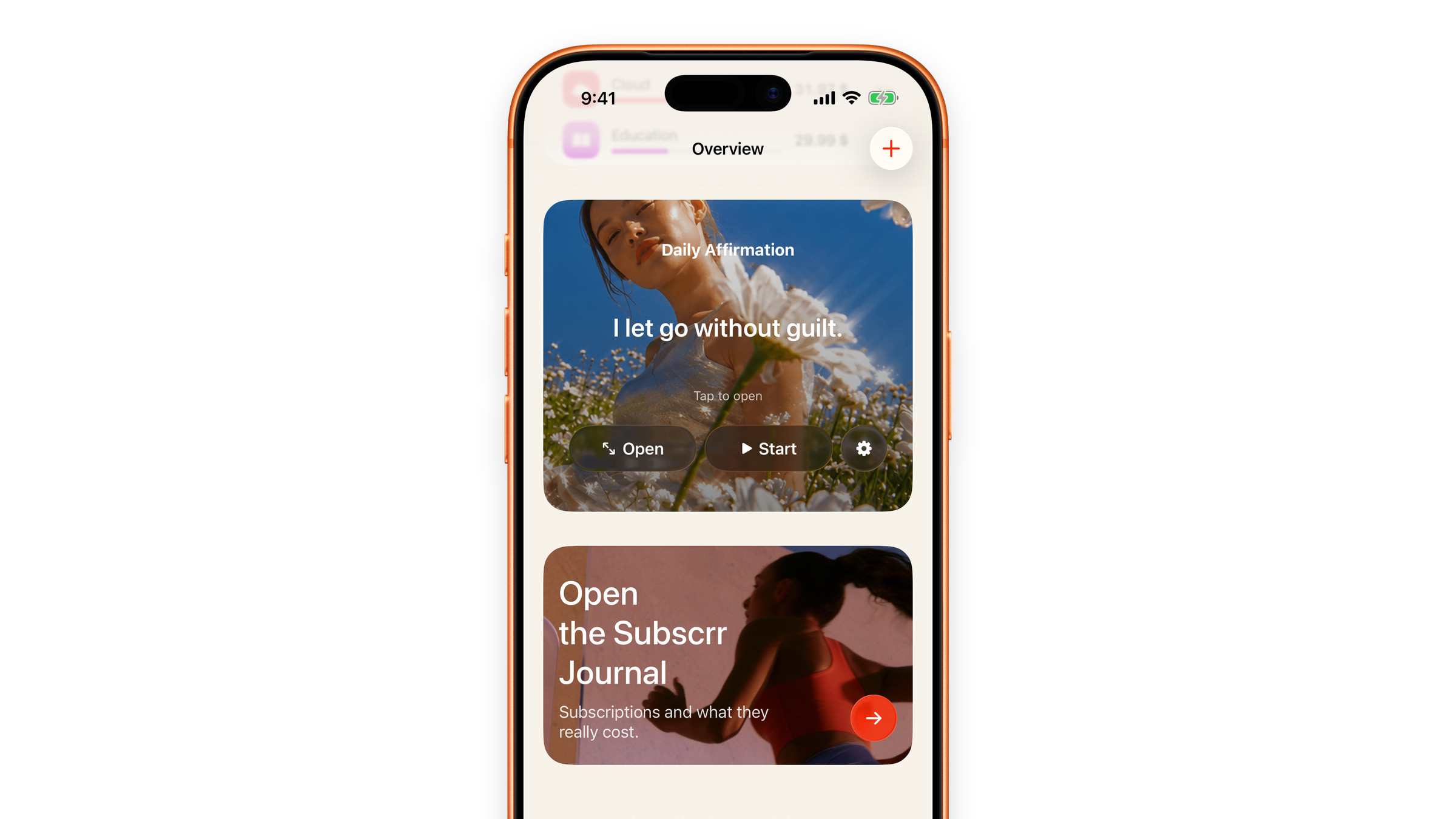
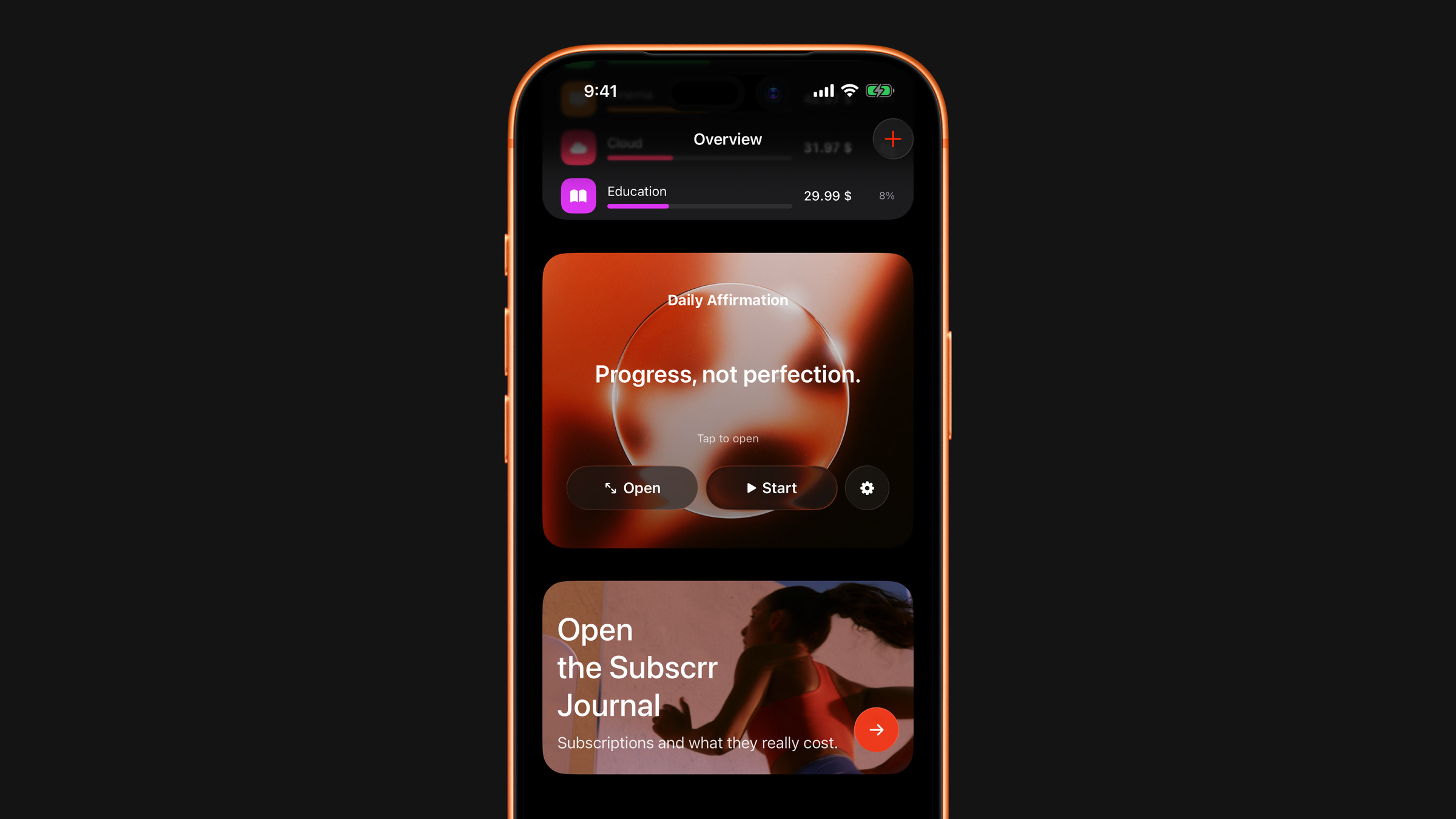
Start it
- Open Overview and find the Daily Affirmation card.
- Tap Start, the button with the play icon.
- The affirmation appears on the Lock Screen and in the Dynamic Island on supported iPhones.
You do not have to reveal the phrase first: starting works with the card still closed. It stays there for up to 8 hours, and the card reads *In focus*. In the compact Dynamic Island a small ring fills as the time passes, and Settings → Live Activity shows when it ends. Stop it earlier with the same button, now called Stop, or by swiping the card away on the Lock Screen.
The Live Activity needs an iPhone: on Mac the affirmation lives in the app and in the widget, and the card has no Start button.
The spoiler travels with you
Until you have opened today's affirmation in the app, the widget and the live card do not give it away: they show a cloud of particles or *Tap to reveal*. Tapping either one, or the Dynamic Island, opens the app on the full-screen affirmation, still closed. Tap the cloud there to reveal the phrase, and the text appears everywhere at once.
On the Overview card the first button is Reveal while the phrase is closed. Once it is open the button becomes Open and takes you to the full-screen view. There is no button to hide the phrase again: it stays open until midnight, when the phrase changes and the spoiler returns by itself.
The widget
There is also a Daily affirmation home screen widget, with lock screen sizes too. It changes at midnight along with the app and needs nothing to keep running. It does not need Premium. Adding widgets: Add widgets to your home and lock screen.
Make it yours
Open Settings → Live Activity, or tap the gear on the affirmation card. The live card and the widget share one appearance, so you choose it once:
- Size: a slider from 80% to 130% for the text.
- Font: System, Serif, Rounded, Mono or Italic. Each sample is set in today's phrase.
- Background: the poster of your mood. Choose it under Choose your mood on the full-screen affirmation, and it is used on the card, the widget, the live card and the watch.
Changes apply immediately, including to a live card that is already running.
If Start does nothing
Live Activities can be switched off per app. The card tells you so when you tap Start. Check iOS Settings → Subscrr → Live Activities.
Did this answer your question?