
Add widgets to your home and lock screen
Put the next charge, your month of payments, or a one-tap receipt scan where you will actually see them.
A subscription total you have to open an app to see is a total you will not look at.
The two widgets that show your numbers, Next payment and Payment calendar, are part of Premium. Without it they still appear on your screen, but show a lock instead of the numbers and open the upgrade screen when tapped. The AI Scan and Daily affirmation widgets show none of your numbers and work for everyone.
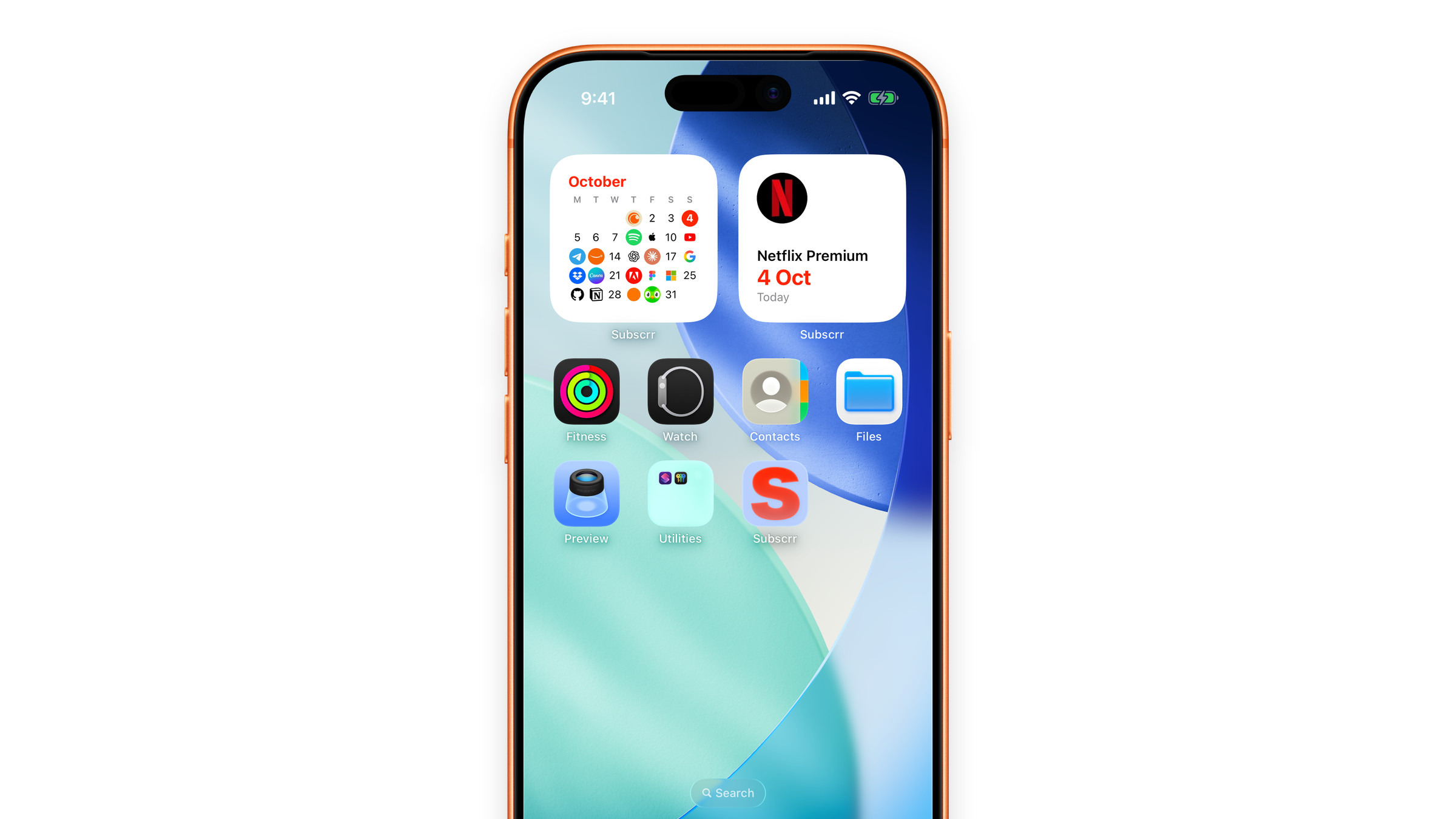
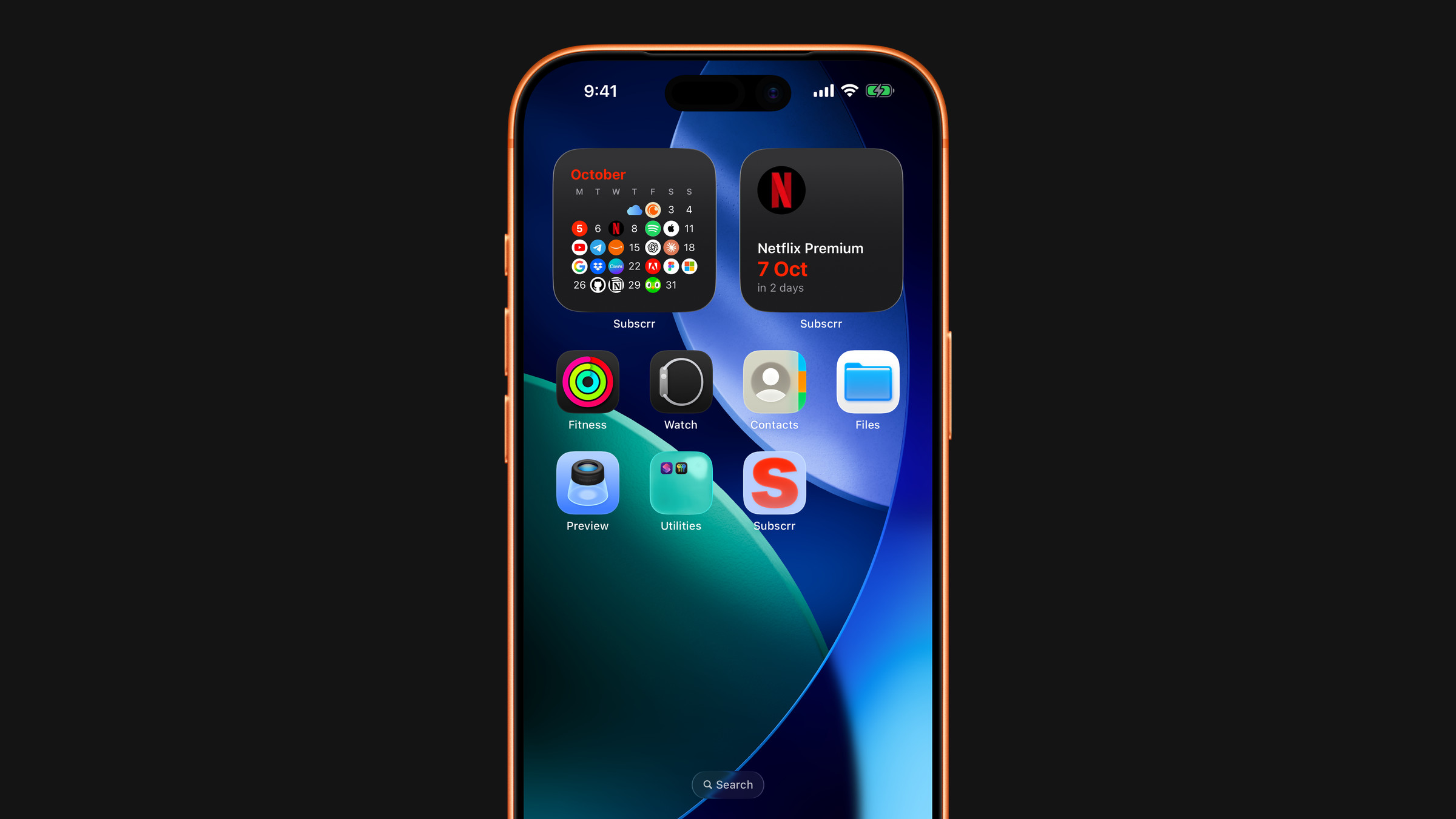
What you can add
Subscrr has four widgets, and not every one comes in every size.
- Next payment: your upcoming subscription charges at a glance. The one worth adding first. Small, medium and large on the home screen; inline (above the clock), circular and rectangular on the lock screen. Premium.
- Payment calendar: your month laid out as days, with the logo of the service on each day money leaves. Small, medium and large on the home screen. Premium.
- AI Scan: opens the camera straight into a receipt scan. Small on the home screen, circular on the lock screen. Free.
- Daily affirmation: a calm thought about money, new every day. Small, medium and large on the home screen; inline and rectangular on the lock screen. Free. See Put the affirmation on your Lock Screen.
Home screen
- Touch and hold an empty area of the home screen until the icons jiggle.
- Tap the plus button in the corner.
- Search for Subscrr, swipe between the four widgets and pick a size.
- Add it, then place it where you look most often.
On Mac the widgets live in Notification Centre, and there is no lock screen version.
Lock screen
- Touch and hold the lock screen and tap Customise.
- Tap the widget area under the clock, or the thin strip above it.
- Choose Subscrr and pick the widget you want.
What each widget shows and how often it refreshes: Widgets on the home and lock screen.
Apple Watch
The same information is available as watch complications. See Subscrr on Apple Watch.
If a widget shows stale numbers
iOS decides when widgets refresh, and it is stingy about it on Low Power Mode. See Widgets are not updating.
Did this answer your question?