
Widgets are not updating
iOS controls widget refresh: Low Power Mode and Background App Refresh are the usual suspects.
Widgets do not update continuously. iOS decides when to refresh them, budgeting by how often you actually look at the widget and how much battery is left.
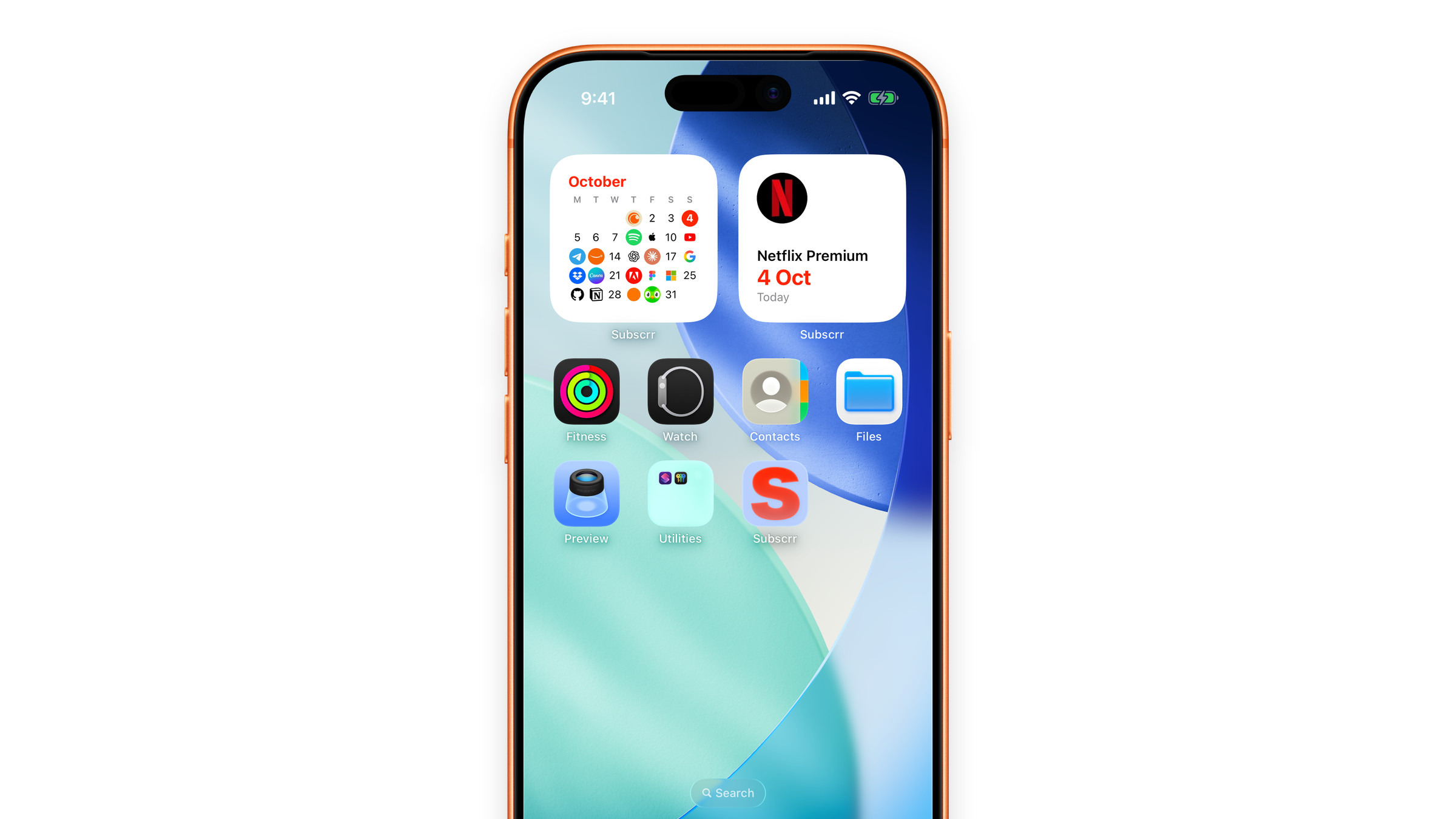
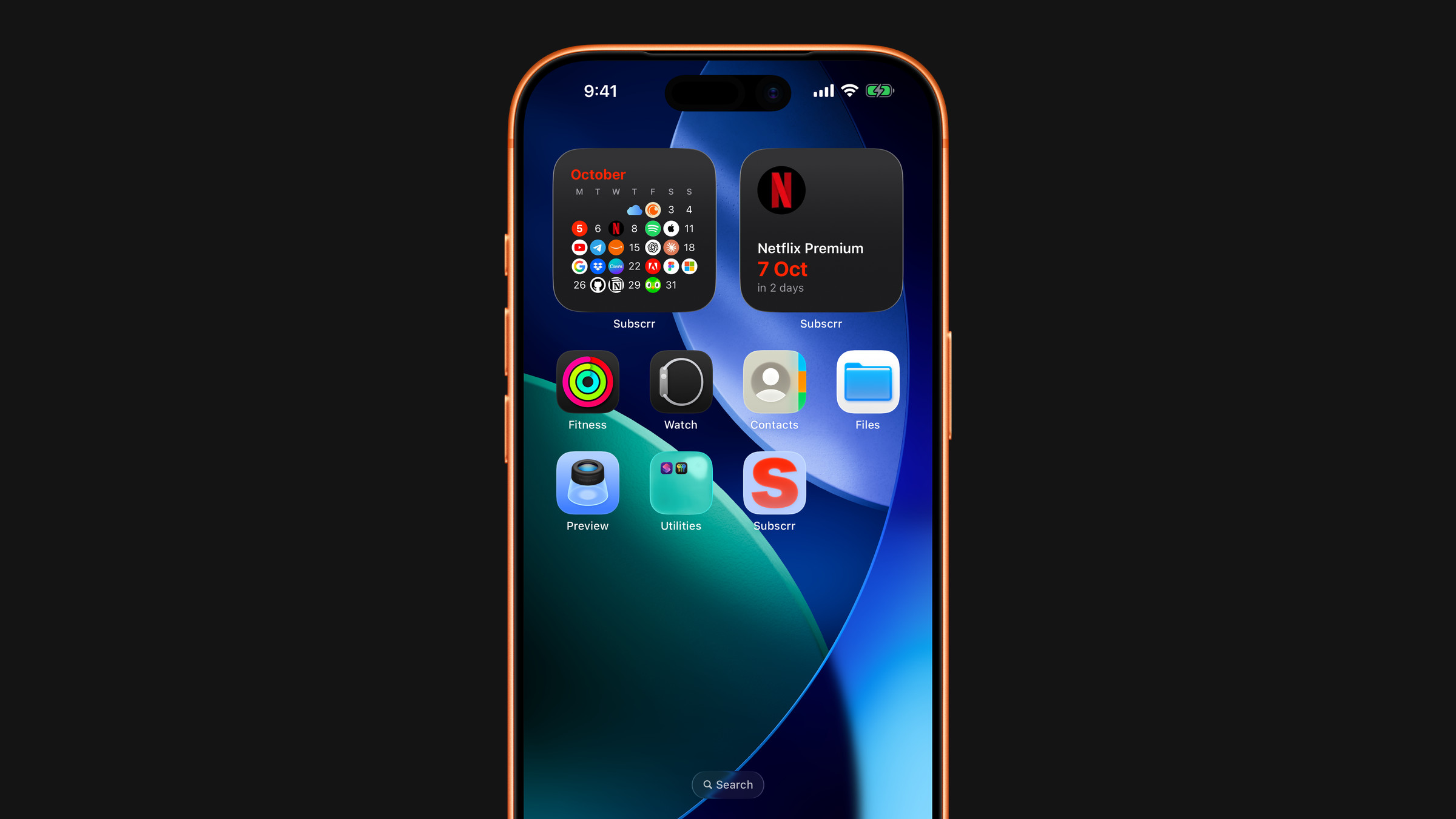
Things that help:
- Turn off Low Power Mode. It aggressively delays widget refreshes.
- Allow Background App Refresh for Subscrr in iOS Settings → General → Background App Refresh.
- Open the app. Opening Subscrr pushes fresh data to its widgets right away.
Two things that look like a stuck widget are not:
- A lock. Next payment and Payment calendar are part of Premium, so without it they show a lock instead of numbers. If you have Premium and still see the lock, open Subscrr once: it passes your Premium status to the widgets.
- "Add your first subscription". The widget has nothing to show until Subscrr has your list, for example right after a new install while the first iCloud sync is still running. Open the app and give it a minute.
Next payment and Payment calendar also refresh themselves at midnight, so the days left stay right. If a widget still shows nothing at all, remove it and add it again. See Add widgets.
Did this answer your question?