
Reminders do not arrive
Work through permissions, Focus and Scheduled Summary: one of these is nearly always the cause.
Go through these in order. The cause is almost never the app itself.
1. Notifications are allowed
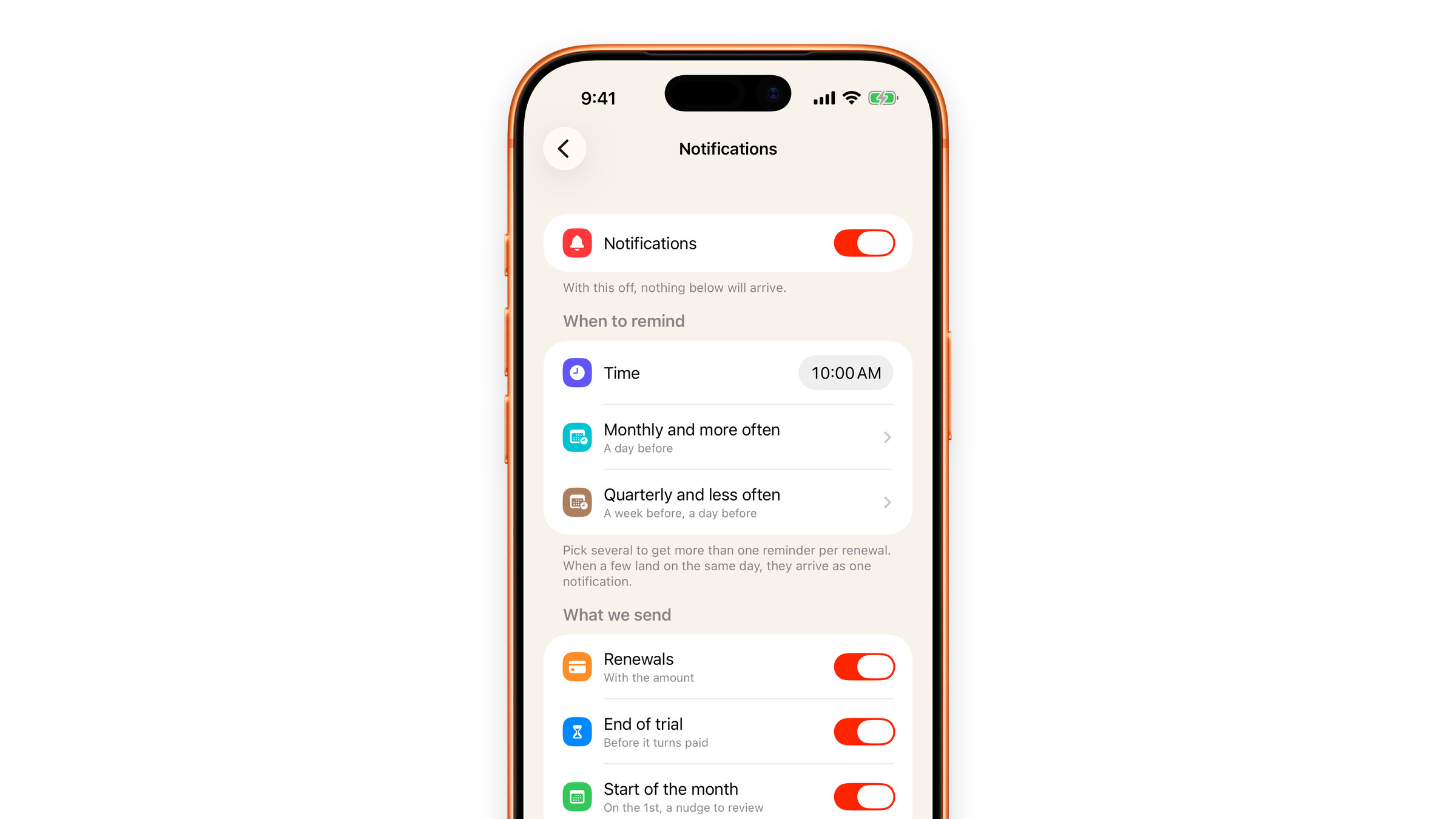
Open iOS Settings → Subscrr → Notifications and make sure notifications are allowed, with Lock Screen, Notification Centre and Banners all switched on. Subscrr shows a Turn on notifications banner at the top of its own Settings and on a subscription's page while reminders cannot arrive: tap it and, depending on what is missing, it turns Subscrr's own switch on, asks iOS for permission, or opens the Subscrr notification settings in iOS.
2. Reminders are on inside the app
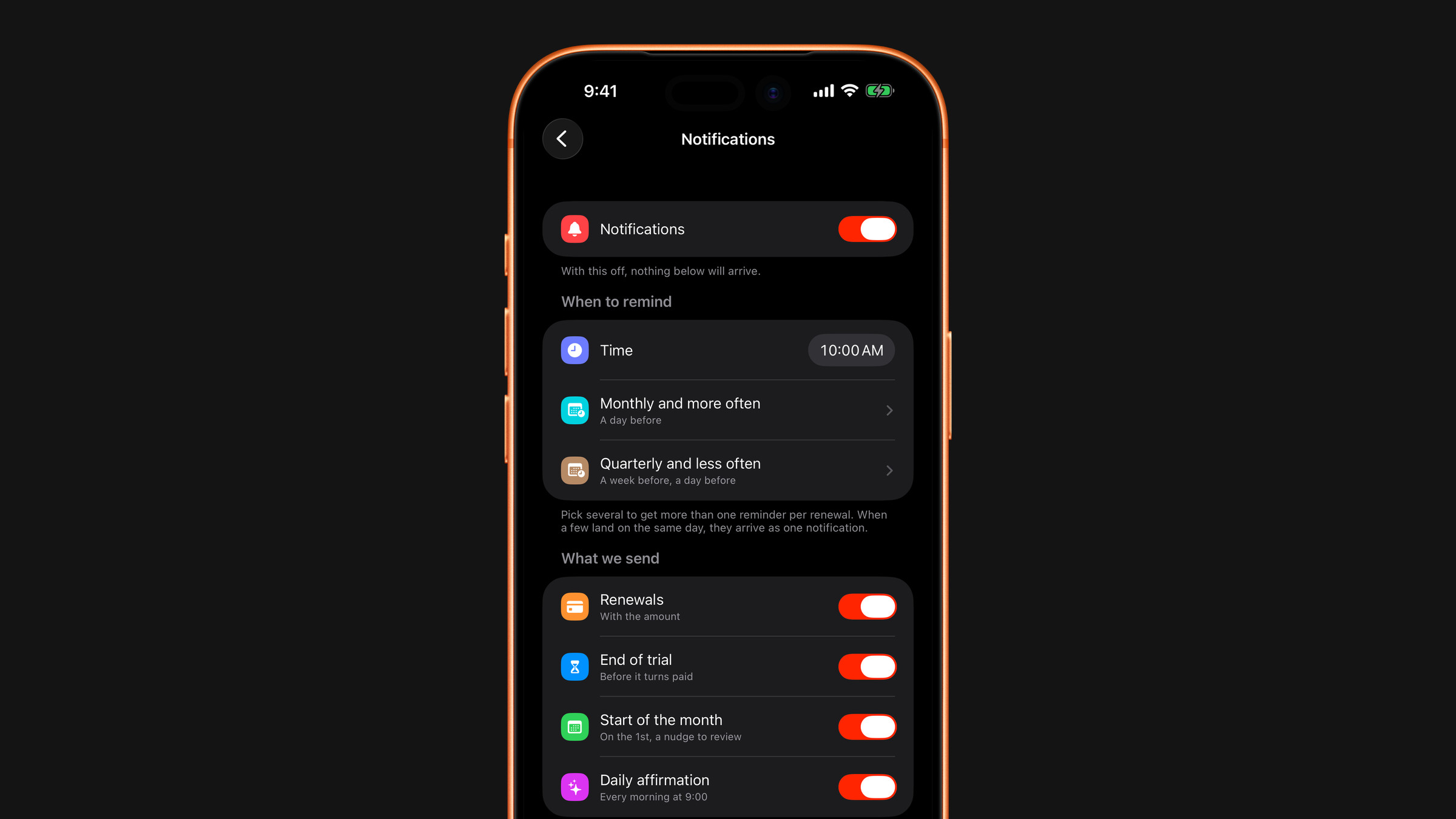
Subscrr has its own Notifications switch at the top of Settings → Notifications, a Renewals switch (and End of trial, for trials) further down under What we send, and a Remind about this subscription toggle on each subscription's page. Check all of them. See Reminder settings.
While you are there, open the two lead-time groups (Monthly and more often, Quarterly and less often). If every lead time in a group is unticked, it shows Don't remind and that group sends nothing: that is the setting working as asked, not a bug.
3. Scheduled Summary is holding them
If Notification Summary is on for Subscrr, iOS collects notifications and delivers them at set times, which can be hours late. Turn it off for Subscrr in iOS Settings → Notifications → Scheduled Summary.
4. A Focus mode is filtering them
Work, Sleep and custom Focus modes silence apps that are not explicitly allowed. Add Subscrr to the allowed apps of any Focus you use, or check whether one is on all day without you noticing.
5. The date is right
A reminder fires relative to the next charge date, which Subscrr counts forward from the Started date. If that date was entered wrong, the reminder comes on the wrong day. Also, no reminder is due for a charge you have marked as paid, or for a subscription whose duration has ended. Open the subscription and check.
Still nothing after all five? Write to hi@subscrr.app with your iOS version and a screenshot of iOS Settings → Subscrr → Notifications.
Did this answer your question?