
Reminder settings
Pick the time, choose how far ahead each kind of subscription warns you, and mute a single one without touching the rest.
Everything below lives in Settings → Notifications. At the top sits the main Notifications switch: with it off, nothing in the lists below arrives.
Pick the time
Reminders arrive at 10:00 by default. Change Time under When to remind if your mornings are meetings and your money decisions happen in the evening: a reminder you swipe away unread might as well not exist.
How far ahead, by billing cycle
Subscriptions fall into two groups, and each has its own warning schedule:
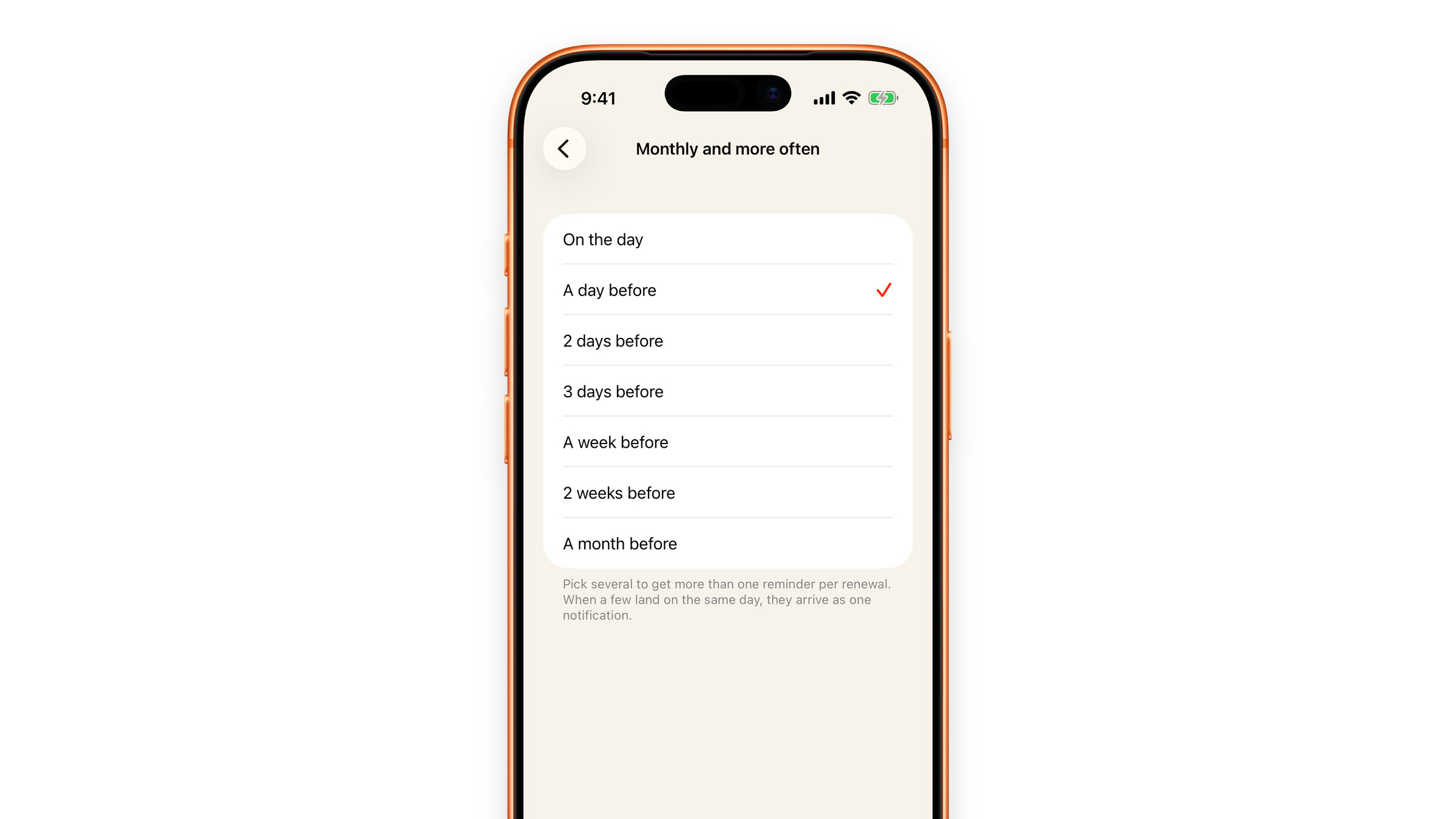
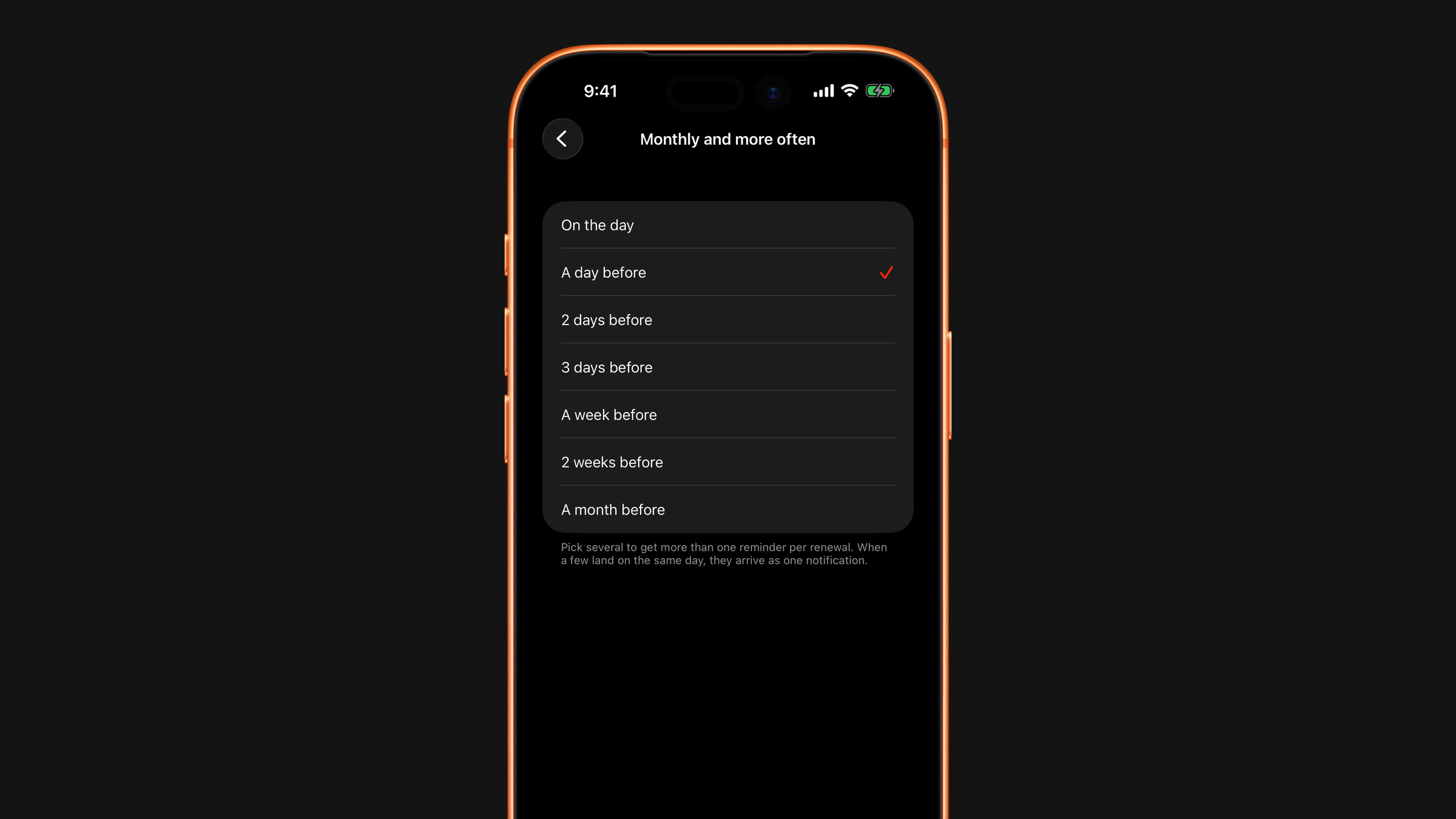
- Monthly and more often: weekly and monthly plans. Out of the box: a day before.
- Quarterly and less often: 3-month, 6-month and yearly plans, and any custom interval of about 90 days or longer. Out of the box: a week before, then again a day before. Big charges deserve more runway, and cancelling an annual plan usually takes more than an evening.
Open a group and tick as many lead times as you want: On the day, A day before, 2 days before, 3 days before, A week before, 2 weeks before or A month before. Every tick is a separate reminder for every renewal in that group. Untick everything and that group stops reminding: it shows Don't remind under its name.
Several charges, one notification
When a few reminders land on the same day, they arrive as one notification with the count and, if the currencies match, the total. Three separate pings before a busy morning teach you to swipe them away; one quiet summary does not.
What kinds of reminder you get
Under What we send, Renewals controls the reminders about charges, with the amount, and End of trial controls the ones for subscriptions you added as a free trial. The same list has switches for the nudge on the 1st of the month and for the daily affirmation.
Mute one subscription
Open the subscription and switch off Remind about this subscription. Everything else keeps notifying you as before. This is the right move for things you have deliberately decided to keep: you do not need an annual nudge about a service you would never cancel.
What a reminder is built on
Reminders are scheduled from the next charge date on the subscription, which Subscrr counts forward from its Started date. If a date is wrong, the reminder will be wrong too, so correcting the date is the fix, not reinstalling the app. A charge you have marked as paid does not remind you, and neither does a subscription that has ended.
Not receiving them at all? Reminders do not arrive.
Did this answer your question?