
Currency conversion looks wrong
Subscrr uses market rates; your bank uses its own, and the gap is the bank's spread.
Two different numbers, both correct
Subscrr converts using market exchange rates, refreshed about once a day. Your bank converts using its own rate, which includes a spread, and often a fee on top. A few percent of difference between the two is normal and is not a bug in either.
Subscrr's job is to give you a comparable picture across currencies, not to predict your statement to the cent.
Check the basics first
- The subscription's own currency. Open it and confirm the price is stored in the currency you are actually billed in: a euro price saved as dollars will be wrong by exactly the exchange rate. When it differs from your display currency, the subscription's page shows the stored price under the ring as Original. To change it, edit the subscription and switch on Paid in another currency.
- Your display currency. Settings controls what totals are shown in. Every price is converted into it, and a line at the very bottom of the Overview shows the rate used and when it was updated.
Rates that look stale
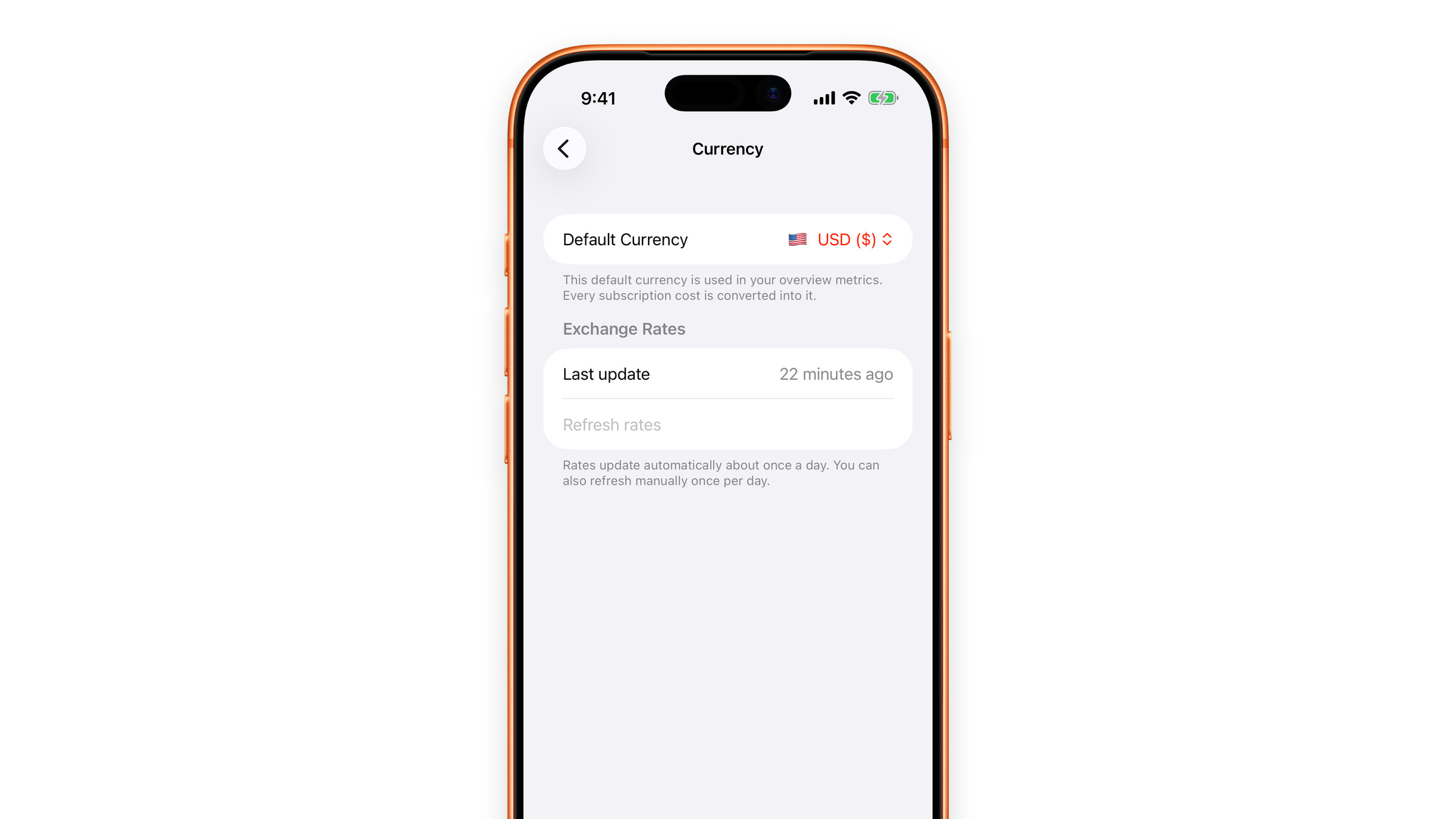
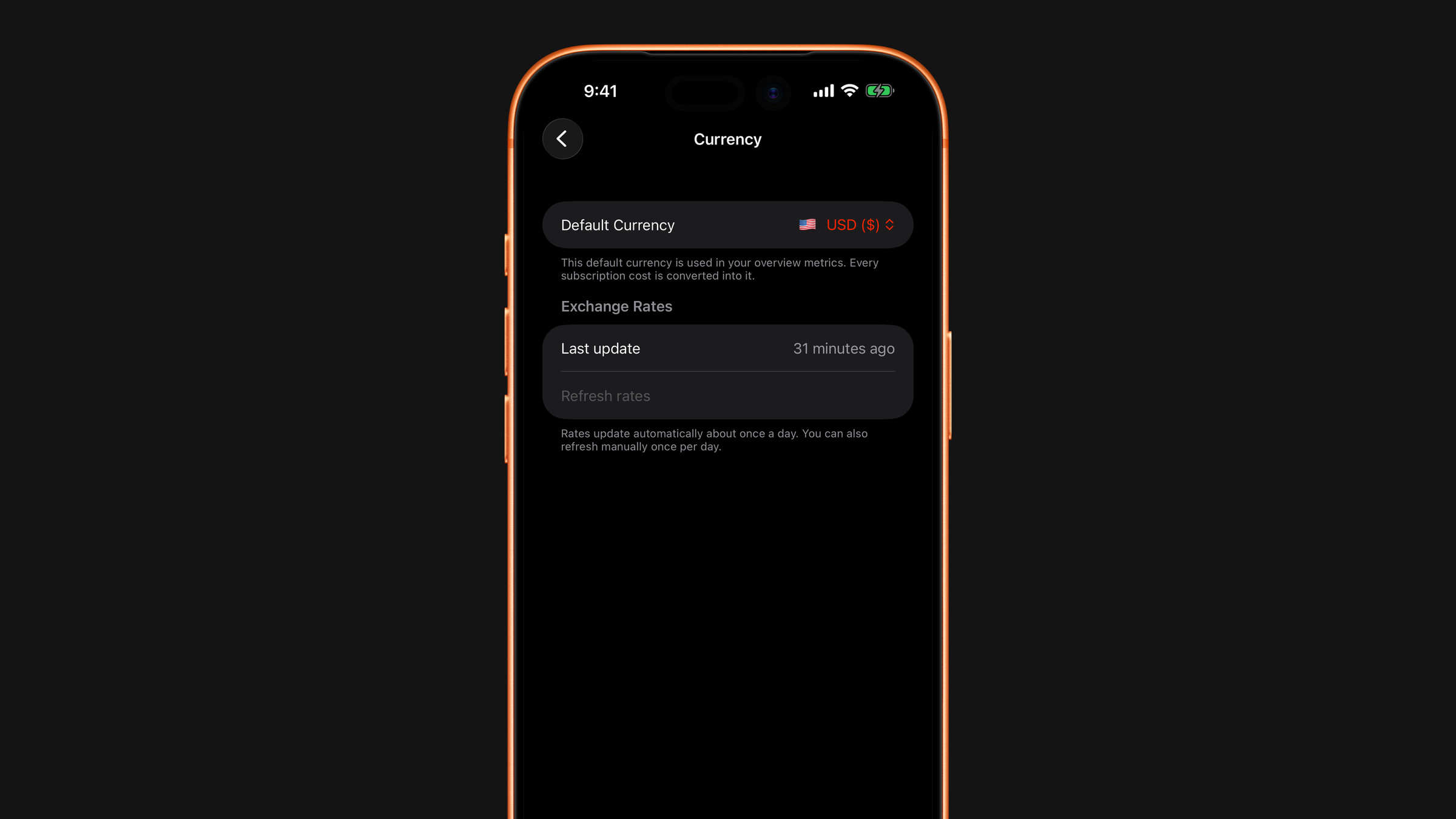
Rates are daily ones and need a connection to refresh. If you have been offline, the last fetched rates are used until Subscrr can update them. Open Settings → Currency: under Exchange Rates you see the Last update and a Refresh rates button, which works once a day. A first launch without any connection falls back to a built-in table of approximate rates.
If a rate is off by far more than a bank spread, tell us at hi@subscrr.app with the currency pair.
Did this answer your question?