
I paid, but Premium is not active
Restore purchases first: this is the normal step after a reinstall or a new phone.
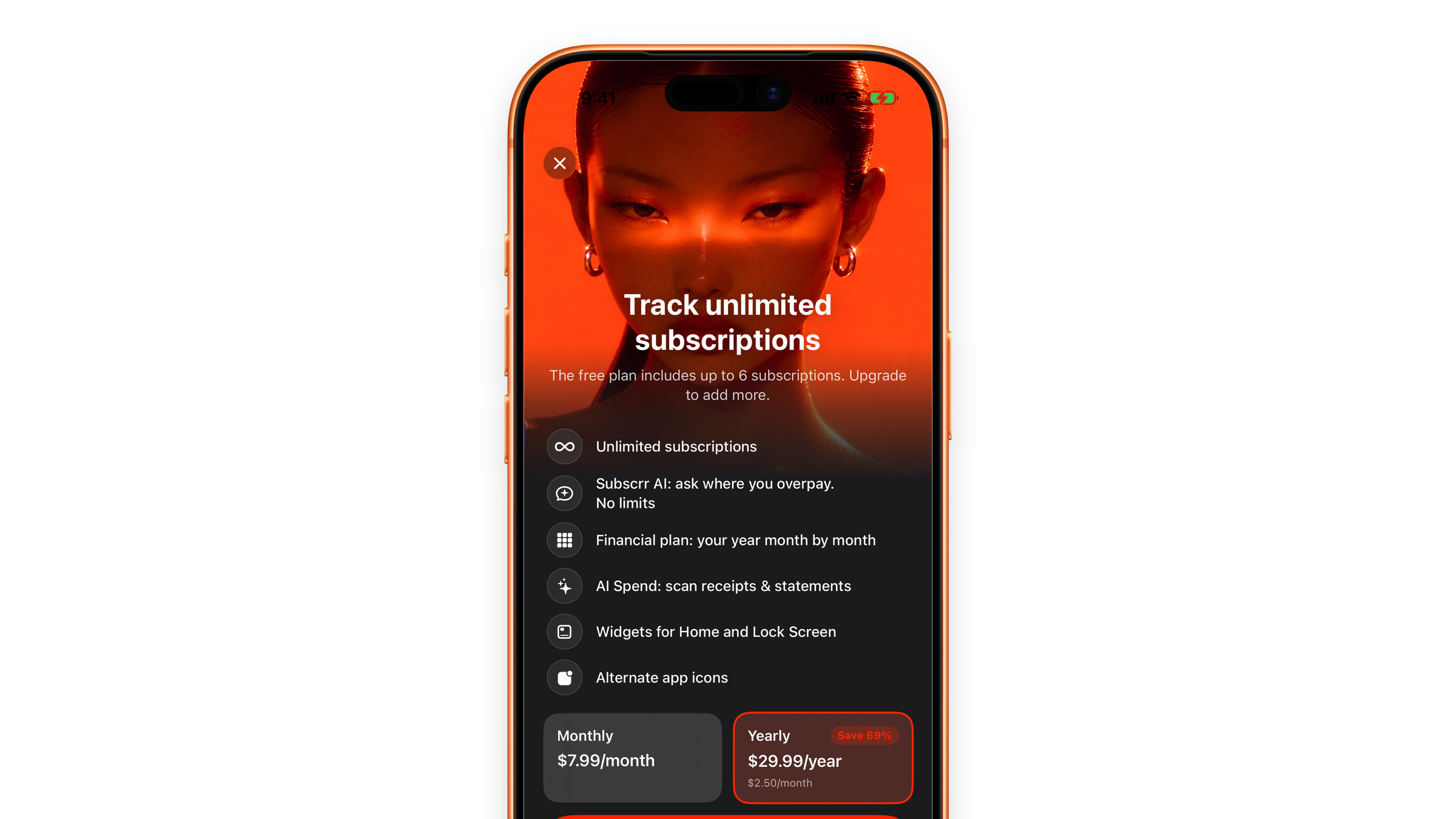
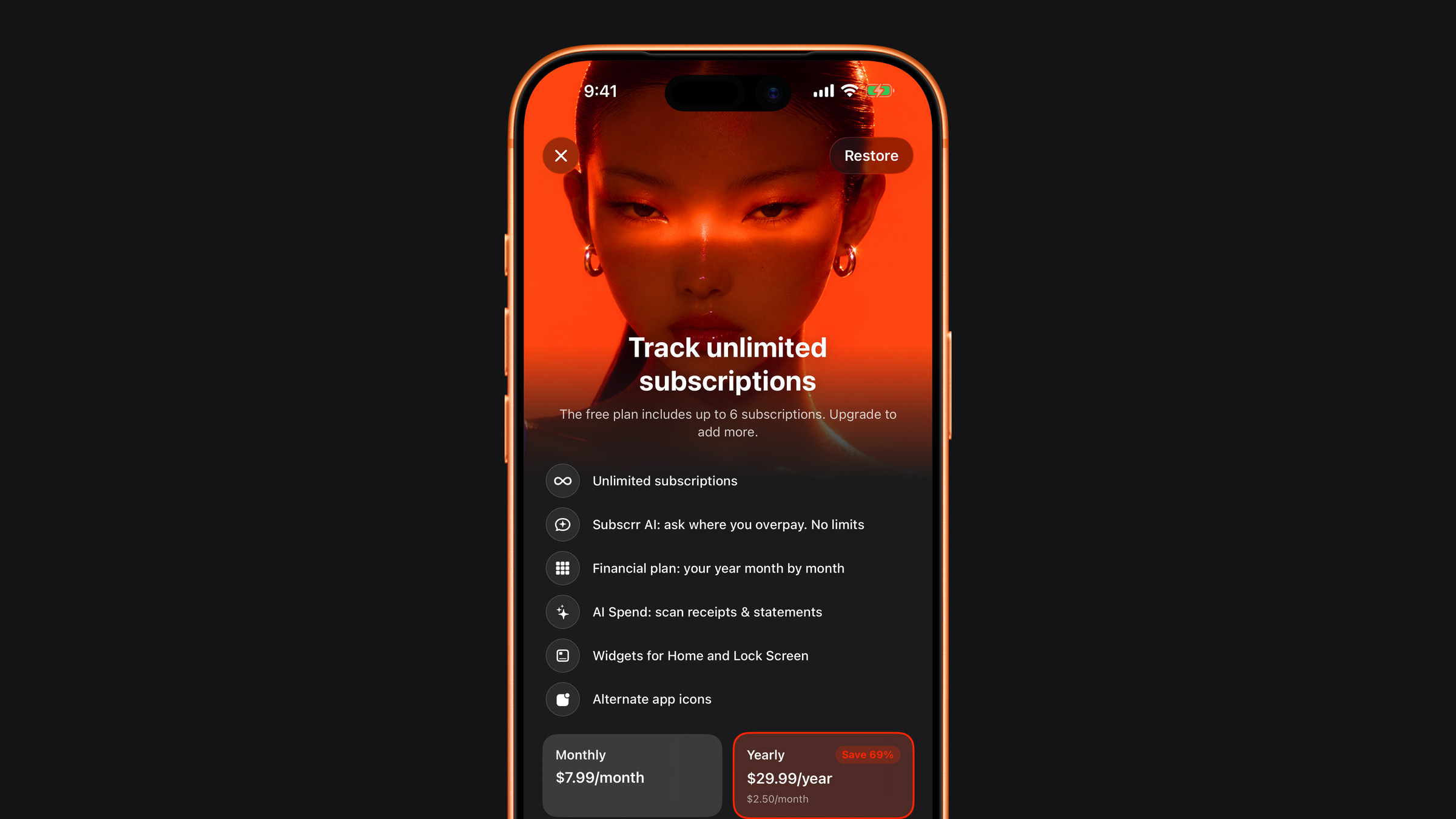
Restore purchases
Open Settings in Subscrr. If it shows Subscrr Premium with a green tick, Premium is active; close and reopen the app once if a widget or screen still looks locked. If it shows Free Plan, tap Upgrade to Premium and then Restore Purchases under the subscribe button. This is the expected step after reinstalling the app or moving to a new iPhone, and it resolves most cases immediately.
Check the Apple Account
Purchases belong to the Apple Account that made them. If your phone is signed into a different account, say a family member's or an old one, restoring will find nothing. Check in iOS Settings → your name → Media & Purchases.
Check the subscription is still active
iOS Settings → your name → Subscriptions shows whether Subscrr Premium is active or expired. An expired or cancelled subscription cannot be restored; it needs to be started again.
A payment that is still pending
Bank confirmation can delay a purchase, and Apple sometimes needs a few minutes. If the App Store shows the purchase as pending, wait and restore again.
Still stuck? Write to hi@subscrr.app with the date of the purchase. We cannot see your Apple receipts, but we can tell you exactly what to send to Apple.
Did this answer your question?