
Receipt scan failed or misread
What to change about the photo, and what to do when the recognition is wrong outright.
Give the camera something to read
- Flatten the receipt. Creases across the total are the single biggest cause of misreads.
- Shoot straight on, not at an angle.
- Fill the frame with the receipt, but keep all four edges inside it.
- Even light, no hard shadow and no flash glare on thermal paper.
- A bank screenshot is often better than paper. Screenshots are crisp, and AI Spend reads them fine.
If it comes back wrong anyway
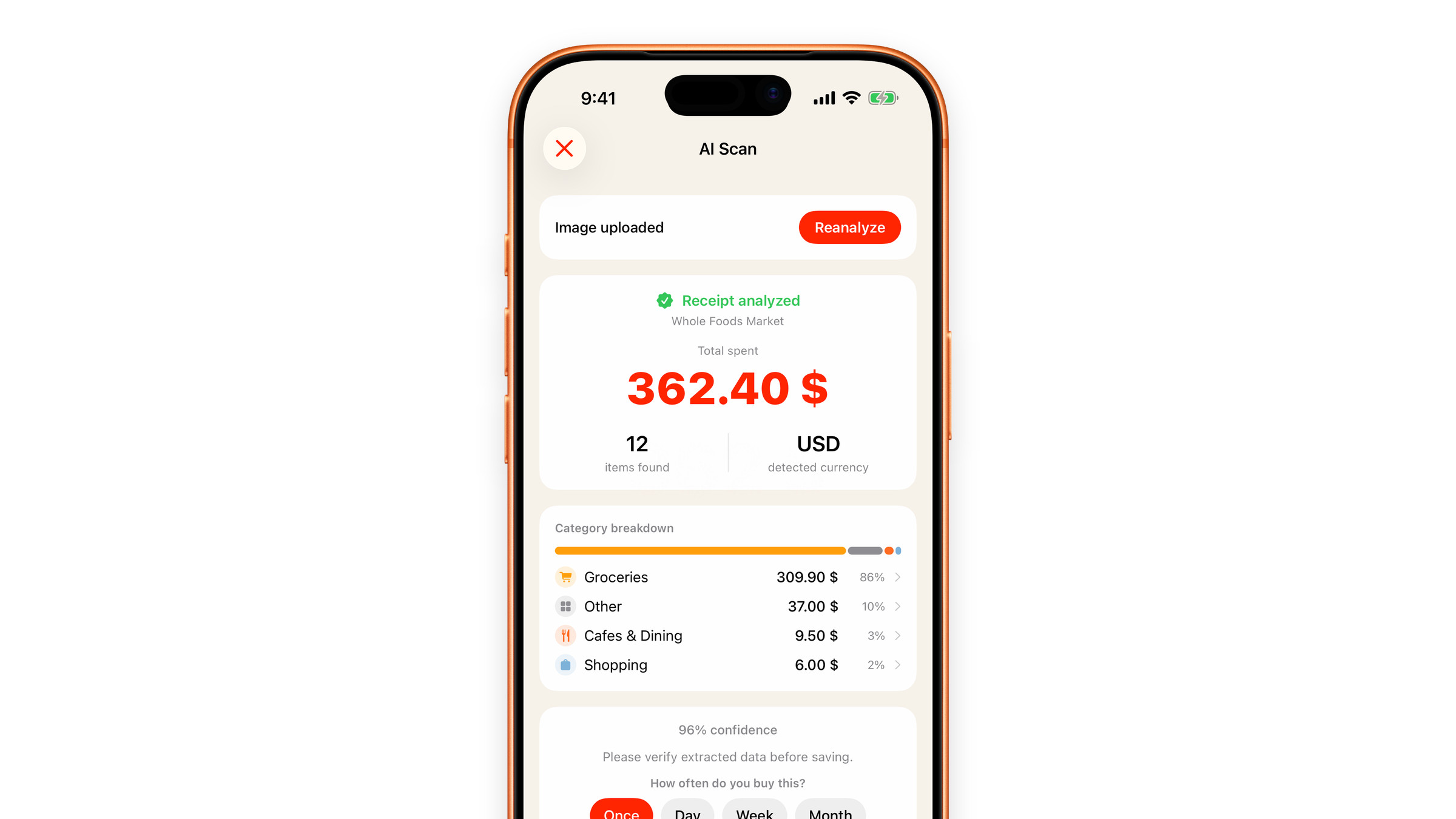
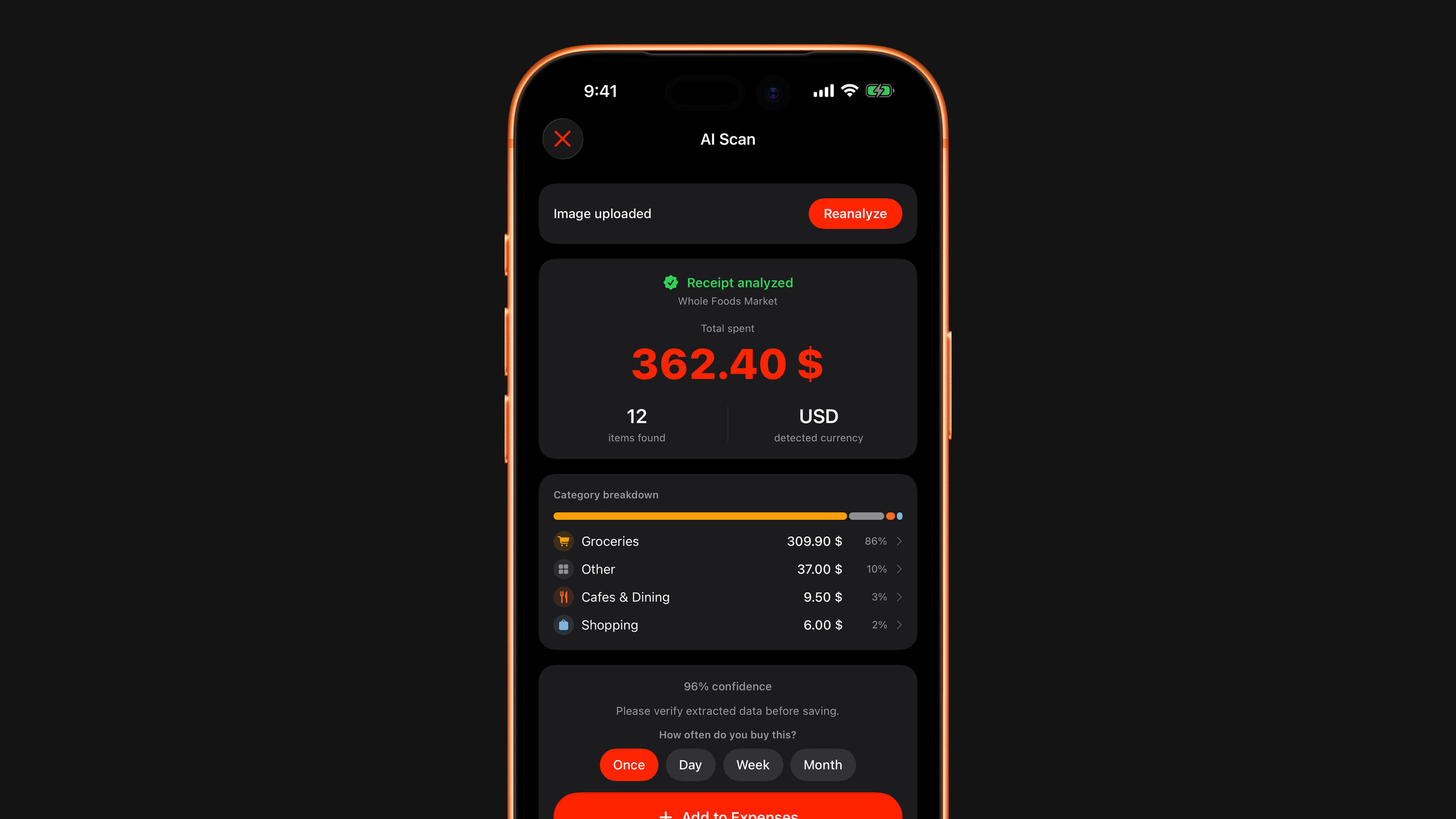
Nothing becomes an expense until you tap Add to Expenses. On the result screen you can correct the total or the currency, recategorise items and leave out a line you do not want counted. The price of a single line cannot be edited, so if one price is off, the total is the figure to fix. A half-right scan you correct in ten seconds is still faster than typing the whole thing.
If it fails outright
- Check your connection: recognition needs one.
- A file larger than 8 MB is refused as too large: use a screenshot or a smaller photo, and at most two images per scan.
- Try again in a moment. There is a rate limit to stop abuse; a burst of scans in quick succession can hit it briefly.
- If you are out of free scans, scanning needs Premium.
If the scan went through but the numbers do not add up, that is a different problem: a scan has the wrong total or missing items.
Very faded thermal receipts sometimes cannot be read by anyone, including humans. Enter those by hand with Add expense on the Spending tab.
Did this answer your question?