
Recategorise a receipt item
When the scanner puts the dog food under groceries, move it in a tap.
Automatic categorisation is right most of the time and confidently wrong some of the time: a receipt line says LATTE GRD 2X, and no amount of intelligence knows whether that was a treat or a work expense.
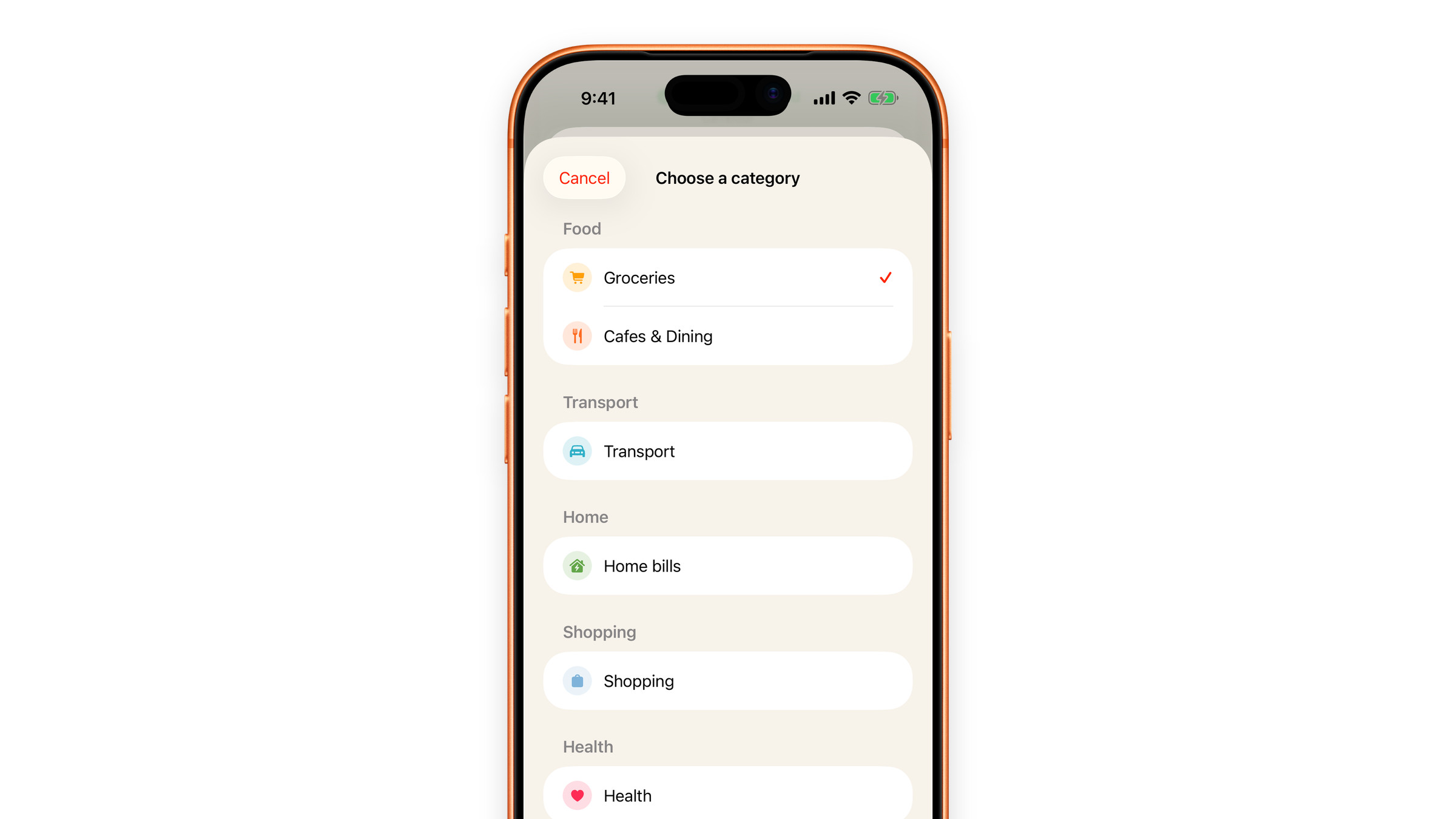
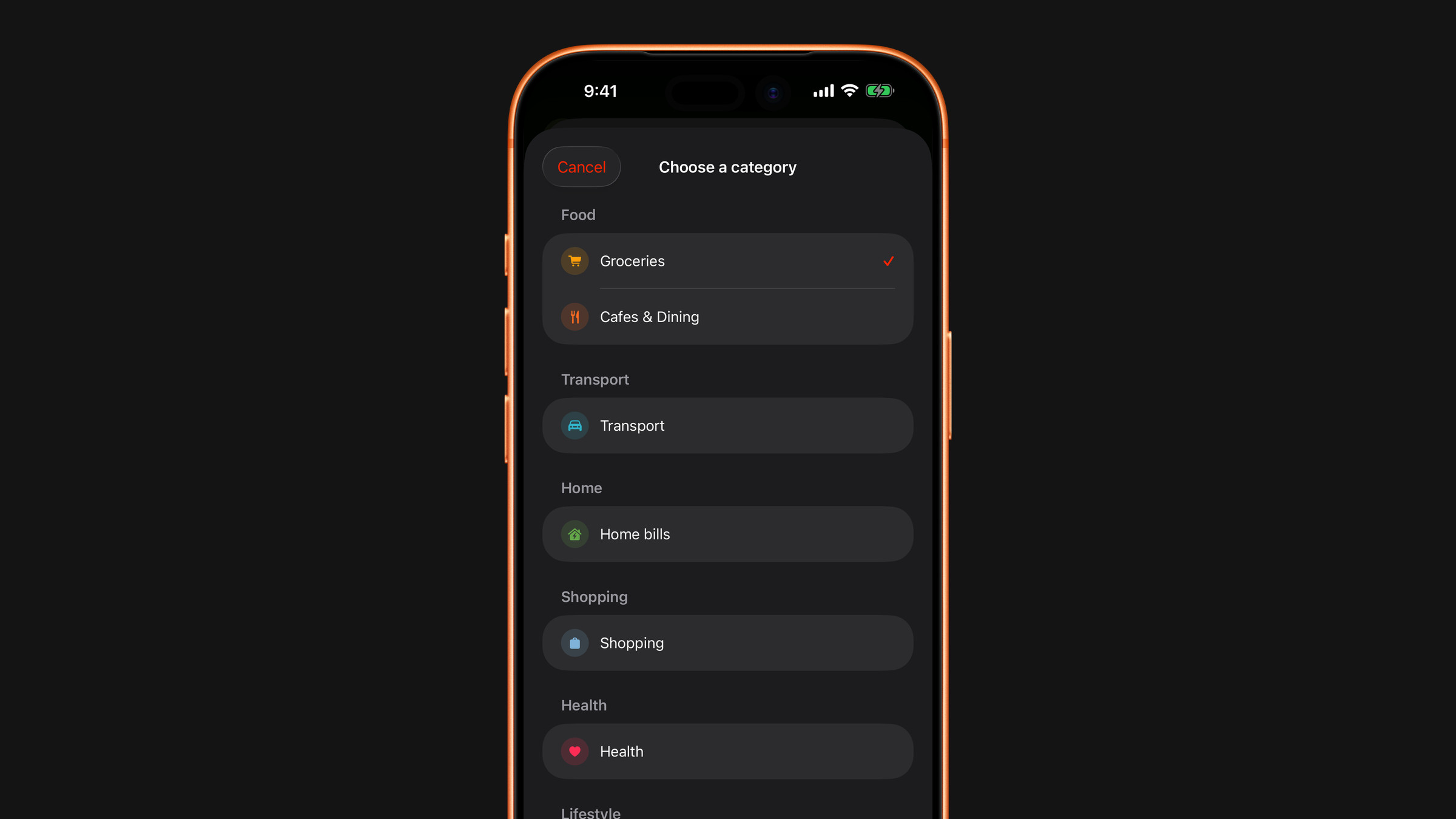
- On the scan result screen, tap a row of the Category breakdown. A list opens with what is inside that category, grouped by shop or line name.
- Tap the item. Lines that share a name, several coffees from the same place for instance, show as one row ("3 expenses · tap to move") and move together.
- Choose a different category. You can search, pick from the groups, or create a category of your own at the bottom of the list.
The breakdown on the result screen updates immediately, and the corrected category is what is saved with the expense when you tap Add to Expenses, so it is what you later see in your spending statistics. Subscrr also remembers your choice and offers the same category for similar lines in later scans. That memory stays on your device.
Moving an item changes only its category, never its amount.
Numbers not adding up rather than sitting in the wrong bucket? See a scan has the wrong total or missing items.
On the same result screen you can also:
- Leave an item out so it is not counted at all: swipe it to the left in the list and tap Exclude. Include brings it back.
- Change the total, if the receipt total itself was not legible: tap the big amount at the top.
- Change the currency, if it was read wrongly: tap it under the amount.
The price of a single line cannot be edited. If it is wrong, correct the total.
Correct it before you add it. The result screen is the moment where a scan becomes data: fixing it there takes a second, working out later why a category looks strange takes an evening. After adding, each expense can still be changed: open it on the Spending tab and choose Edit from the three-dot menu.
Did this answer your question?