
A scan has the wrong total or missing items
Fix it on the result screen before saving, and know which discrepancies are actually correct.
Fix it before saving
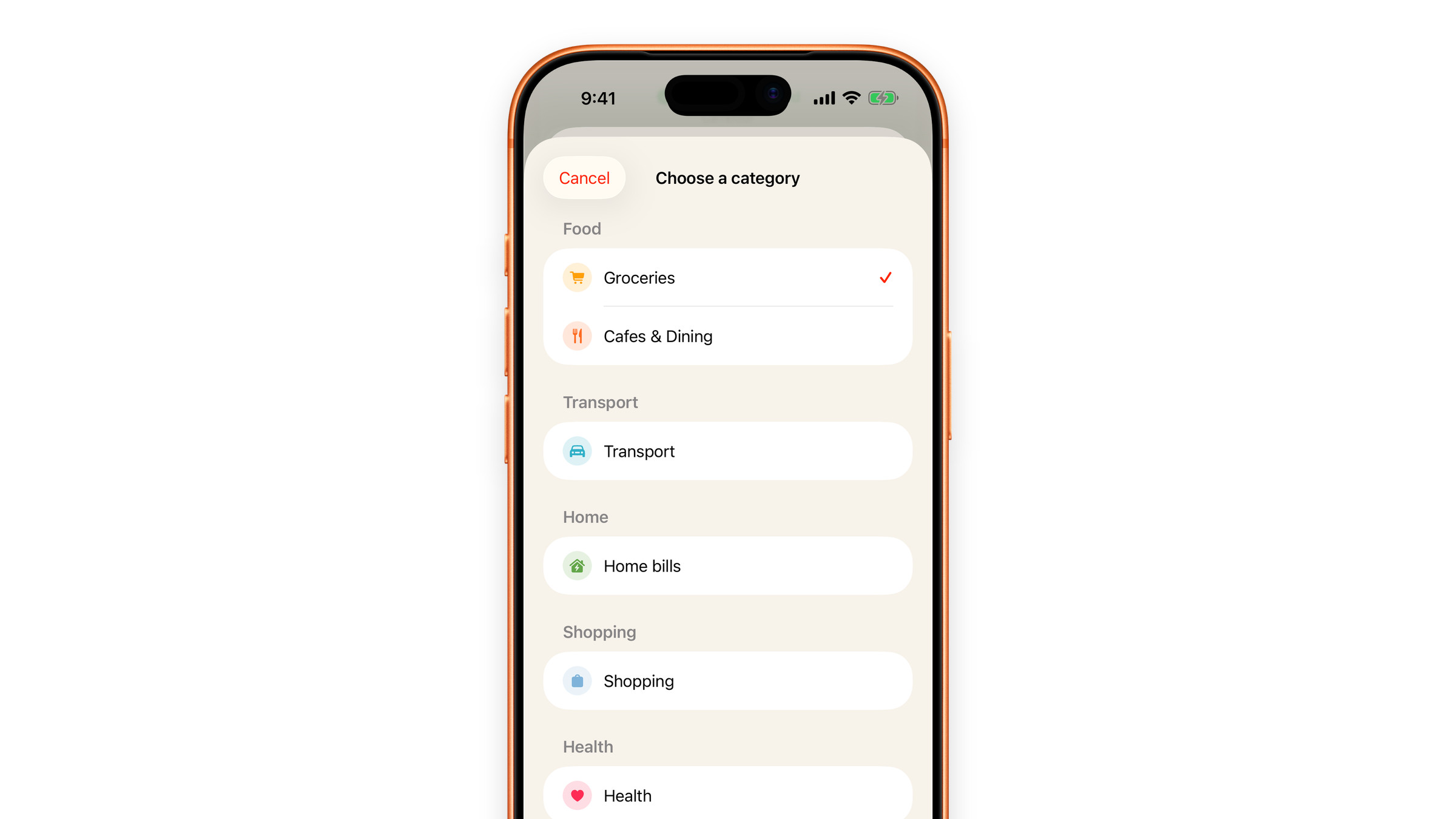
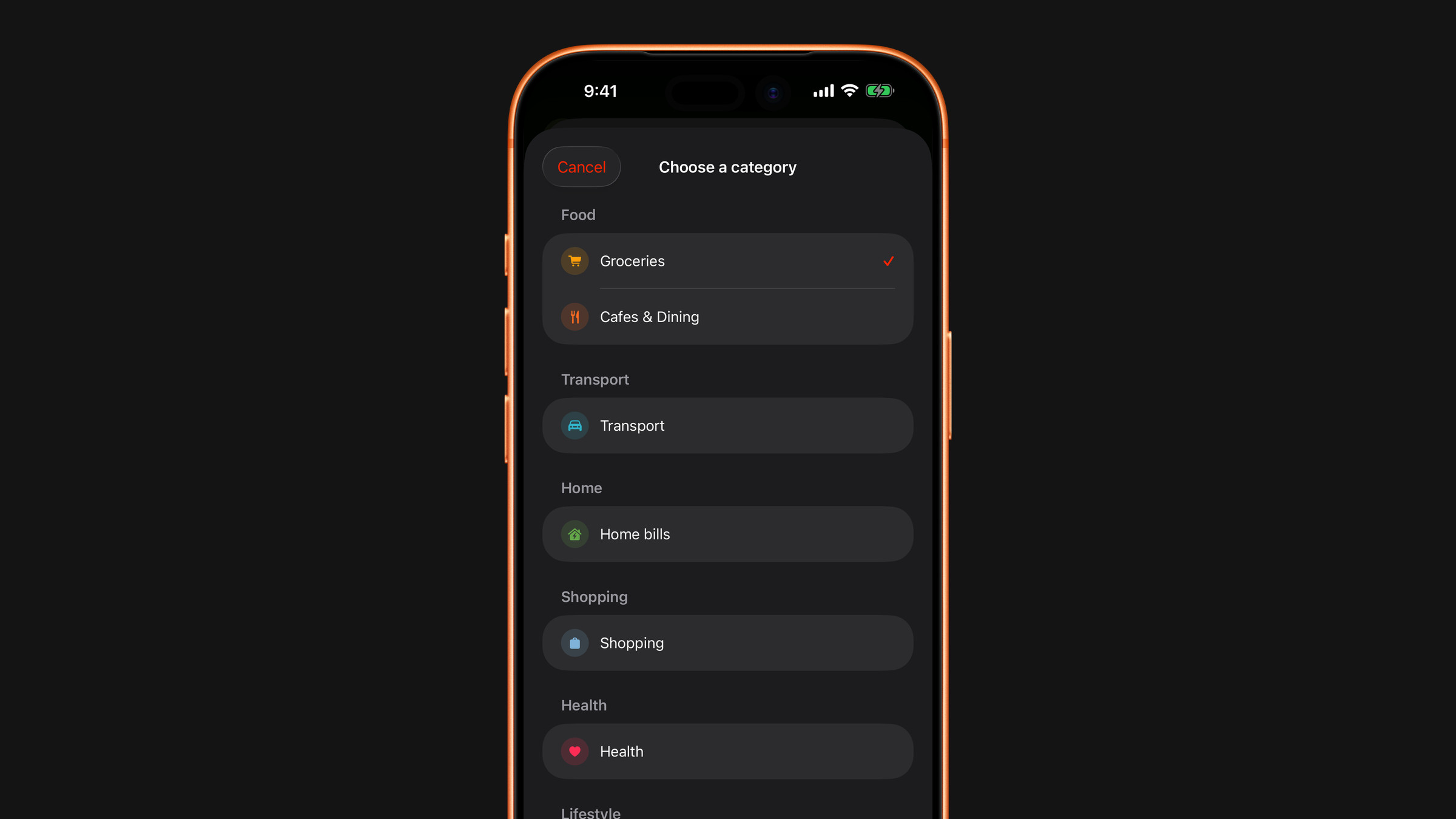
Nothing becomes an expense until you tap Add to Expenses, so the result screen is the place to fix it. Tap the big total to correct it, and tap the currency under it if that was read wrongly. To work on single lines, tap a category row: there you can change an item's category, or swipe it to the left and tap Exclude so it is not counted. The total then becomes the sum of the lines that remain, unless you typed one yourself. The price of a single line cannot be edited, so when one price is off, correct the total.
When the difference is not an error
A few gaps are expected rather than wrong:
- Discounts and loyalty deductions appear as their own lines on many receipts. If the scanner reads them as items, the sum of items will not match the total.
- Deposits, tips and service charges are on the total but are not products.
- Weighted goods print as a price per kilo plus a total, and only one of the two is the money you paid.
If the total is right, your totals are right. The item breakdown is there to tell you what kind of spending it was. When the lines add up to less than the total, Subscrr saves the difference as one extra expense in Other, so a missing line changes the category split slightly, not the amount.
If it is consistently wrong
Send an example to hi@subscrr.app: a photo of a receipt that reads badly is genuinely useful, and receipts from your country's shops are how recognition gets better for you.
Did this answer your question?