
Choose your display currency
Keep one currency on every screen, even when your subscriptions are billed in several.
Subscrr separates two things: the currency a subscription is billed in, and the currency you want to read totals in.
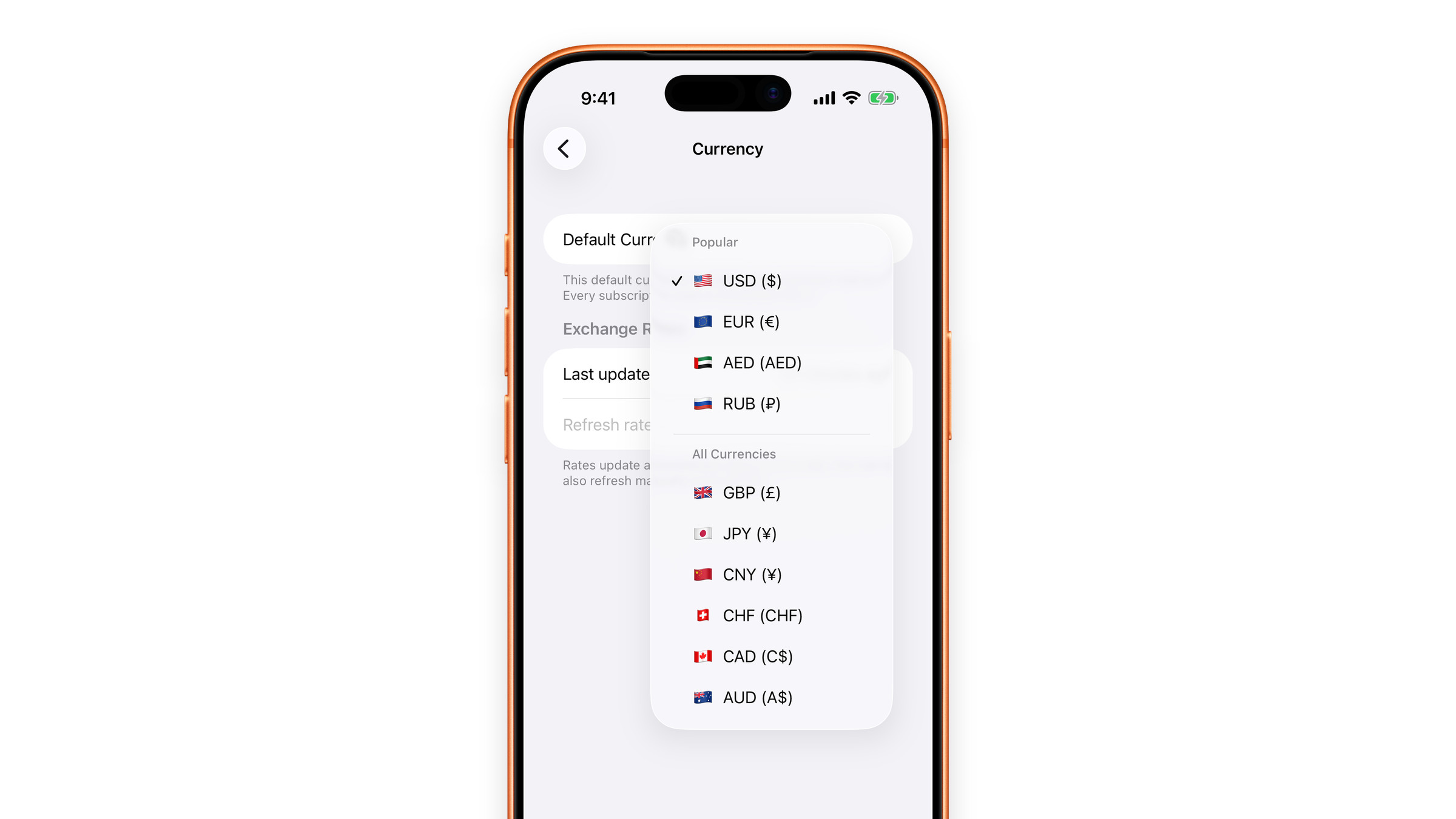
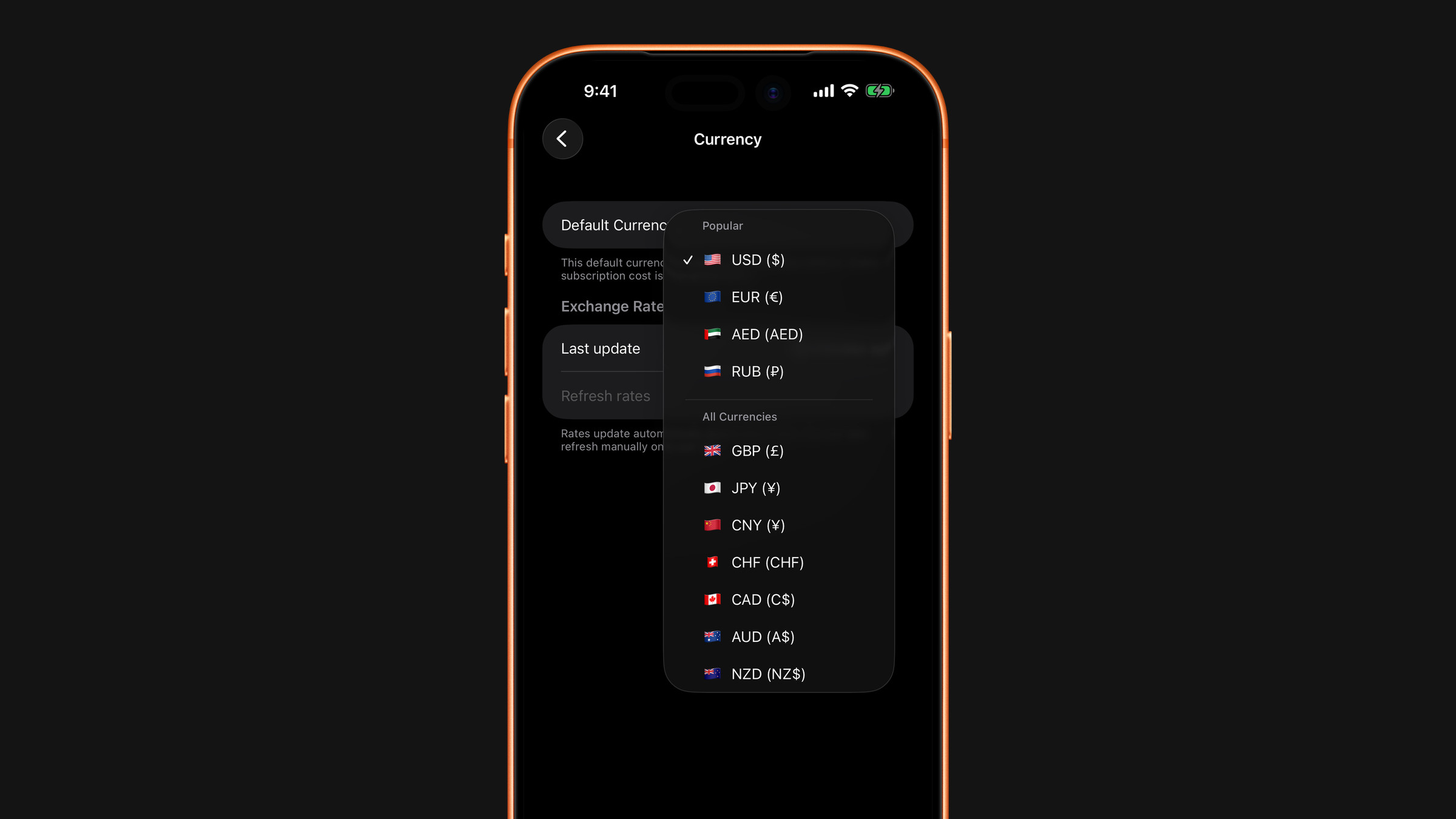
Set the display currency
Open Settings → Currency and pick your Default Currency. Every total on every screen is shown in it: the dashboard, the per-month figure, the yearly forecast.
Until you pick one, Subscrr starts with the currency of your device's region, or US dollars if that currency is not on the list.
Subscriptions in another currency
A single subscription can still be entered in its own currency. When you add or edit it, turn on Paid in another currency and choose the currency. Enter the price exactly as your card is charged, and Subscrr converts it into your display currency at current rates when it adds things up.
That means a euro subscription stays a euro subscription: the amount you entered never drifts, only the converted total moves as rates move.
Rates are daily rates from a public source. They are there to give you an accurate picture, not to match your bank's conversion to the cent: banks add their own spread.
Exchange rates
The same Currency screen has an Exchange Rates section. Last updated shows when the rates were last fetched. Subscrr refreshes them about once a day by itself, and Refresh rates does it by hand, also at most once a day.
Changing it later
You can change the display currency at any time. Nothing is rewritten; the same data is converted again and shown in the new currency.
See also: Currency conversion looks wrong.
Did this answer your question?