
Change language and appearance
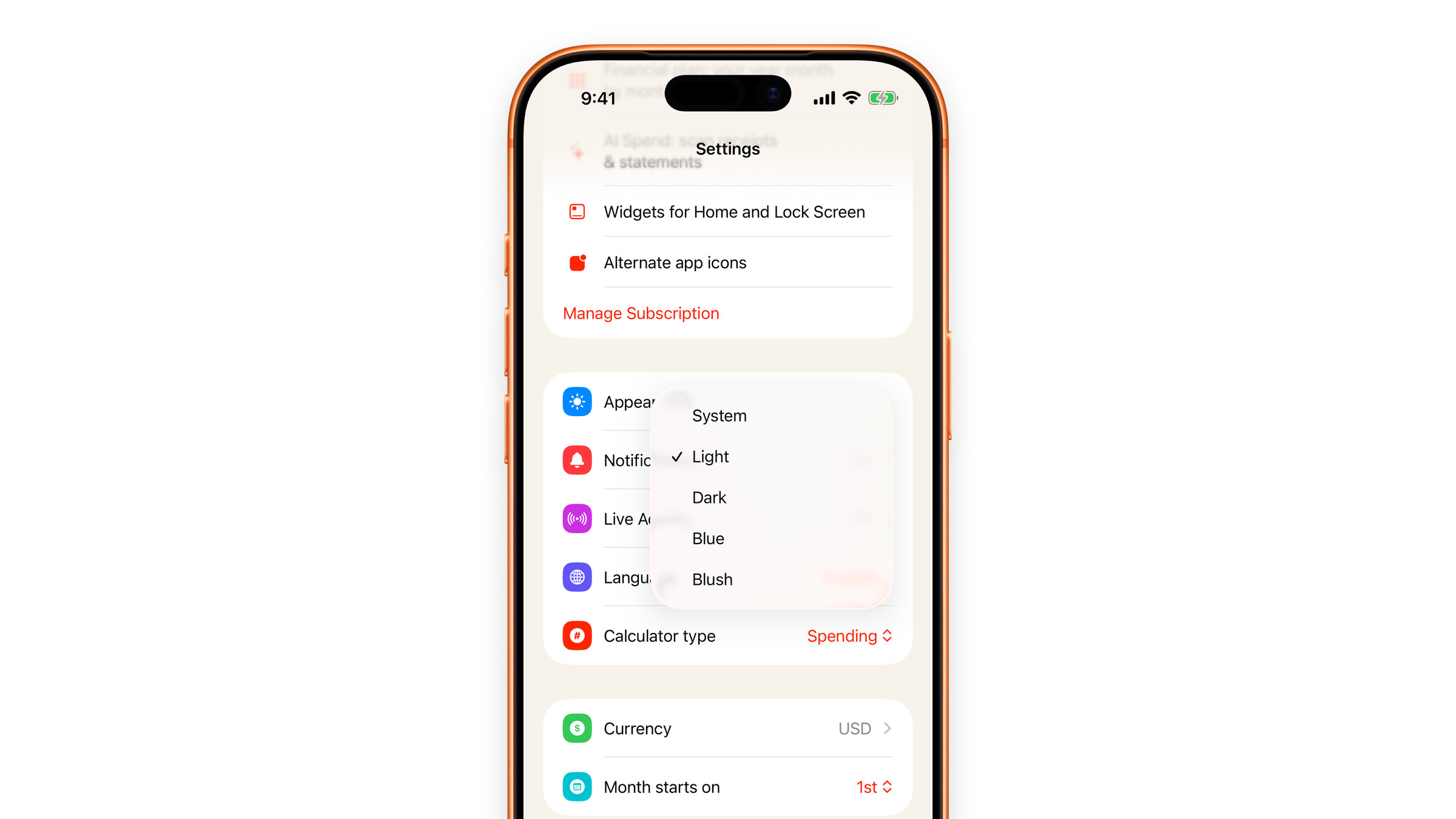
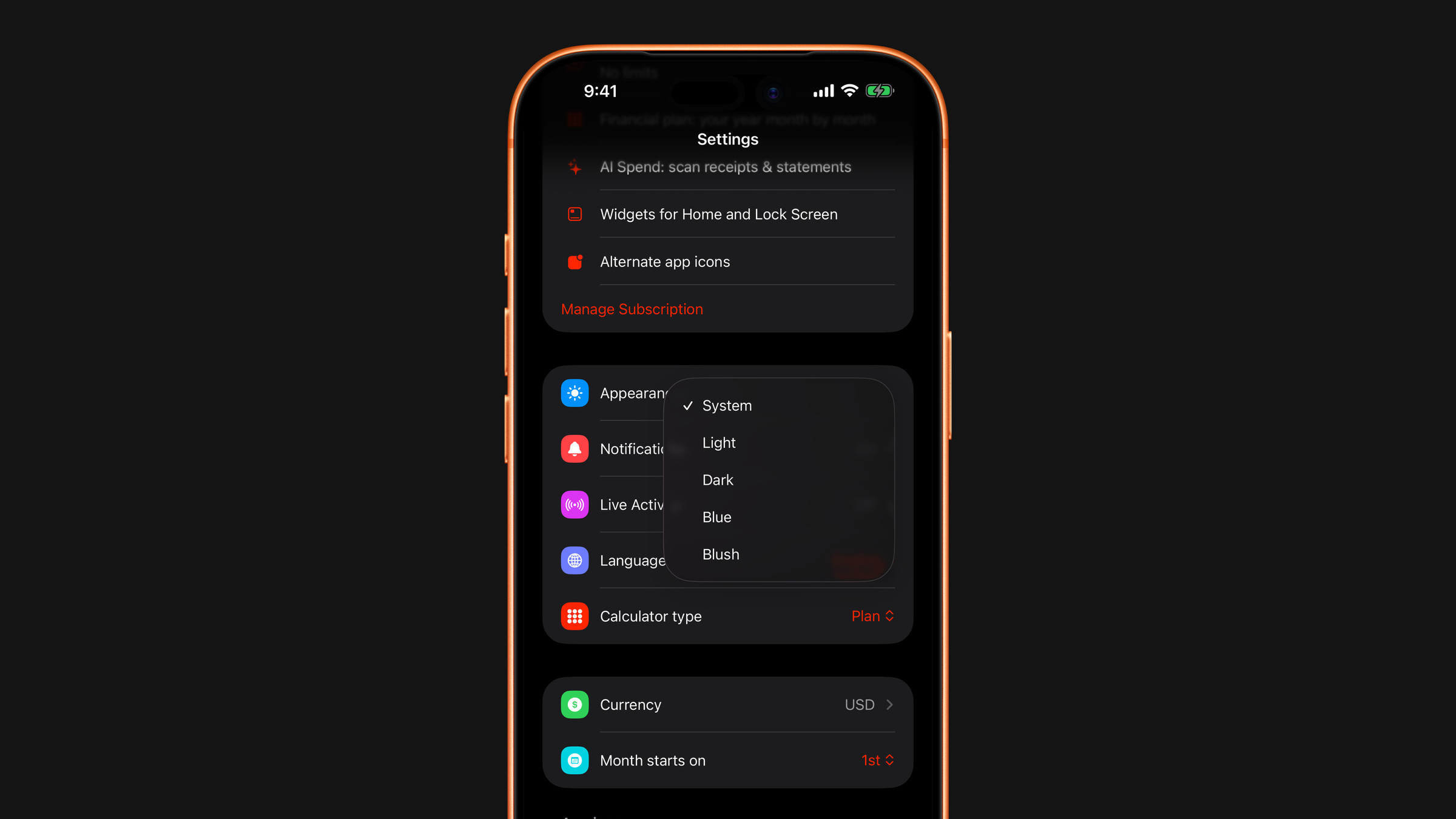
Four languages, and five themes: System, Light, Dark, Blue and Blush.
Language
Subscrr speaks English, Russian, Spanish and Ukrainian. On the first launch it matches your system language when it is one of the four, and uses English otherwise. After that the language follows your choice in Settings → Language, independently of your system language, handy if your phone is in one language but you would rather read money in another. It changes the moment you pick it, without restarting the app. Widgets and the Apple Watch app use the same language.
This help center is in English only.
Appearance
Settings → Appearance offers five themes:
- System: follows your device's light or dark setting.
- Light: the default warm paper look.
- Dark: a true dark theme, not a dimmed light one.
- Blue: a cooler alternative.
- Blush: a soft pink one.
The choice applies everywhere in the app. Widgets do not use it: they follow your system's light or dark appearance.
Subscrr uses haptics throughout. If you would rather not feel the app, turn off system haptics in iOS Settings → Sounds & Haptics.
Did this answer your question?