
Turn on renewal reminders
Get told before the money leaves, not after, and choose how many days of warning you want.
A subscription tracker that does not warn you is a list and nothing more. Reminders are the part that saves money, because cancelling costs you nothing before the charge and a full period after it.
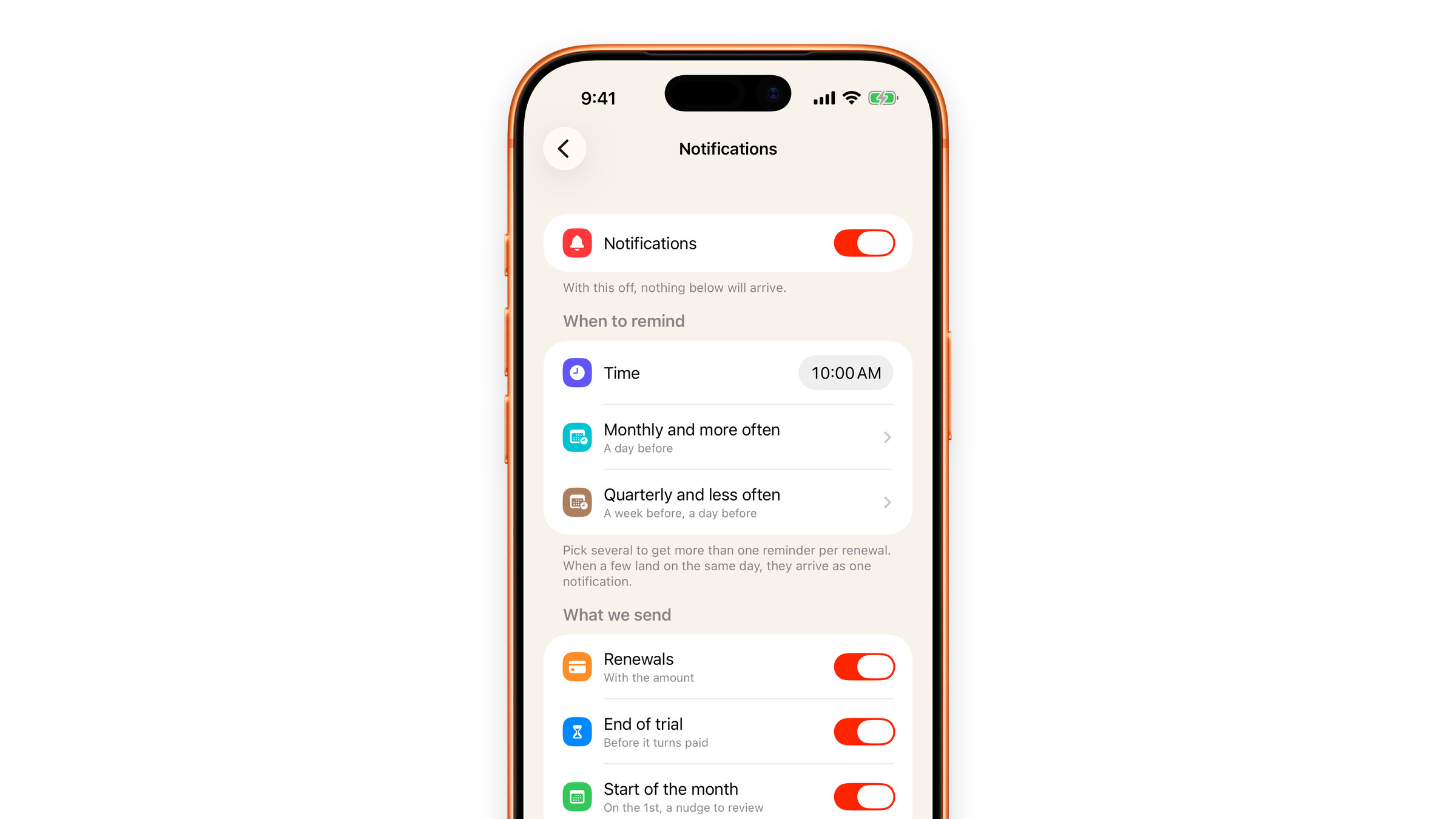
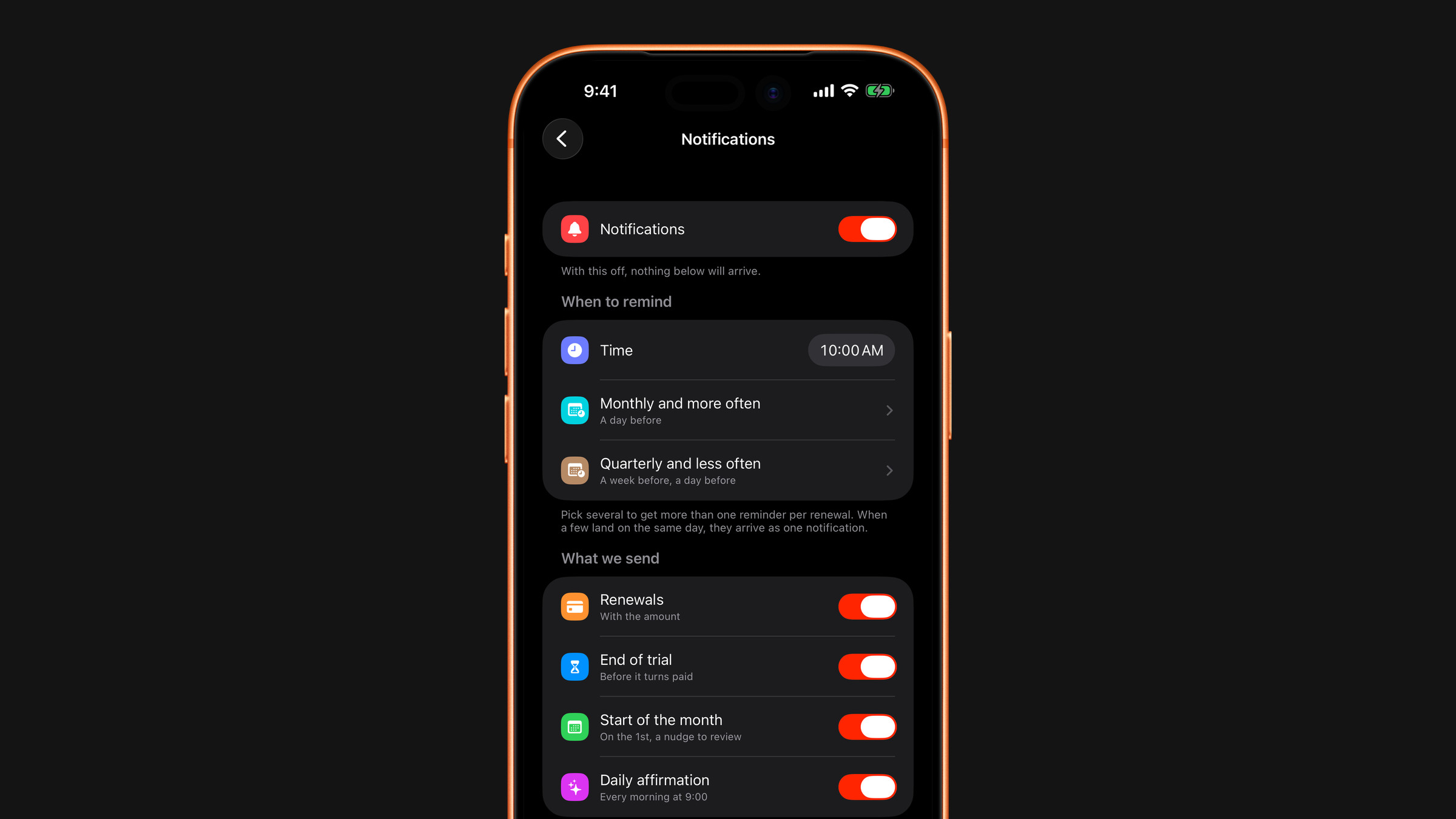
Allow notifications
Subscrr does not ask on the first launch, when there is nothing to remind you about yet. iOS asks whether it may send notifications right after you save your first subscription, or after the import closes if your first ones came from the App Store import. It asks once.
If you missed it or said no, you can allow notifications later. On Overview, the setup checklist has a Turn on notifications step: tap it. A subscription's page and Settings also show a Turn on notifications banner while reminders cannot arrive: tap it to be asked, or, if you have already declined, to open the notification settings of Subscrr in iOS, where you allow them.
Set your warning window
In Settings → Notifications you choose the time reminders arrive (10:00 by default) and how far ahead they fire, separately for Monthly and more often and for Quarterly and less often. Yearly charges warn you a week ahead and again the day before by default, because cancelling an annual plan takes more than an evening; monthly ones warn you a day ahead. Tick several lead times to get more than one reminder per renewal.
If several reminders land on the same day, they arrive as one notification rather than a pile of them.
Per-subscription control
You can also turn reminders off for a single subscription without touching the rest. See Reminder settings.
If reminders are not arriving, work through Reminders do not arrive: the cause is almost always a Focus mode or Scheduled Summary.
Did this answer your question?