
Import subscriptions you already pay for
Copy over what Apple already bills you for, instead of typing everything by hand.
Most people already pay for six to twelve things. Typing them all in from memory is both slow and inaccurate: you will forget two of them, and those two are usually the expensive ones.
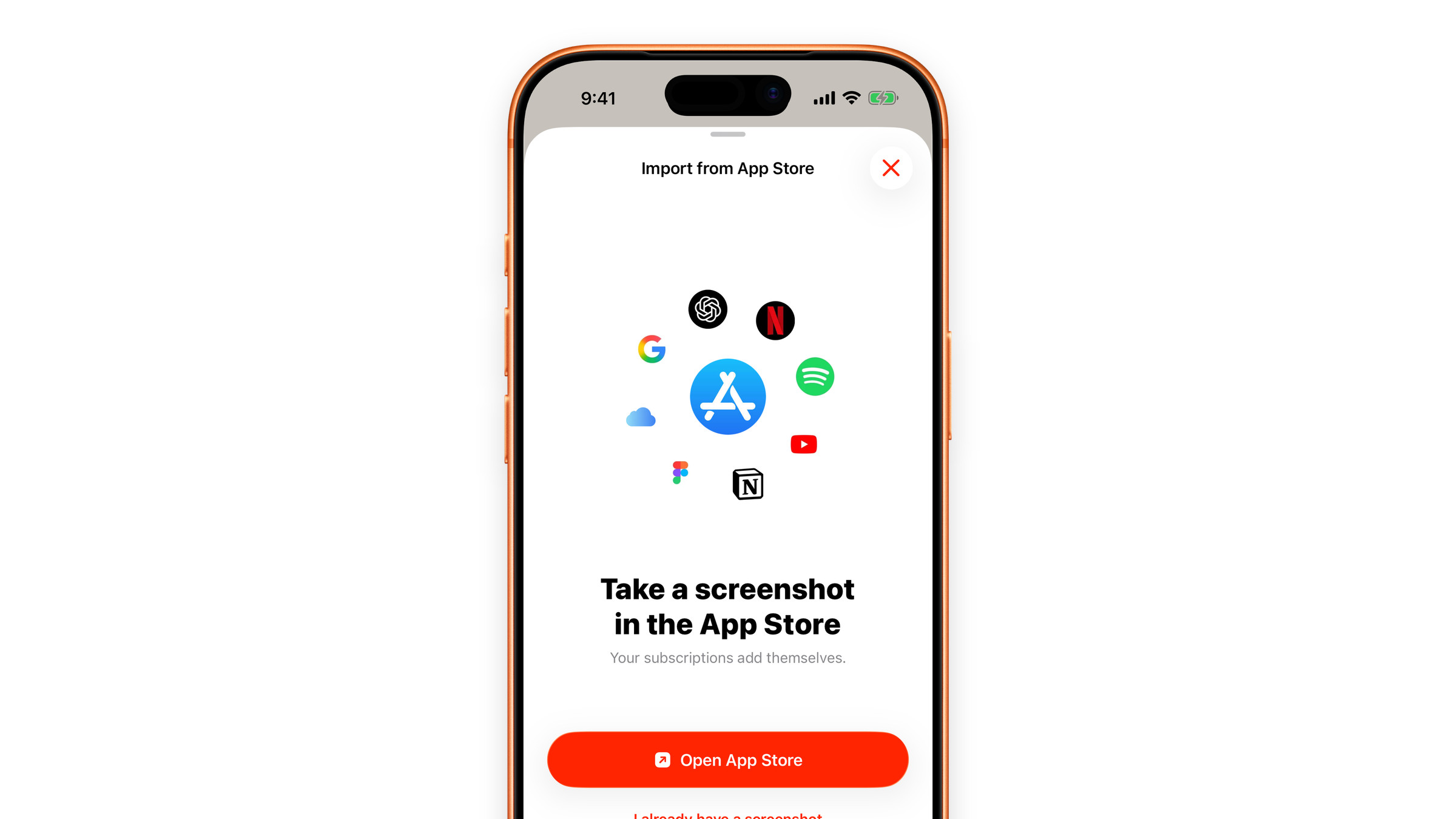
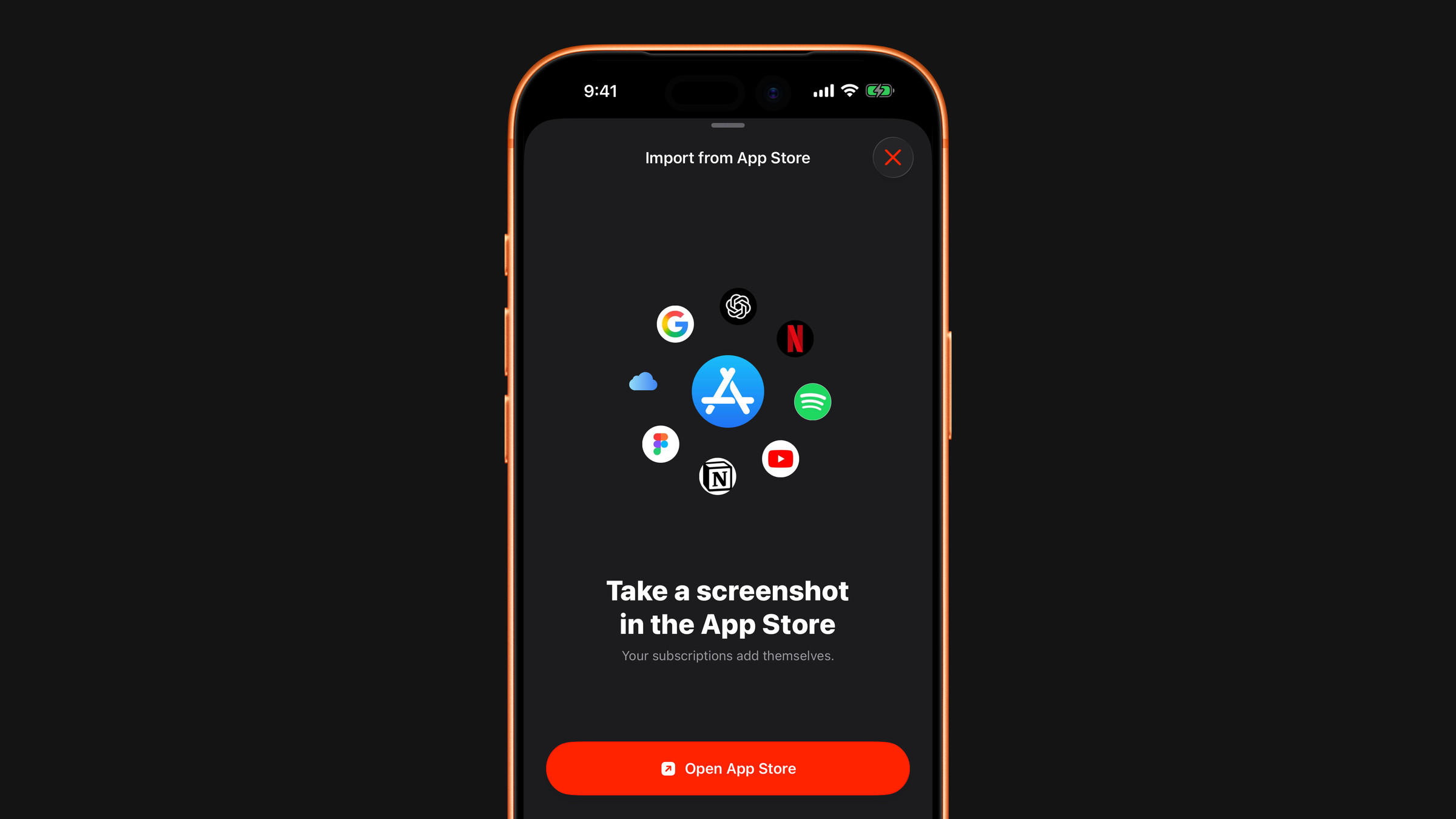
Import from a screenshot
Apple does not let one app see what other apps bill you for, so Subscrr reads a screenshot of Apple's own subscriptions screen instead. You take the screenshot, Subscrr reads the names, prices and dates, and you check the result before anything is added.
- Open the Subscriptions tab, tap + and choose Import from App Store. The same item is in the + menu on Overview, and an empty list has an Import from App Store button too.
- Tap Open App Store. It opens your subscriptions page. Take a screenshot there; if the list is longer than the screen, take one more for each screen.
- Come back to Subscrr. If it can see the screenshot you just took, it shows it with Use this screenshot?: tap Read subscriptions. Otherwise tap I already have a screenshot and pick it. You can pick up to four at once.
- Wait a few seconds while it reads your subscriptions.
The first time you tap Open App Store, Subscrr asks for access to your photos so it can find the screenshot for you. If you decline, picking the screenshot yourself still works. Paste from clipboard appears when you have copied a screenshot, and on iPad and Mac you can also drag screenshot files into the window. Add manually on the first screen takes you to the regular form instead.
Nothing is read until you choose a screenshot. Like a receipt scan, the image is sent for recognition; see What happens to scanned receipts. Import is not a Premium feature: only the free limit of six subscriptions applies.
Check the list
The result opens as Add subscriptions, with one row per service: logo, name, renewal date and price.
- Tap the circle on a row to include it or leave it out.
- Tap a row to correct its name, price, currency or billing period.
- A row with no price shows Set price. It cannot be added until you give it one.
- A service you already track is marked Already added and left unselected, so nothing is entered twice.
- Only active subscriptions are picked up. Expired and cancelled ones are skipped.
Then tap Add N subscriptions. The renewal date from Apple becomes the date of the next charge in Subscrr; without a date, today is used. Apple prints renewals without a year, so Subscrr takes the nearest upcoming date.
On the free plan the list tells you how many places are left. If you select more than fit, the button shows a lock and opens the Premium screen instead of adding.
What about things Apple does not bill
Rent, a gym, a mobile plan, insurance, a service you pay by card on a website: none of these show up in Apple's list. At the bottom of the list, Paid by card? Add a bank statement takes a screenshot of the transactions in your banking app and adds the repeating charges to the same list. Subscrr picks out recurring services such as streaming, software, cloud storage, memberships, telecom and gyms, and skips one-off purchases, shops, restaurants and transfers.
Anything that still is not there you can add manually the same way as any other subscription. They are usually the biggest lines in the whole picture, so they are worth the extra minute.
A screenshot of last month's bank transactions is the fastest way to find the ones you have forgotten.
Did this answer your question?