
What happens to scanned receipts
Sent for recognition, not stored on our servers, never used for advertising, and the scan history is kept for 30 days on your device and in your own iCloud.
When you scan a receipt, the picture is sent over HTTPS to Google's Gemini recognition service through our own proxy, which returns the total, the line items and the suggested categories. A screenshot or photo you attach in one of the chats goes the same way.
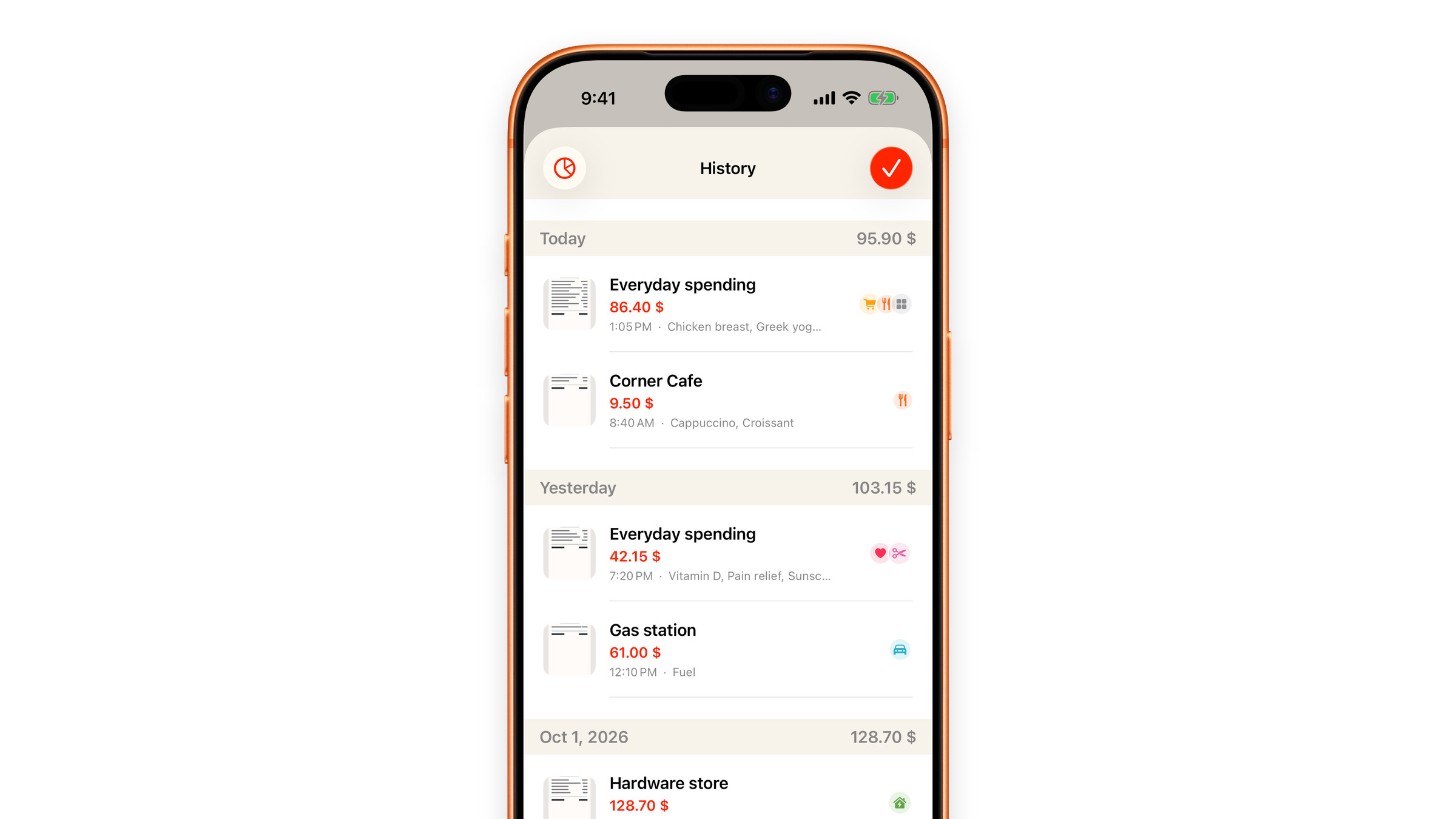
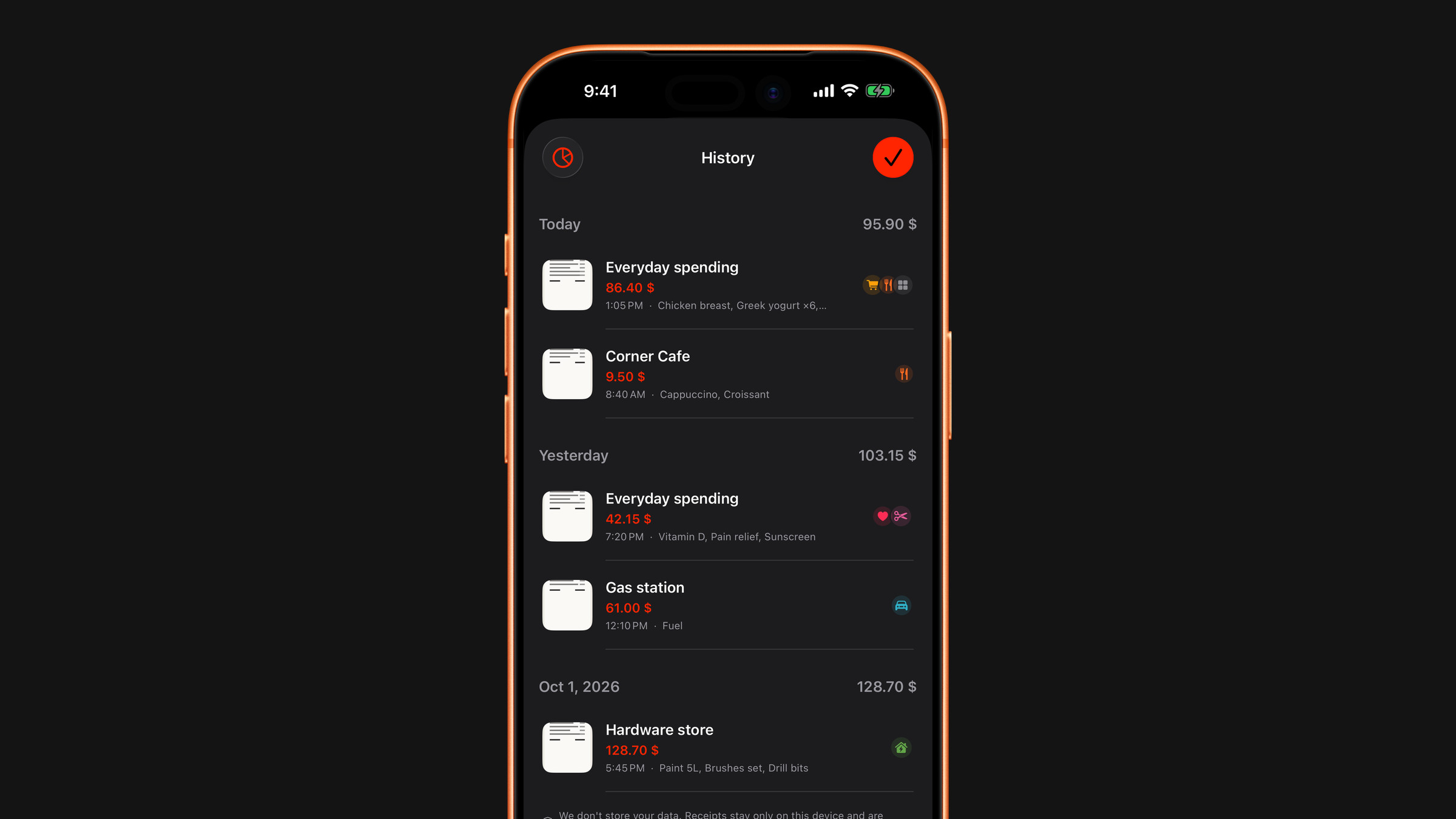
What that means in practice:
- The image is not stored on our servers. The proxy passes it on and keeps nothing of it. All it keeps is a daily total of requests and of the amount of text processed, with no link to anyone.
- The proxy does not log the contents of what you scanned.
- Your identity is not attached. There is no account, so there is nothing to attach it to.
- Receipts are never used for advertising, profiling or resale.
- The result comes back to your phone, where the scan is kept in the scan history: a small thumbnail, a reduced copy of the picture and the recognised values. It rolls off after 30 days, and the history holds at most 100 scans. With iCloud sync on, which is the default, it also travels through your own private iCloud, which we cannot read, like your subscriptions. See Browse your scan history.
If a receipt contains something you would rather not send anywhere at all, do not scan it. Enter the amount by hand with Add expense on the Spending tab instead: the same number, nothing transmitted.
Did this answer your question?