
Browse your scan history
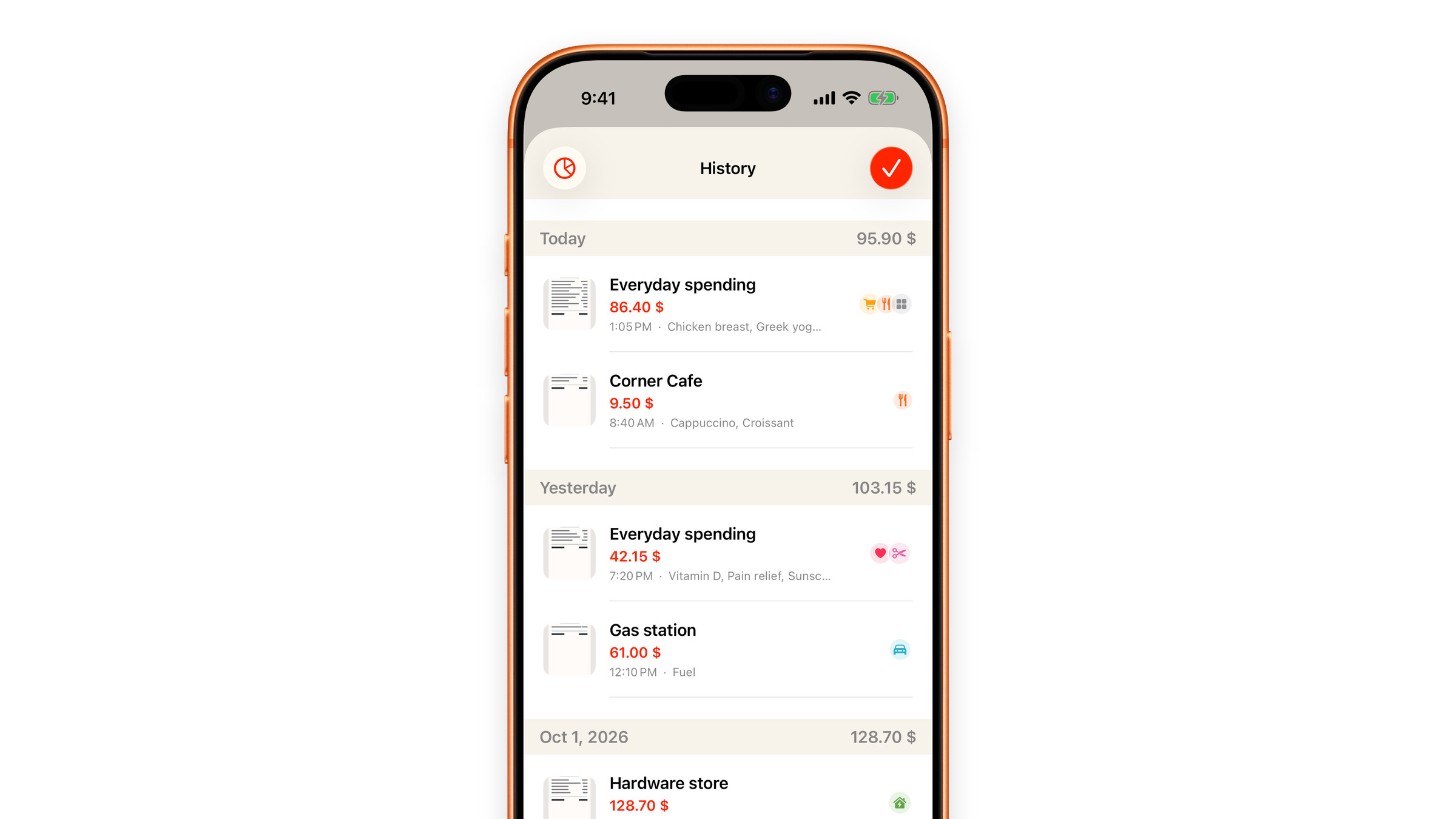
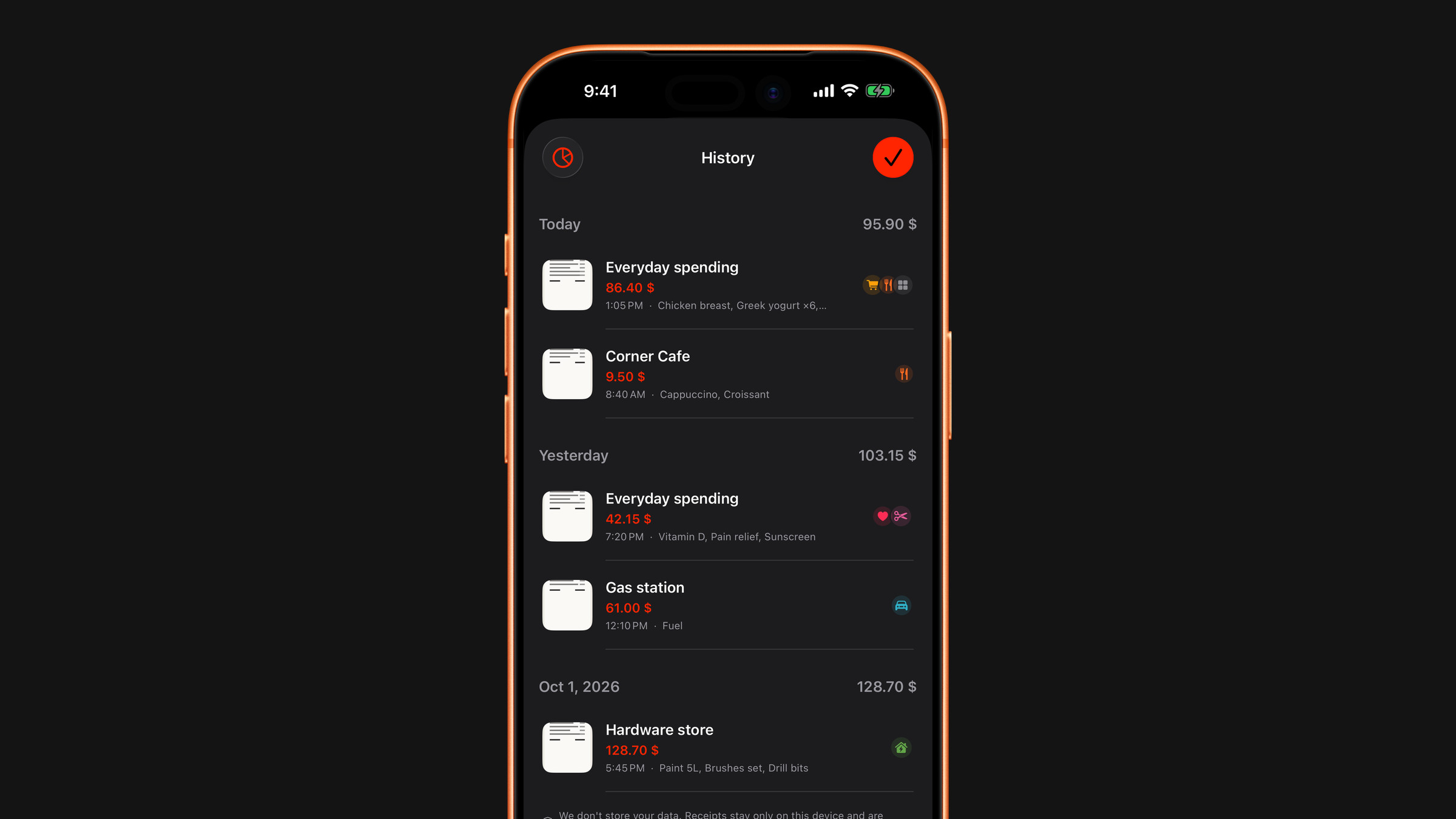
Every scan grouped by day, with the receipt picture, the total and the items it contained.
Every scan that is read successfully is kept in a history, so a scan is not a one-time answer but a record. It is saved as soon as the result appears, whether or not you then add it to your expenses.
The history is grouped by day, newest first, and each day shows its total. Every scan in it is a row with:
- a thumbnail of the receipt,
- the total, under a short name for the scan,
- the time and the first few item names,
- small icons of the categories of its items.
Tap a row and the picture opens full screen. Swipe a row to the left to delete that scan. The chart button at the top left opens a summary of the scans.
That combination is what makes it useful weeks later: the number alone tells you nothing, the picture reminds you what it was.
The history keeps the scan as it was read, apart from one thing: categories you changed on the result screen are saved here too. A total you corrected before adding is not rewritten.
How long it is kept
Scan history lives on your device for 30 days and holds at most the 100 latest scans, then older ones roll off by themselves. A scan keeps a small thumbnail, a reduced copy of the picture (not the original file) and the recognised values. With iCloud sync on, which is the default, the history travels between your devices through your own private iCloud like your subscriptions; it is never on our servers. Settings → Calculator → Clear calculator history removes it, together with your saved expenses. See What happens to scanned receipts.
A scan you want to keep as a permanent record belongs in your expenses (Add to Expenses on the result screen), or in your photo library. The 30-day window is for spotting patterns, not for archiving.
Did this answer your question?