
Delete everything
Remove the local copy, the iCloud copy, and the calculator and scan history.
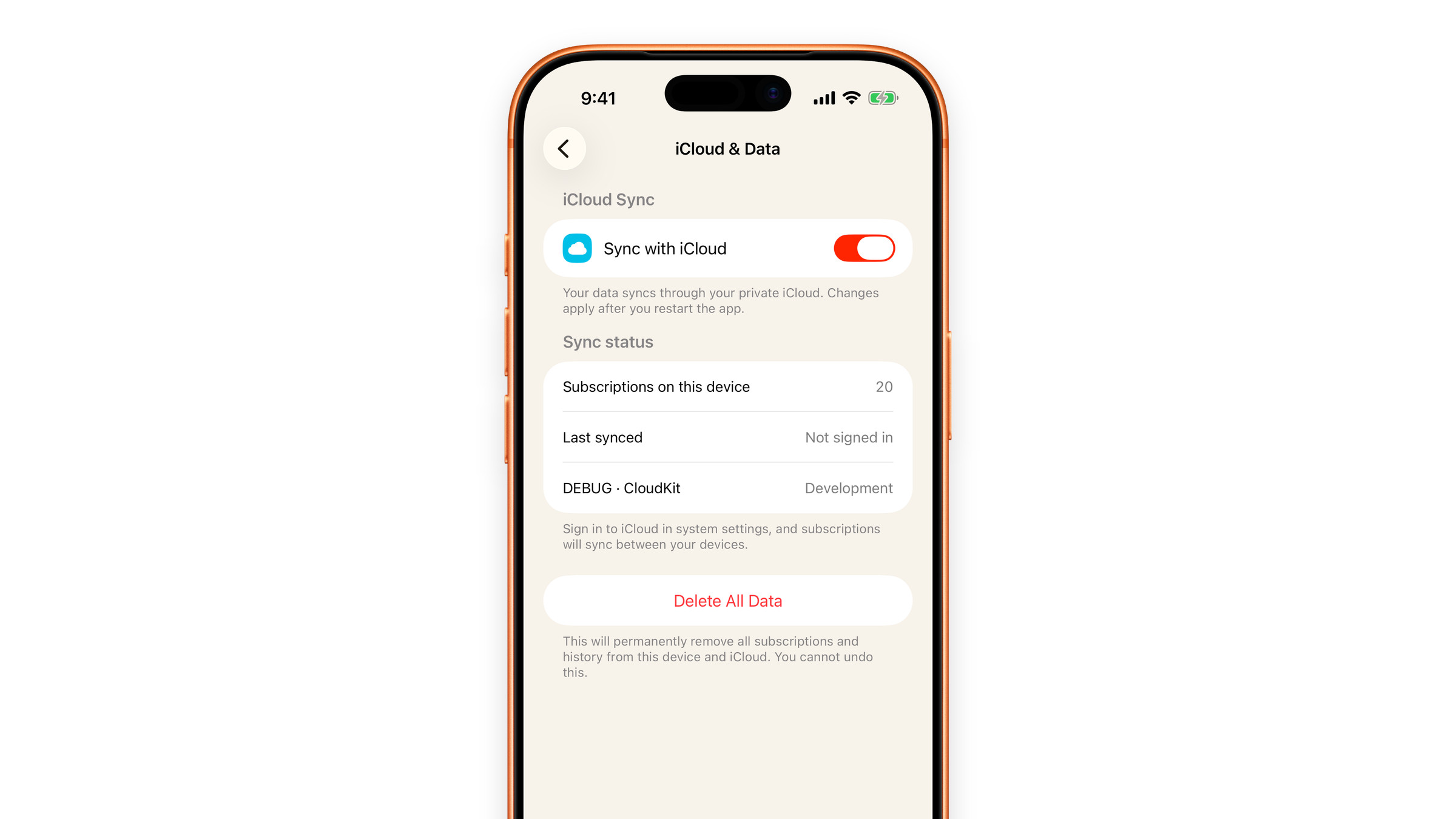
The quick way: Delete All Data
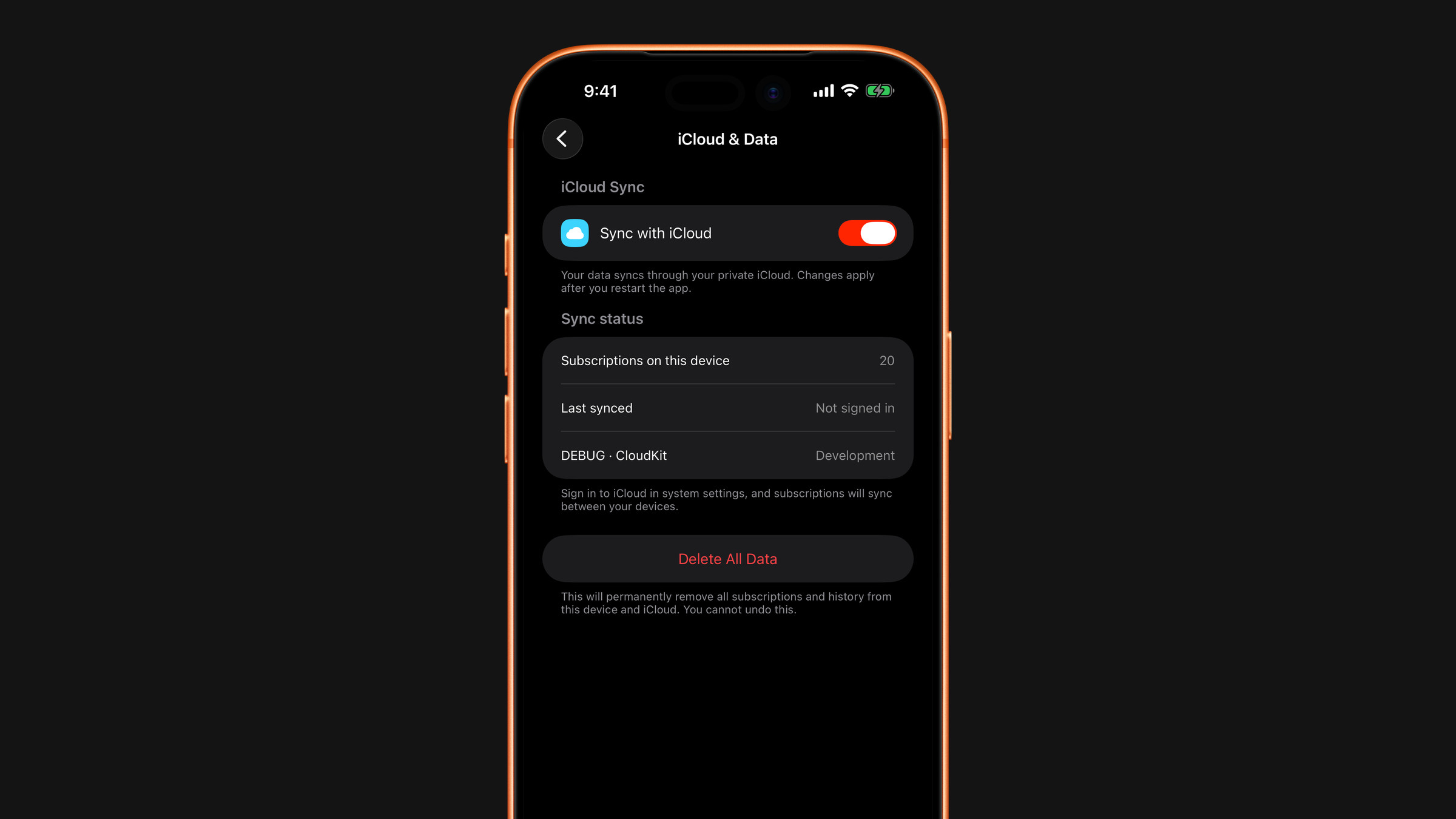
Open Settings → iCloud & Data and tap the red Delete All Data button. Subscrr asks twice: first Delete all data?, then Are you absolutely sure? with a final Delete Everything. There is no undo.
It removes your subscriptions, your plans and your scan history from this device and from iCloud, and cancels the reminders scheduled for them. With Sync with iCloud on, the deletion is sent to your iCloud container, so your other devices lose the data too. With sync off, only this device's copy goes; an earlier iCloud copy stays until you remove it as described below.
Your settings, your saved affirmations and your Premium subscription are not touched. Saved spending calculations are cleared by Clear calculator history, described below.
The local copy
Deleting the app removes everything stored on that device.
The iCloud copy
Deleting the app does not delete the iCloud copy: that is the point of sync. Delete All Data removes it while the app is installed and sync is on. Otherwise, to remove it:
- iOS Settings → your name → iCloud
- Manage Account Storage (or Manage Storage)
- Find Subscrr and delete its data.
Do this on a device that is signed into the Apple Account that holds the data, and do it after deleting the app if you want everything gone. Deleting iCloud data while the app is still installed on another device can let that device sync it back.
Only the histories
Subscrr's own Settings can clear calculator history separately, without touching your subscriptions: Clear calculator history removes saved calculations and the AI scan history. Scan history also rolls off by itself after 30 days.
Clear all chats in Settings removes the conversation in all three AI chats at once, together with what they learned from your ratings: the one in Plan, the one in Spending, and Subscrr AI. Your plan, your subscriptions and your calculations stay. See Ask Subscrr AI.
What there is nothing to delete from
We hold no server copy of your subscriptions and no account, so there is no deletion request to send us. Questions: hi@subscrr.app.
Did this answer your question?