
Where your data lives
On your iPhone, and in your own private iCloud container. Not on our servers.
Subscrr stores your data in two places, both of which belong to you:
- On your device. Subscriptions, spending entries, financial plans and scan history, which holds a small copy of each scanned receipt for 30 days, are stored locally, along with your settings.
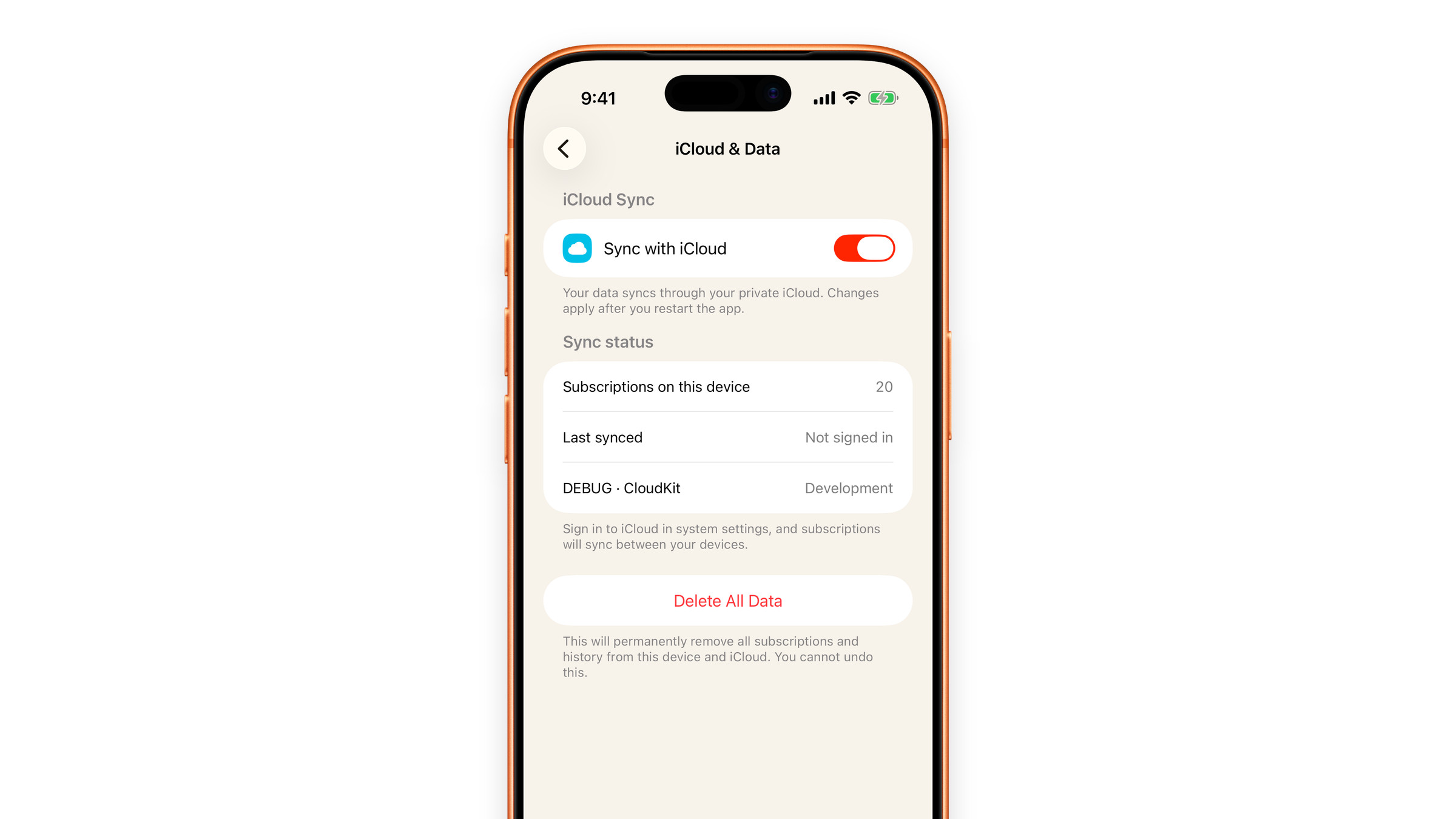
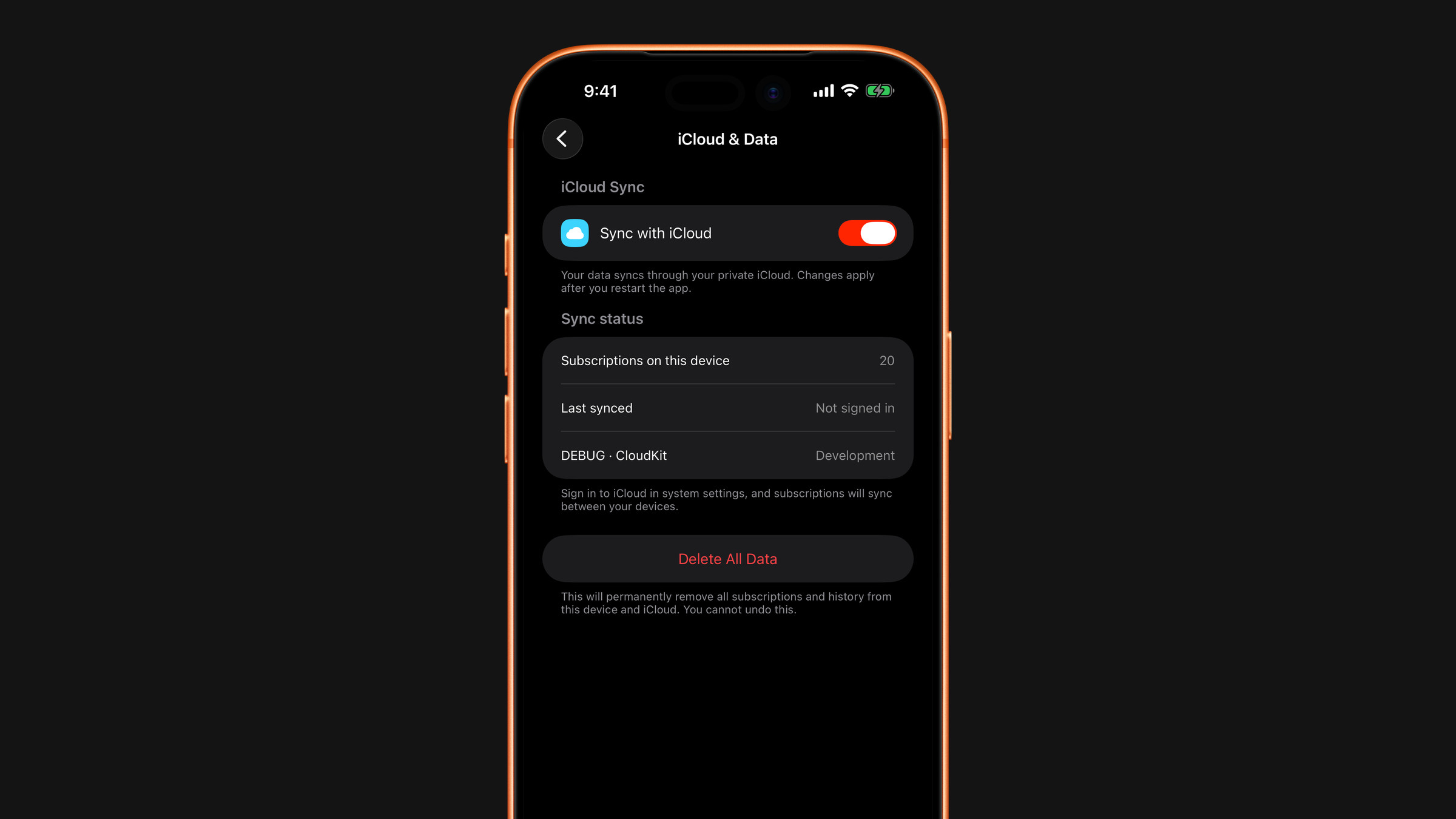
- In your private iCloud container, if sync is enabled (Settings → iCloud & Data, on by default). This is the Apple mechanism where the data is tied to your Apple Account and the developer cannot read it. Your settings stay out of it. See iCloud sync explained.
There is no Subscrr server holding your subscriptions. There is no database of users with lists of what they pay for, because there is no account system at all. See No account needed.
What does leave the device
Two things, both narrow:
- Receipt images and screenshots you choose to scan or import, sent for recognition only and not stored on our servers. See What happens to scanned receipts.
- Anonymous product analytics and advertising measurement. See Analytics and advertising.
Want it all gone? Delete everything covers the Delete All Data button, the local copy, the iCloud copy and the histories.
The formal version of all this is the Privacy Policy.
Did this answer your question?