
iCloud sync explained
What syncs, what does not, and why there is no account to sign into.
Sync runs through your private iCloud container, tied to your Apple Account. We cannot read it, and there is no Subscrr login involved. See There is no account to create.
What syncs
Between your iPhone, iPad and Mac:
- Subscriptions, with all their fields
- Spending: your saved calculations
- Scan history, with a small copy of each scanned receipt. Entries are kept for 30 days
- Financial plans
- Small things that belong to you, such as your saved affirmations and the poster you chose for the daily affirmation
What does not
- Settings: language, appearance, display currency, the day your month starts and your reminder times stay on each device. Set them again on a new one.
- Custom categories you create for spending entries
- Premium: it follows your Apple Account through the App Store, not through sync. See Restore purchases.
Turning it on and off
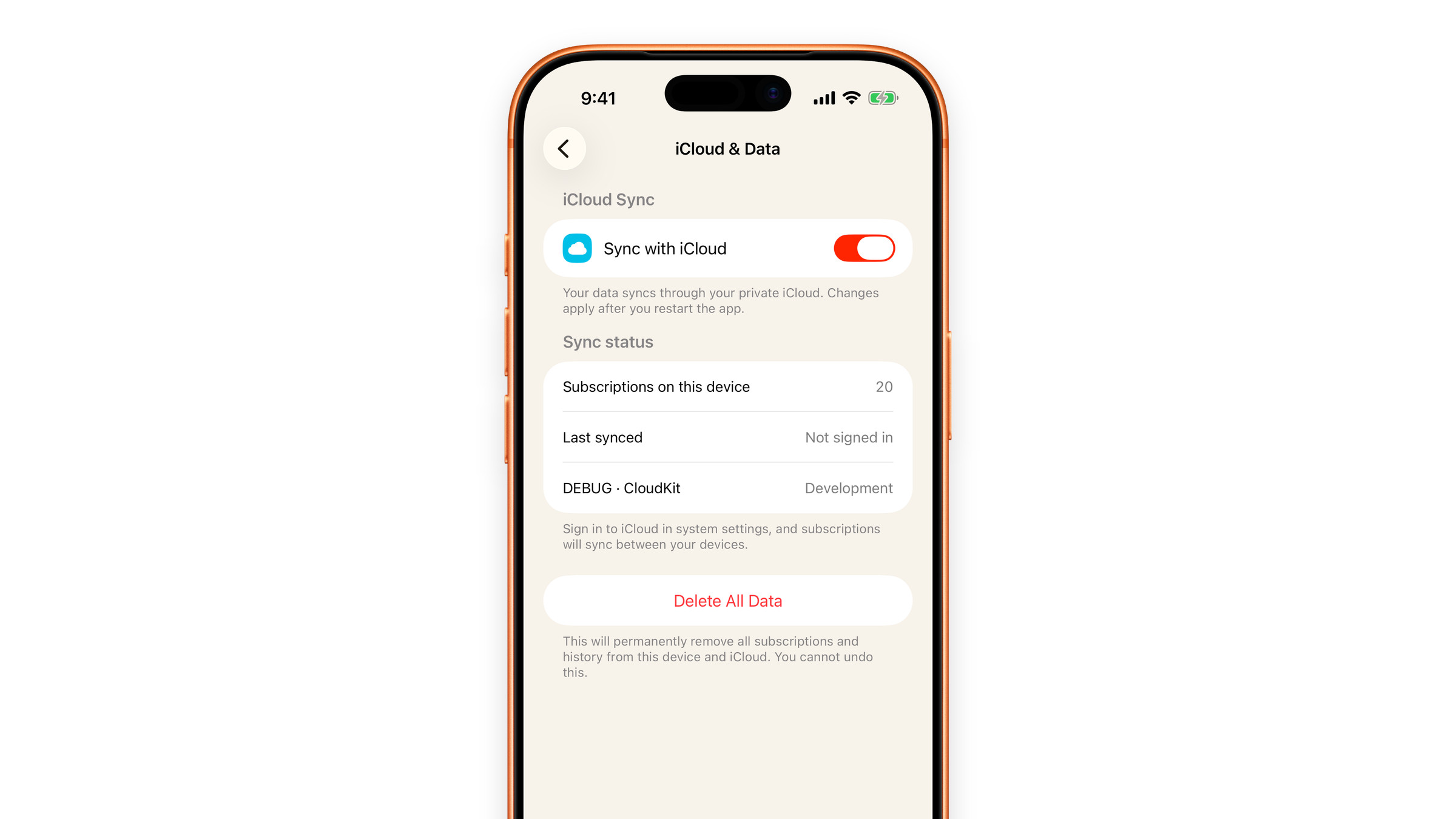
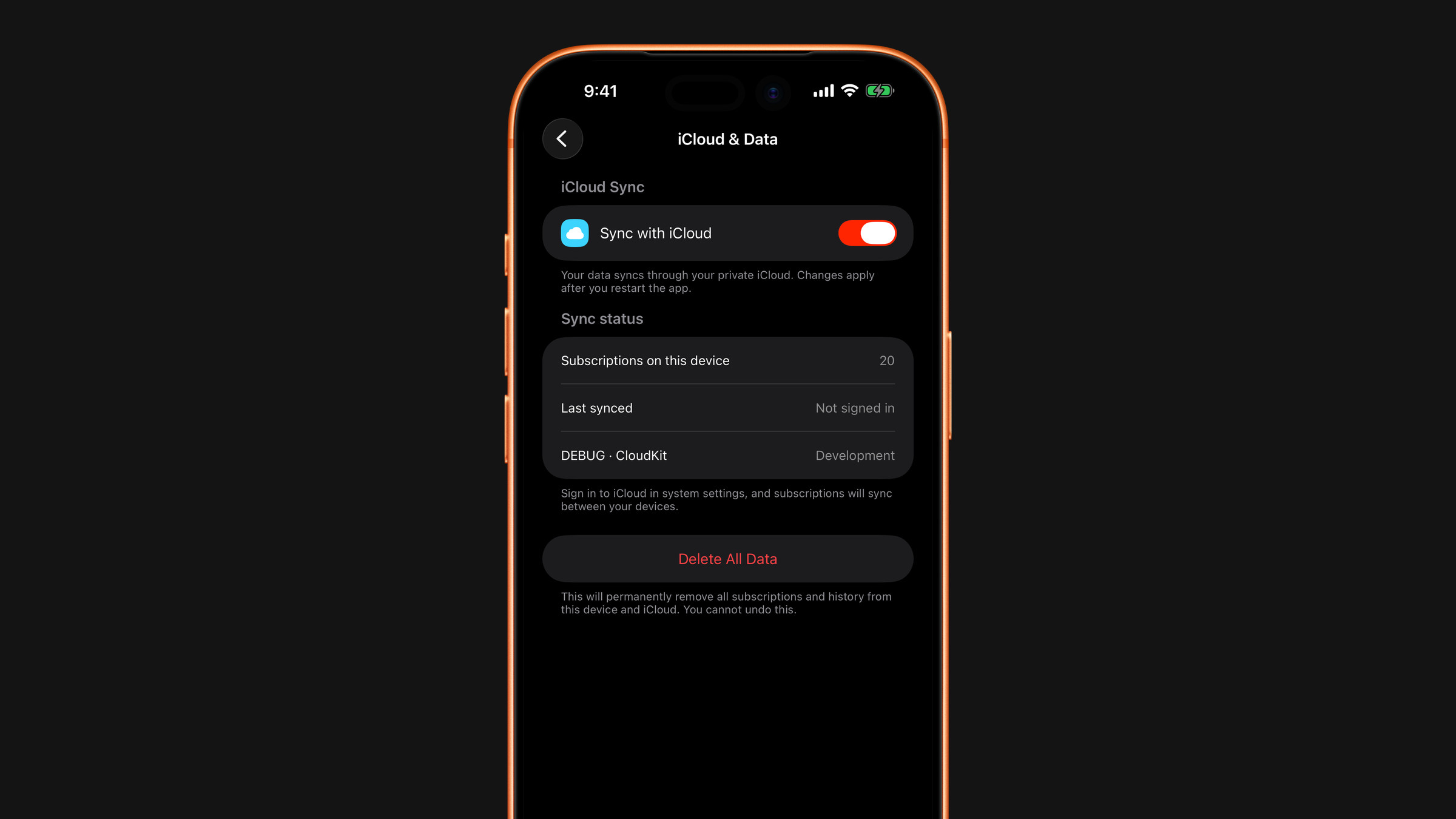
Open Settings → iCloud & Data. Sync with iCloud is on by default. Below it, Subscriptions on this device and Last synced show whether the exchange is happening. A change to the switch applies after you restart the app.
For sync to work you need to be signed into iCloud, with iCloud Drive on, and Subscrr must be allowed to use iCloud (iOS Settings → your name → iCloud). The first sync on a new device can take a minute and needs both devices online.
If you switch it off, the app keeps working with the copy on your device. Nothing is deleted: it stops syncing to your other devices. But that copy becomes your only copy, so it is worth understanding before switching it off.
The red Delete All Data button on the same screen removes your data from this device and from iCloud: see Delete everything.
Did this answer your question?