
Moving to a new iPhone
With sync on, it is install, sign in, wait a minute. With sync off, do this first.
If iCloud sync is on
- Install Subscrr on the new iPhone.
- Sign into the same Apple Account.
- Open the app and leave it on screen for a minute while the first sync runs.
- Premium comes back by itself, because Subscrr checks your App Store purchases when it opens. If Settings still shows the Free Plan, tap Upgrade to Premium and then Restore Purchases on the Premium screen.
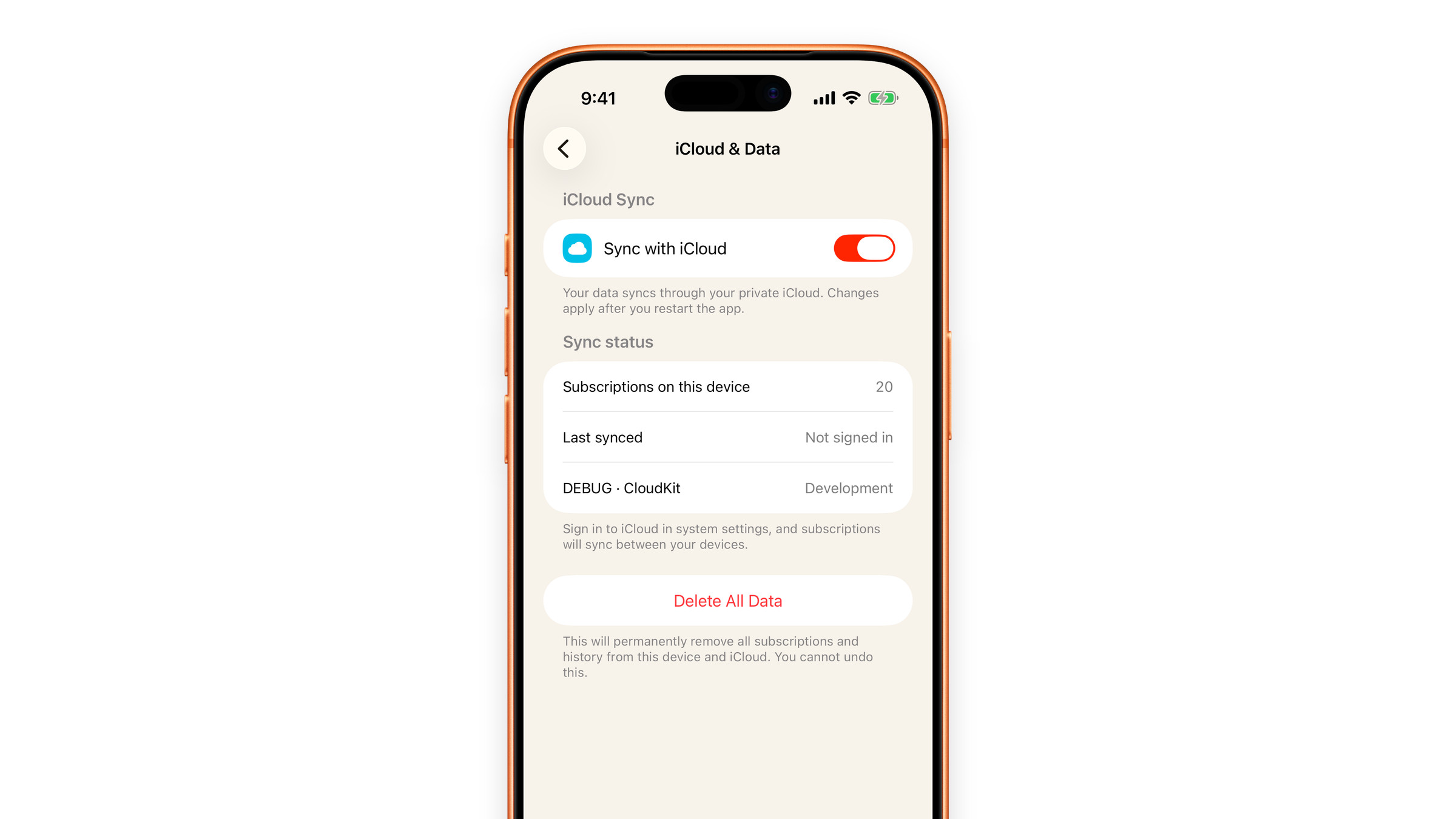
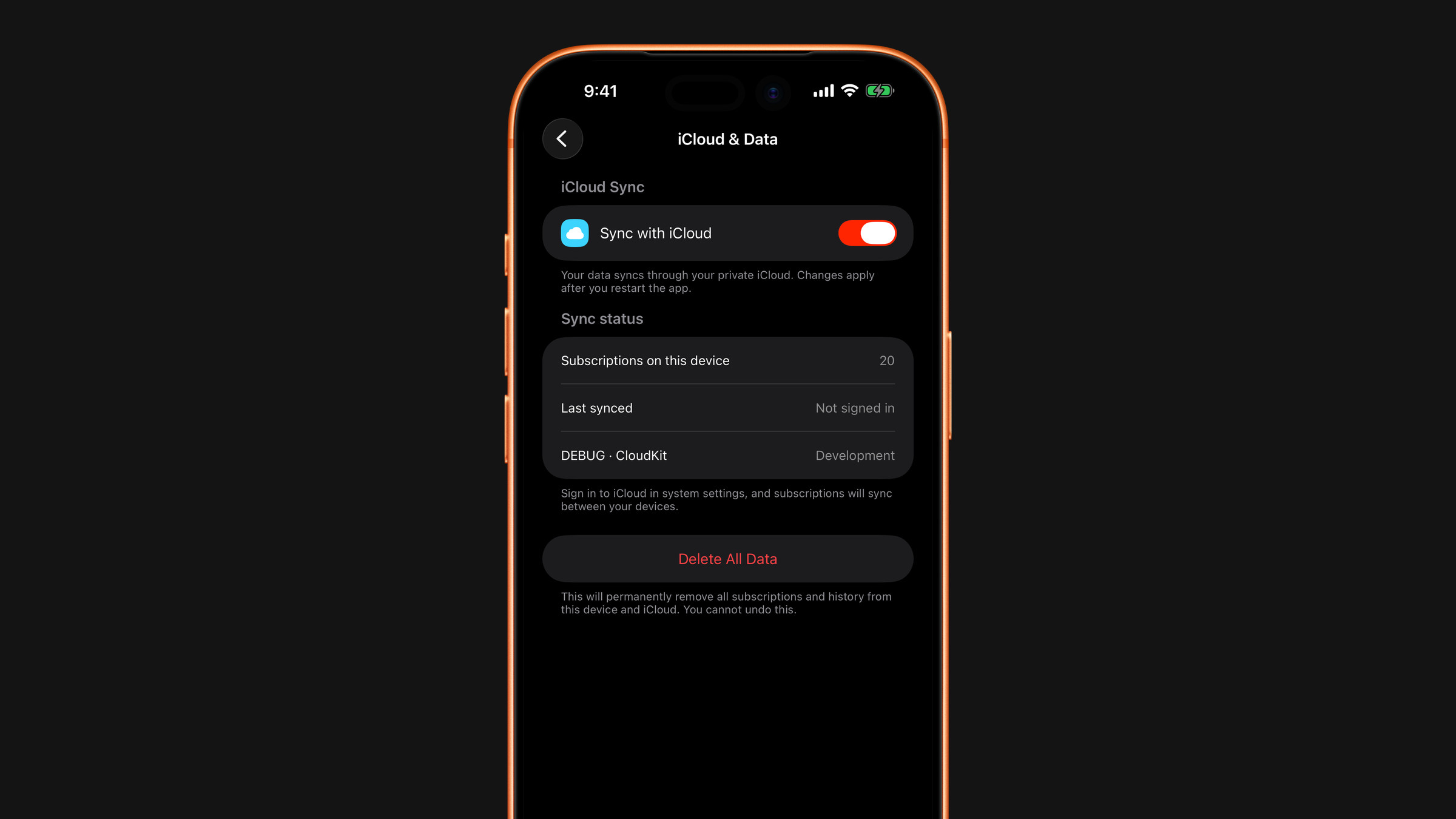
That is it. Your subscriptions, spending, plans and the last 30 days of scan history come back from your own iCloud container. Sync is on by default; you can check it in Settings → iCloud & Data.
Your settings (language, appearance, display currency, reminder times) are not part of sync, so set them again. It takes a minute.
If iCloud sync is off
Turn it on on the old phone first (Settings → iCloud & Data → Sync with iCloud, then restart the app), and let it finish, before you wipe or hand over the device. Without sync there is no backup on our side to recover from. See There is no account to create.
An iPhone-to-iPhone transfer or an encrypted iPhone backup also carries the app's local data across, including your settings.
What does not come across
With sync alone, your settings and any custom categories you created for spending stay behind. A direct iPhone-to-iPhone transfer or a backup brings them along; otherwise set them up again.
Did this answer your question?