
Subscrr on iPhone and iPad
The same app on both, with the same data, kept in step through iCloud.
Subscrr is built for iPhone first: that is where reminders land and where receipts get scanned. The same app also runs on iPad, with the same data. On the wider iPad screen the tabs can sit in a sidebar, and Spending and Plan are separate items there instead of two modes of one tab.
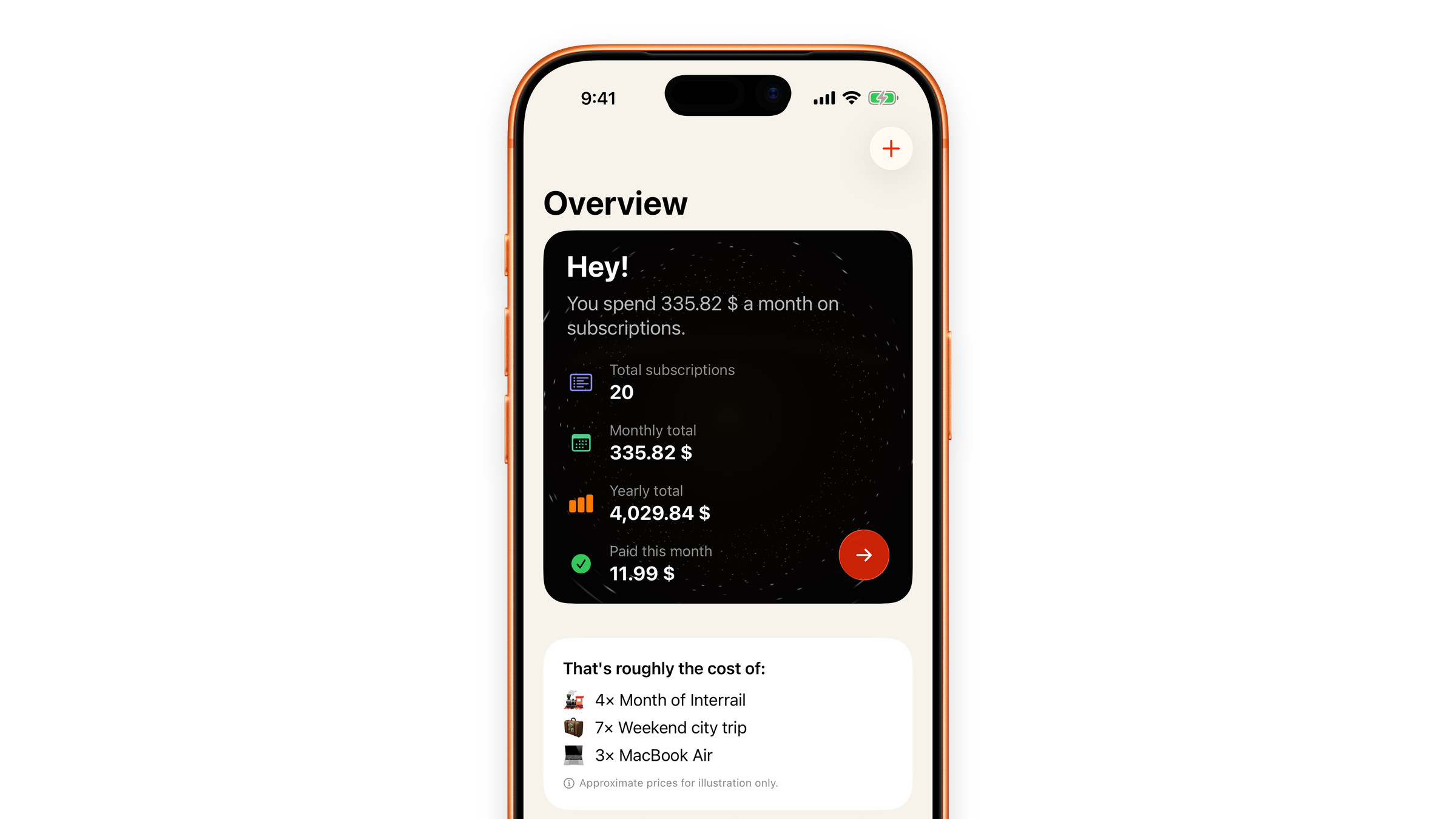
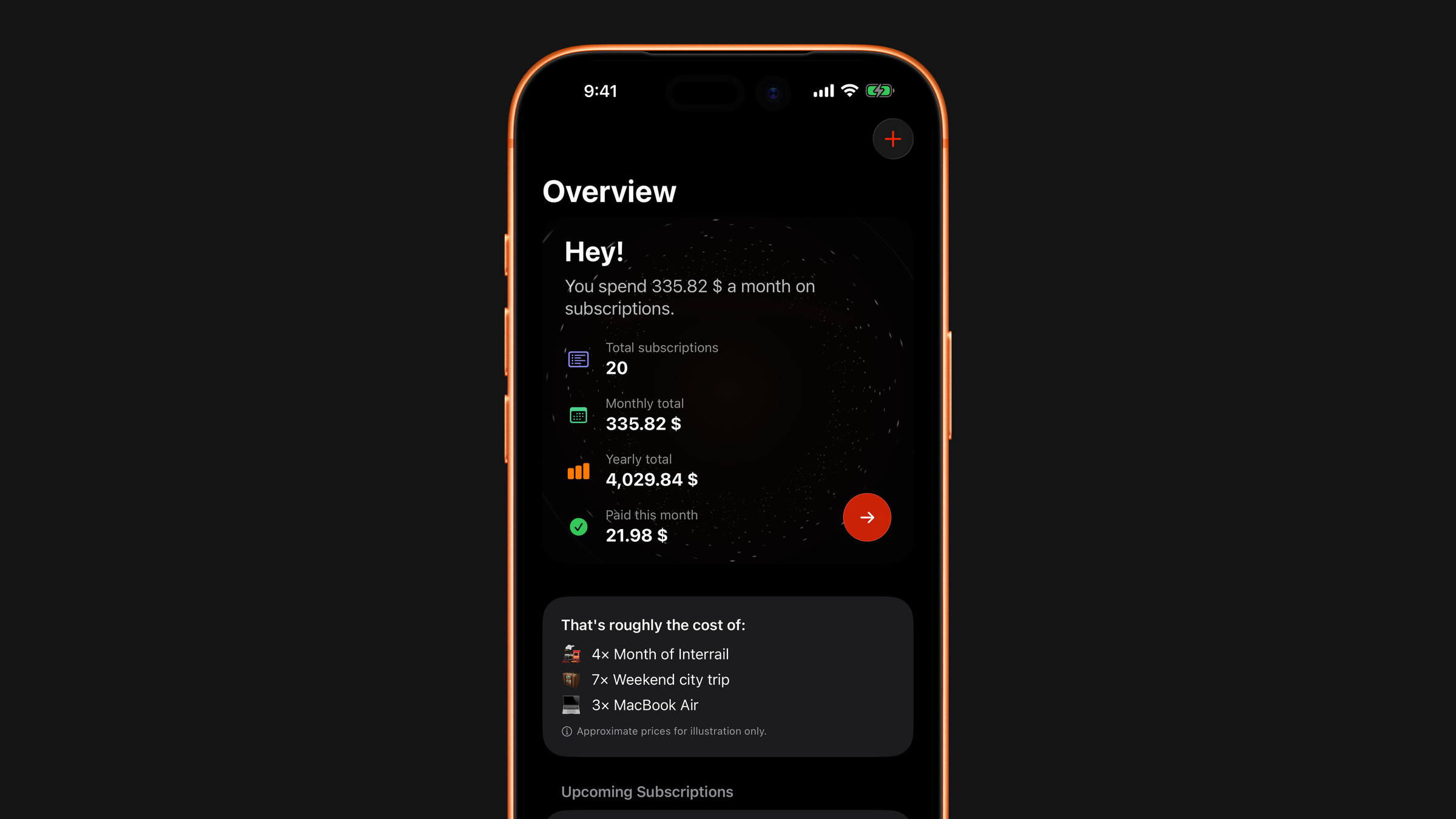
There is nothing to buy twice and nothing to set up separately: install it on the second device, sign into the same Apple Account, and your subscriptions appear once iCloud sync has run. Settings such as language, appearance and display currency are kept per device, so set them on the second one too.
Premium follows the Apple Account, not the device, so a subscription bought on iPhone is active on iPad. Subscrr checks your purchases when it opens; if Premium is still not showing, open Settings → Upgrade to Premium and tap Restore Purchases.
The current version of the app needs iOS or iPadOS 18 or later. The App Store listing always shows the current requirements. The same app also runs on Mac: see Which devices are supported?.
Did this answer your question?