
Widgets on the home and lock screen
Sizes available, what each one shows, and how often they refresh.
Widgets are the point at which a tracker becomes useful, because they remove the step where you have to remember to open anything.
Subscrr offers home screen widgets in several sizes and lock screen widgets:
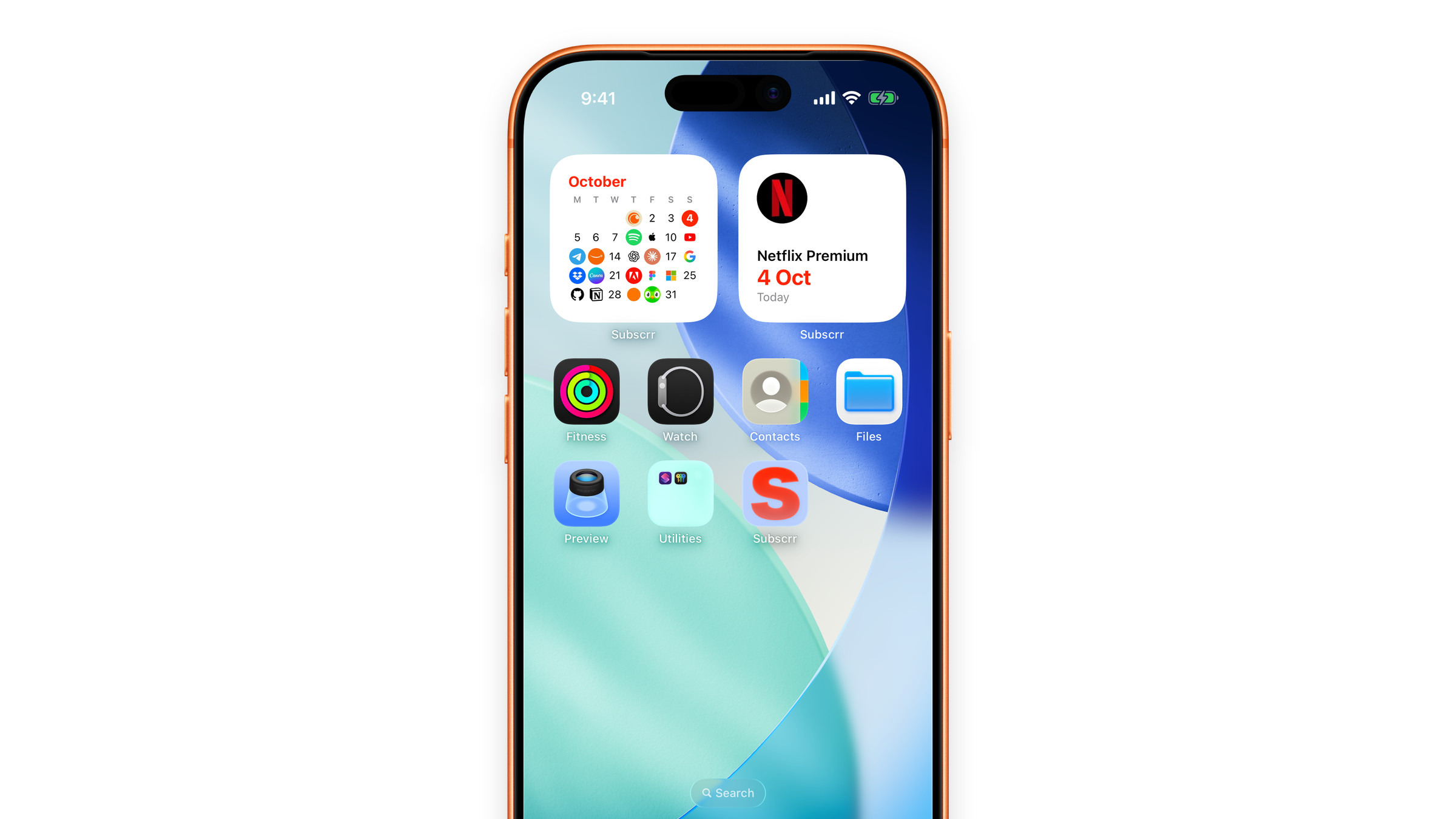
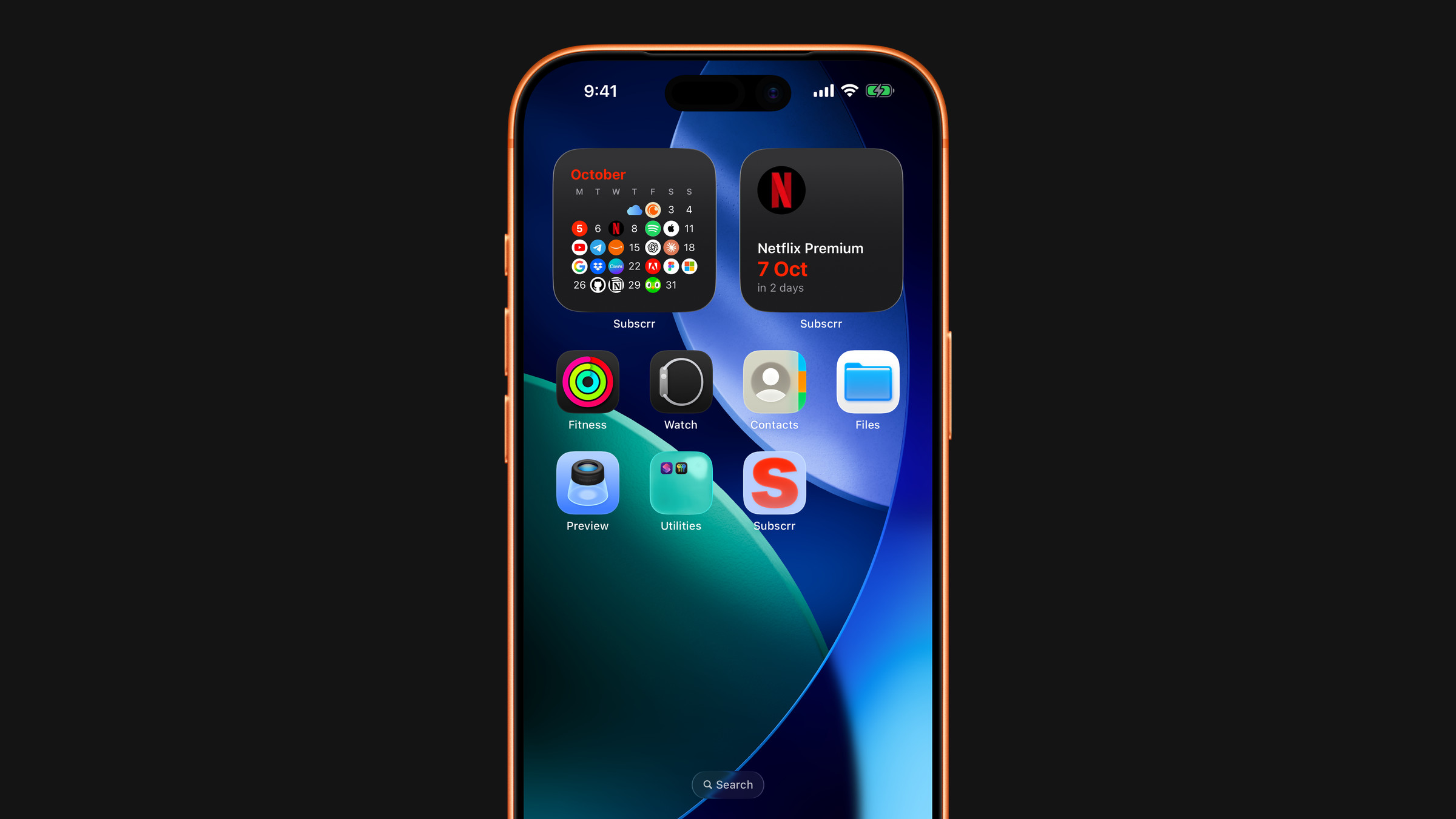
- Next payment: what is coming up. The small size shows the next charge with its date and days left, medium lists up to four, and large lists up to eight with their amounts. On the lock screen it comes as a line above the clock (name and date), a circle (days left) and a rectangle (name, date and days left). It is part of Premium.
- Payment calendar: the current month as a grid of days, in small, medium and large. A day with a charge carries the logo of the service instead of the number, and today is filled in the app's orange, so a heavy week is visible before it arrives. It is part of Premium.
- AI Scan: a single button that opens the camera already inside a receipt scan, on the home screen as a small tile and on the lock screen as a circle. It holds no numbers, so it works without Premium.
- Daily affirmation: the day's calm thought about money, refreshed at midnight, in small, medium and large on the home screen and inline or rectangular on the lock screen. Until you have opened it in the app the widget keeps the spoiler, showing particles and *Tap to reveal*. Its font and size are set in Settings → Live Activity, its background is the poster of your mood, and the same affirmation can also go live on the Lock Screen. It works without Premium.
Without Premium, Next payment and Payment calendar show a lock and open the upgrade screen when tapped.
Adding them: Add widgets to your home and lock screen.
Refresh
iOS controls widget refresh, and it is conservative, especially on Low Power Mode. Next payment and Payment calendar also refresh themselves at midnight, so the days left stay right. Opening the app, or changing your subscriptions, pushes fresh data immediately. If a widget looks frozen, see Widgets are not updating.
Appearance
Widgets follow your system light or dark appearance. The theme you pick inside the app does not apply to them, but the language you pick does.
Did this answer your question?