
Restore purchases
The one-tap step after reinstalling the app or switching to a new iPhone.
Open Settings in Subscrr, tap Upgrade to Premium, and tap Restore Purchases under the subscribe button on the Premium screen.
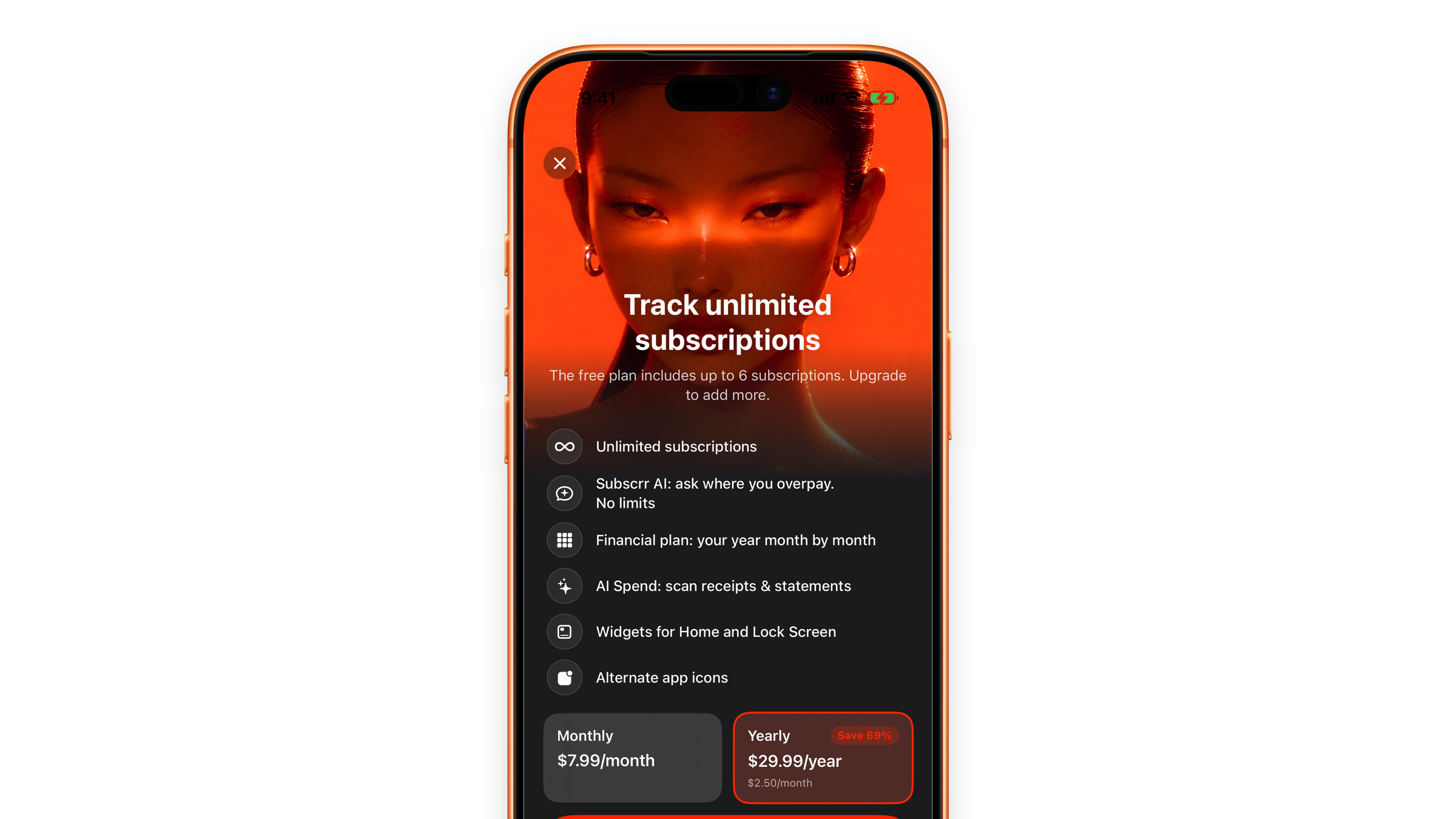
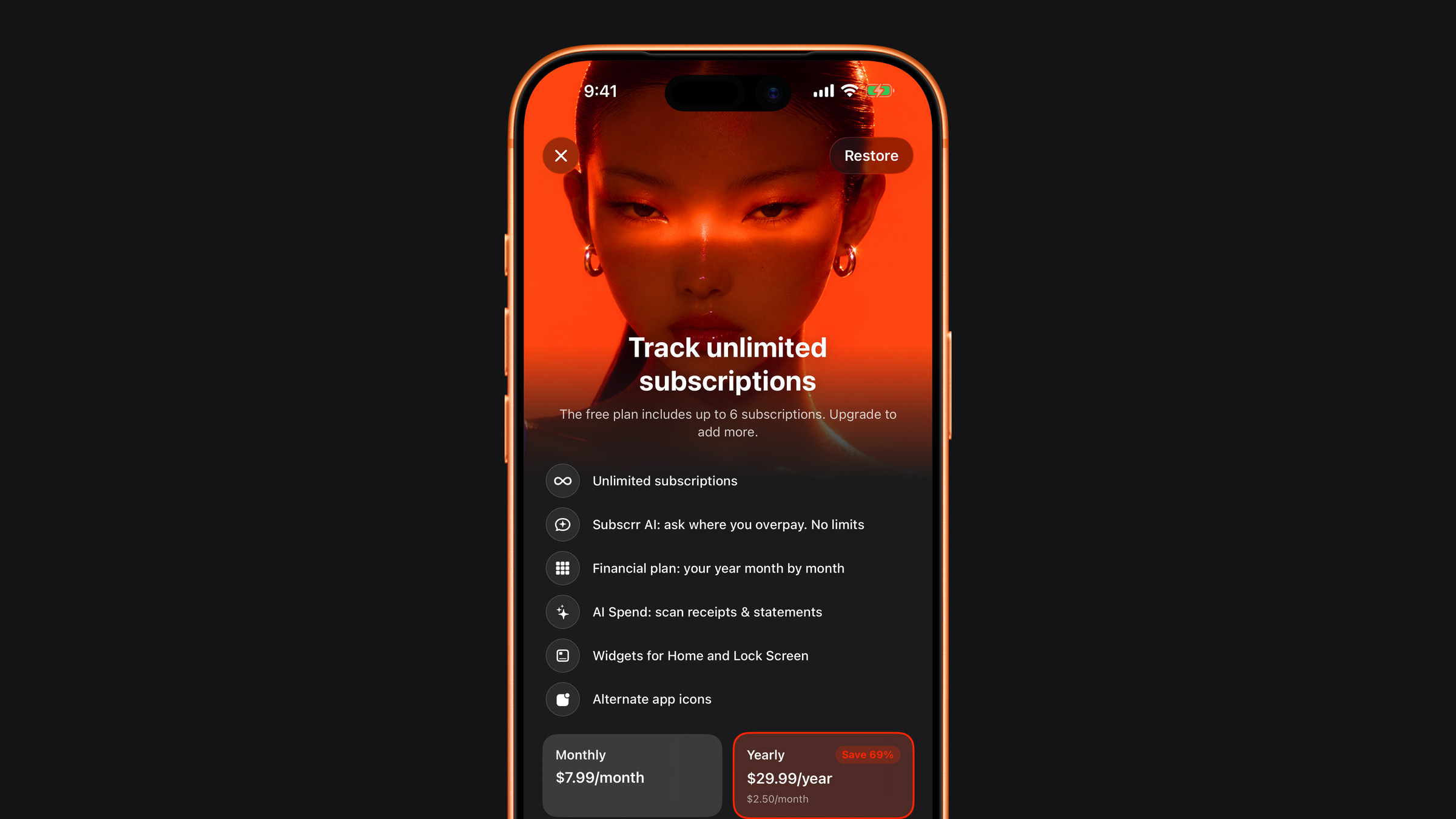
You may not need it. Subscrr checks your App Store purchases every time it opens, so Premium often returns by itself. If Settings shows Subscrr Premium with a green tick, Premium is active and there is nothing to restore. If it shows Free Plan after you have:
- reinstalled the app,
- moved to a new iPhone,
- erased and set up the device again,
then restore it by hand as above.
Restoring checks with the App Store for an active Subscrr subscription on the Apple Account currently signed in. Two conditions have to hold: it must be the same Apple Account that bought Premium, and the subscription must still be active.
If restoring finds nothing, work through I paid, but Premium is not active.
Setting up a replacement phone from scratch? Moving to a new iPhone covers the order to do things in.
Did this answer your question?