
Subscribe to Premium
Buy through the App Store in a couple of taps, on the Apple Account already on your phone.
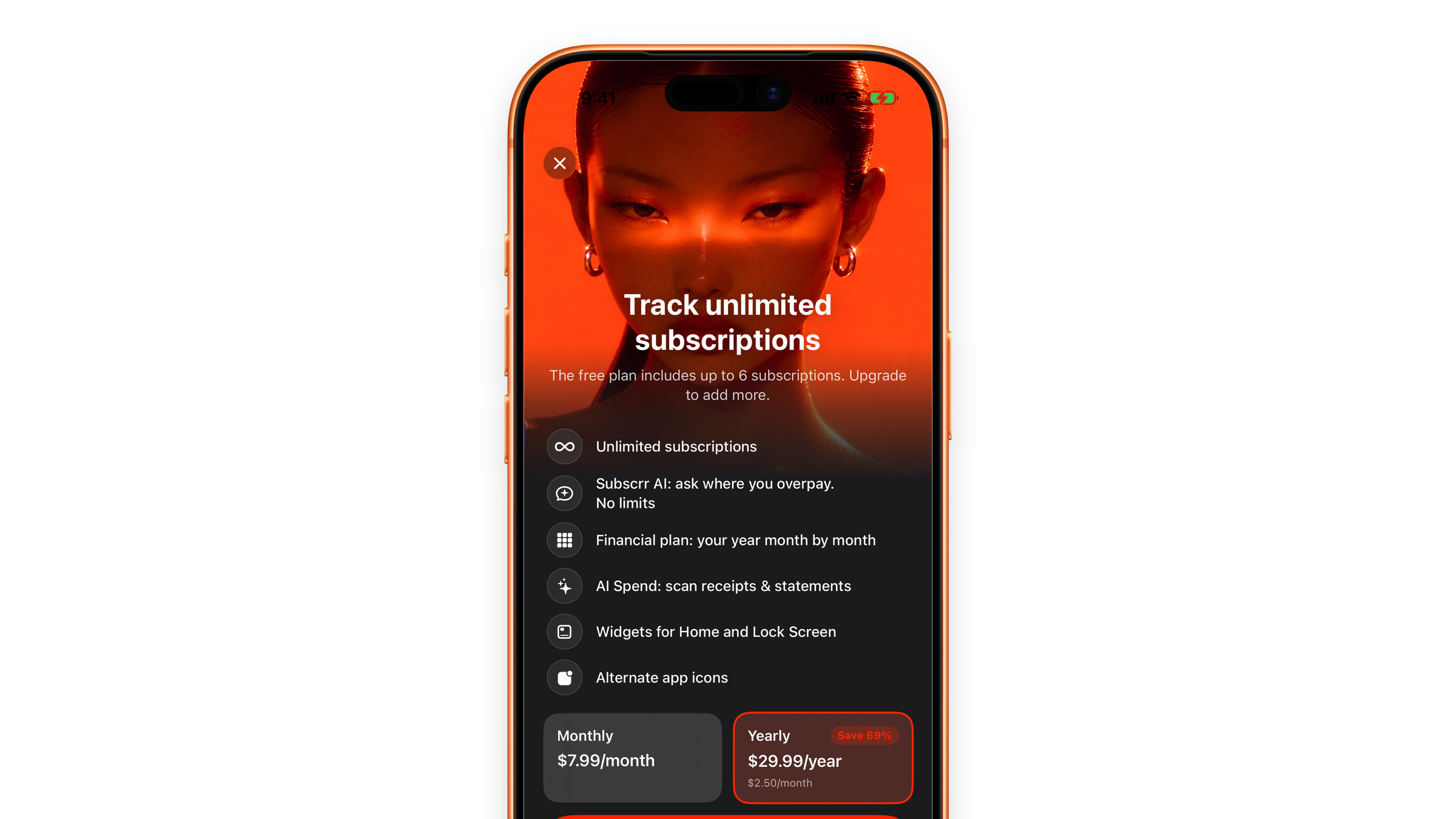
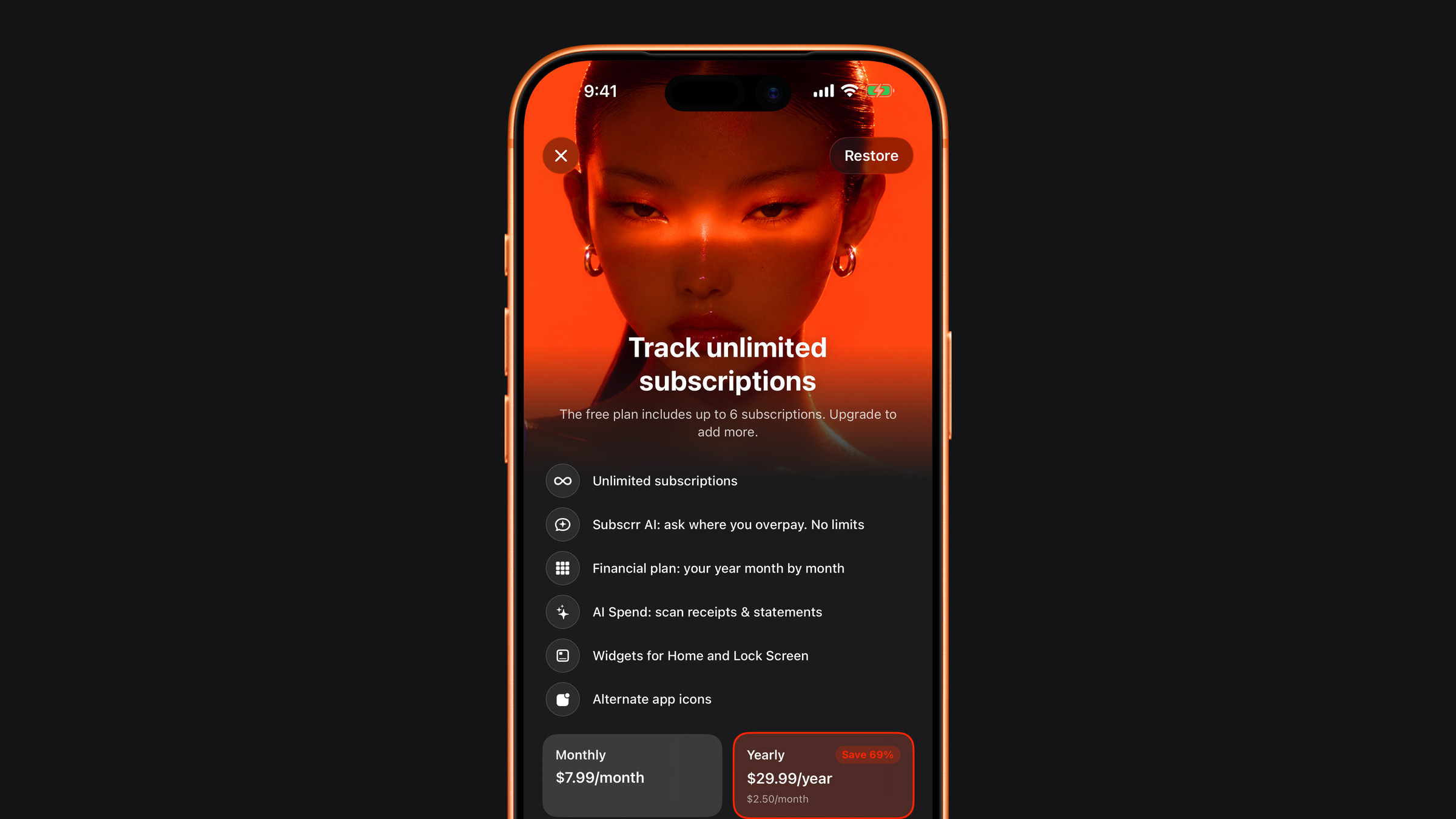
- Open Settings in Subscrr and tap Upgrade to Premium, or tap any Premium prompt in the app.
- Pick the plan, monthly or yearly. The yearly one is selected first and works out cheaper per month: $47.95 a year is about $4.00 a month, against $7.99 monthly. Those are US prices; the screen shows the price for your country.
- Tap the subscribe button, which names the price, and confirm with Face ID, Touch ID or your Apple Account password.
- The purchase is processed by the App Store, and unlimited subscriptions, Subscrr AI without the message limit, as many saved plans in Plan as you need, AI scanning, the widgets with your numbers and the alternative app icons switch on immediately.
Payment goes through Apple. Subscrr never sees your card details.
After buying
- The subscription renews on its own period, monthly or yearly, until you cancel it.
- On a new device Premium normally comes back by itself; if it does not, use Restore Purchases rather than buying again.
- Nothing was unlocked? See I paid, but Premium is not active.
Got a code from a giveaway or the Telegram channel? See Redeem a promo code.
Did this answer your question?