
Change the app icon
Seven looks for the Home Screen. Classic is free, the rest come with Premium.
Open Settings and scroll to App icon. Seven options: Classic, Cream, Blush, Sunset, Sand, Bloom and Dusk. Swipe the row to see them all, tap one and the Home Screen changes immediately; iOS shows its own confirmation.
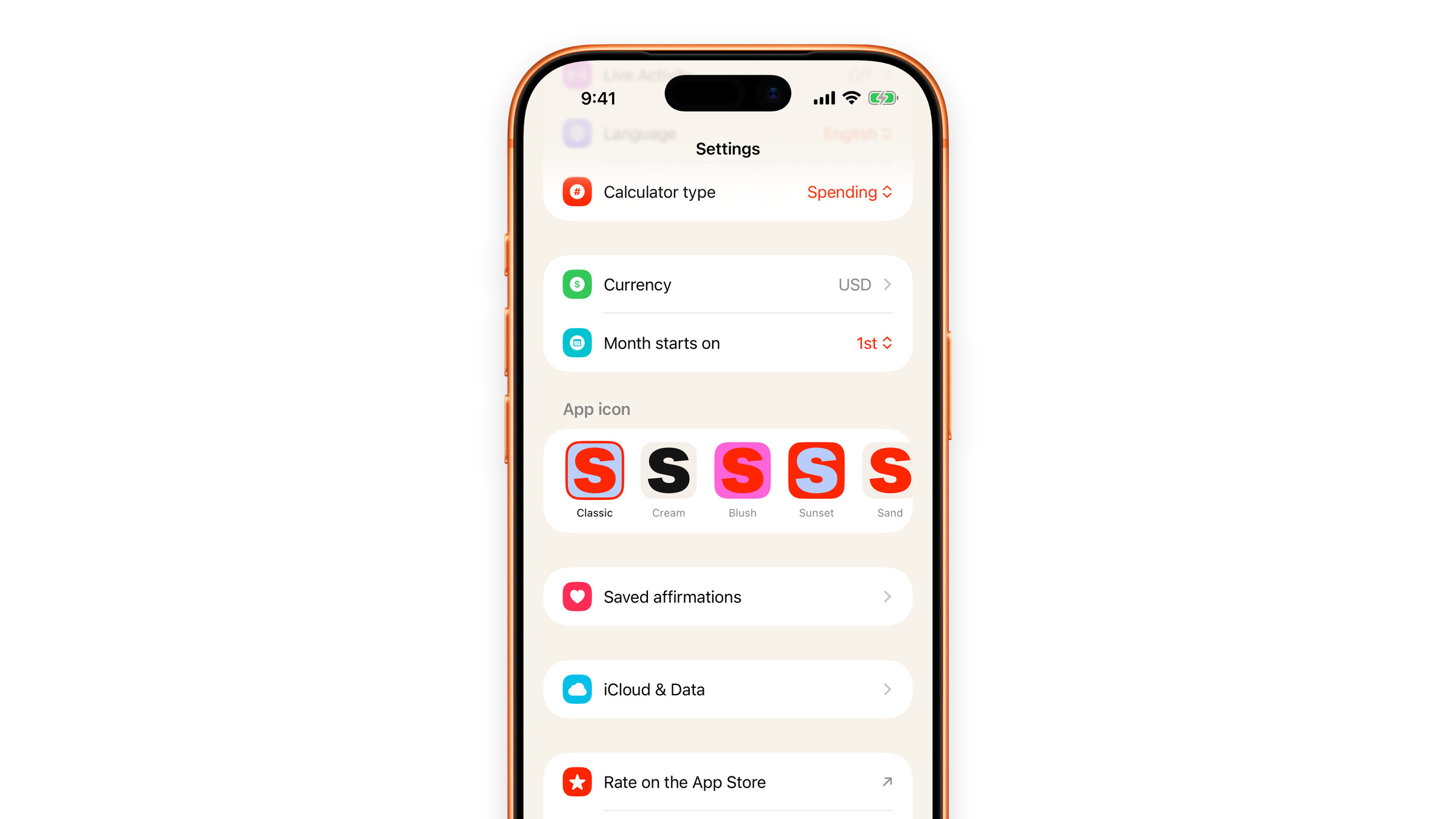
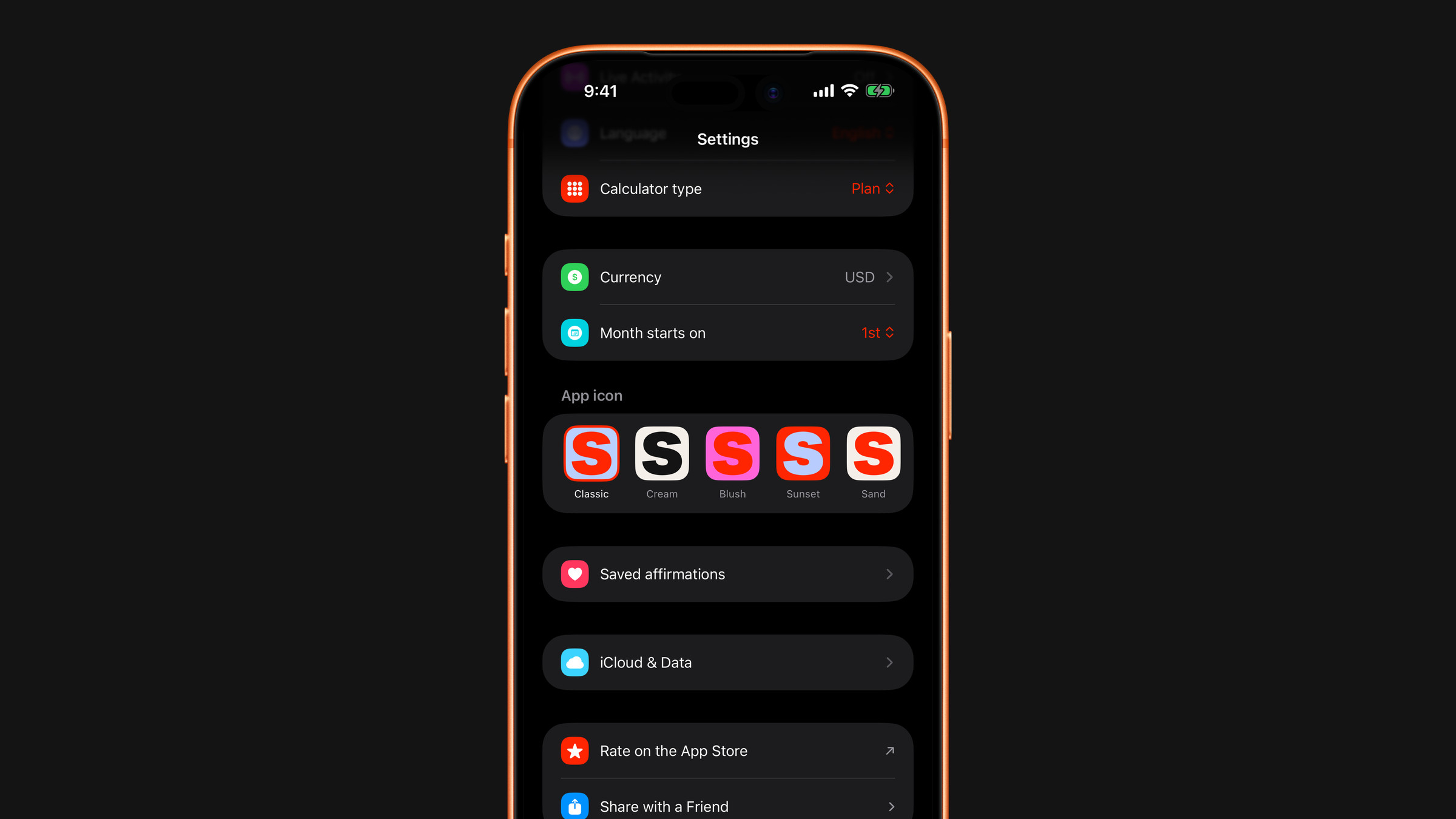
Classic is the standard icon and is free. The other six are part of Premium: without it they show a small lock, and tapping one opens the Premium screen instead of changing the icon. If Premium ever ends, Classic is still there to switch back to.
The app icon cannot be changed on Mac, so there is no App icon section in Settings there.
If the icon does not appear to change, leave the app and return to the Home Screen: iOS sometimes redraws it a moment later.
Did this answer your question?