
Search your subscriptions
The search bar at the bottom of the list finds anything you track, by name or category.
Once the list grows past a dozen entries, scrolling stops being a way to find things. Search is.
Where it is
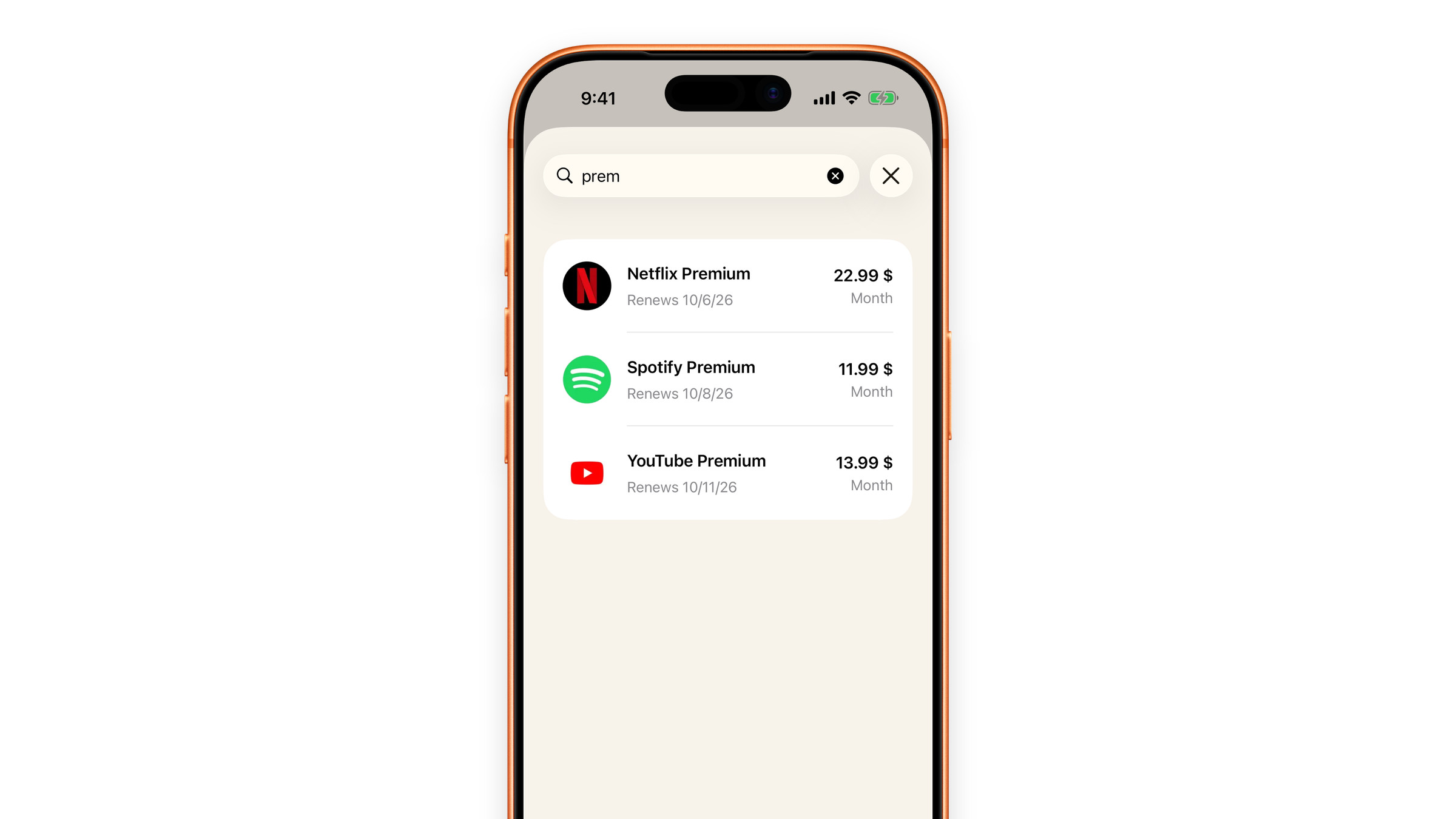
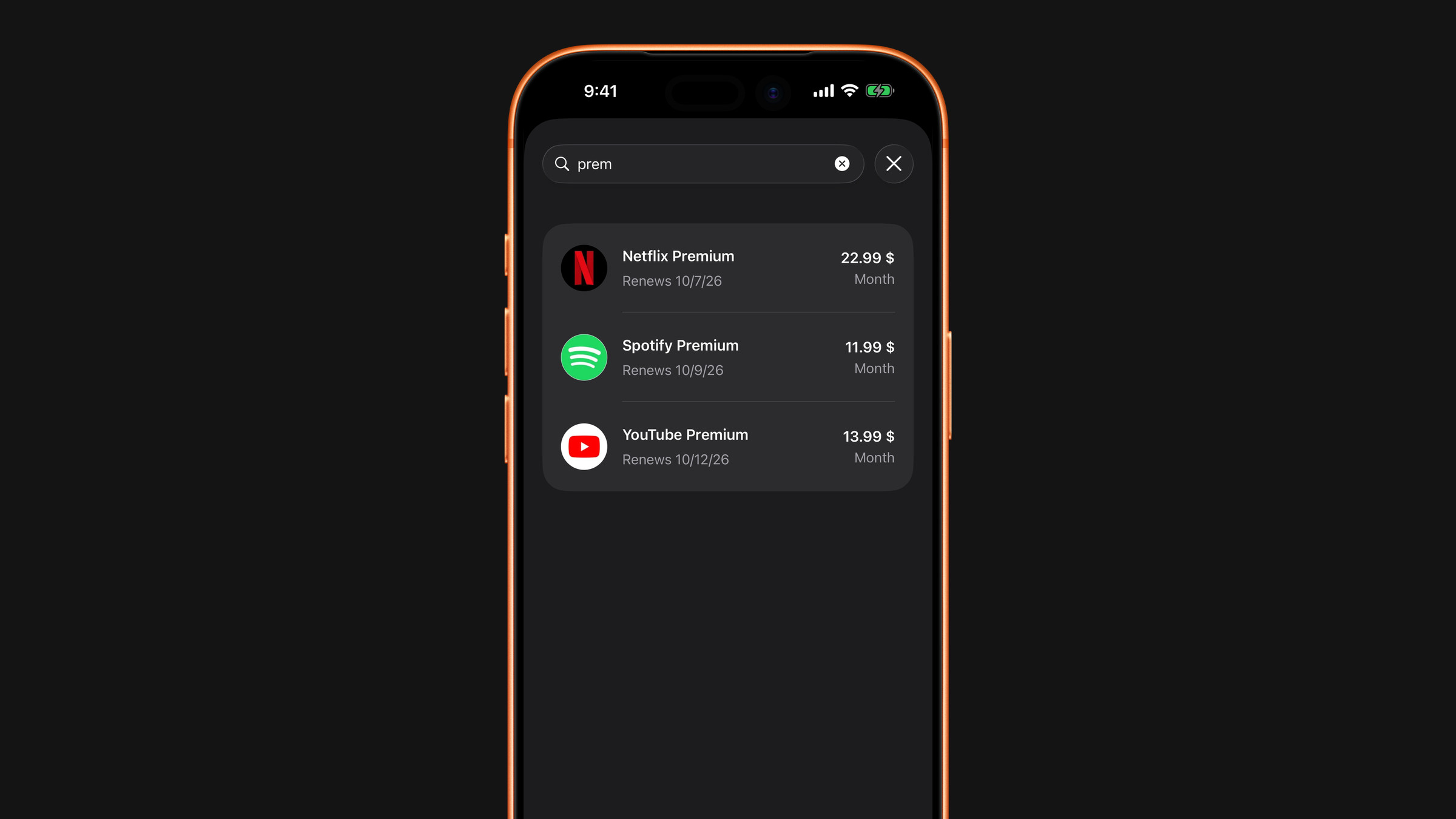
Open the Subscriptions tab. At the bottom of the list, above the tab bar, sits a rounded bar that reads Search your subscriptions. Tap it: a search sheet opens with the keyboard ready, so start typing. Close the sheet when you are done.
What it matches
- The subscription's name: a few letters are enough, case does not matter.
- The category name: type "cinema" and everything filed there comes up. Category names are the ones listed in Organise with categories, in the language of the app.
Tap a result to open the subscription, exactly as from the list. Before you type anything the sheet shows the whole list, so it doubles as a quick flat view when your list is grouped by category.
What it does not search
The catalog of services you pick from when adding a subscription has its own search inside the add screen. The bar on the Subscriptions tab looks only through what you already track.
Did this answer your question?