
Try a scenario
Ask "what if" against your plan and get the answer without changing a single number in it.
A scenario is a question you put to your plan: what happens if the rent goes up, if you set aside a thousand more, if there is no income for three months. Subscrr answers on a copy, and the plan you built stays as it is.
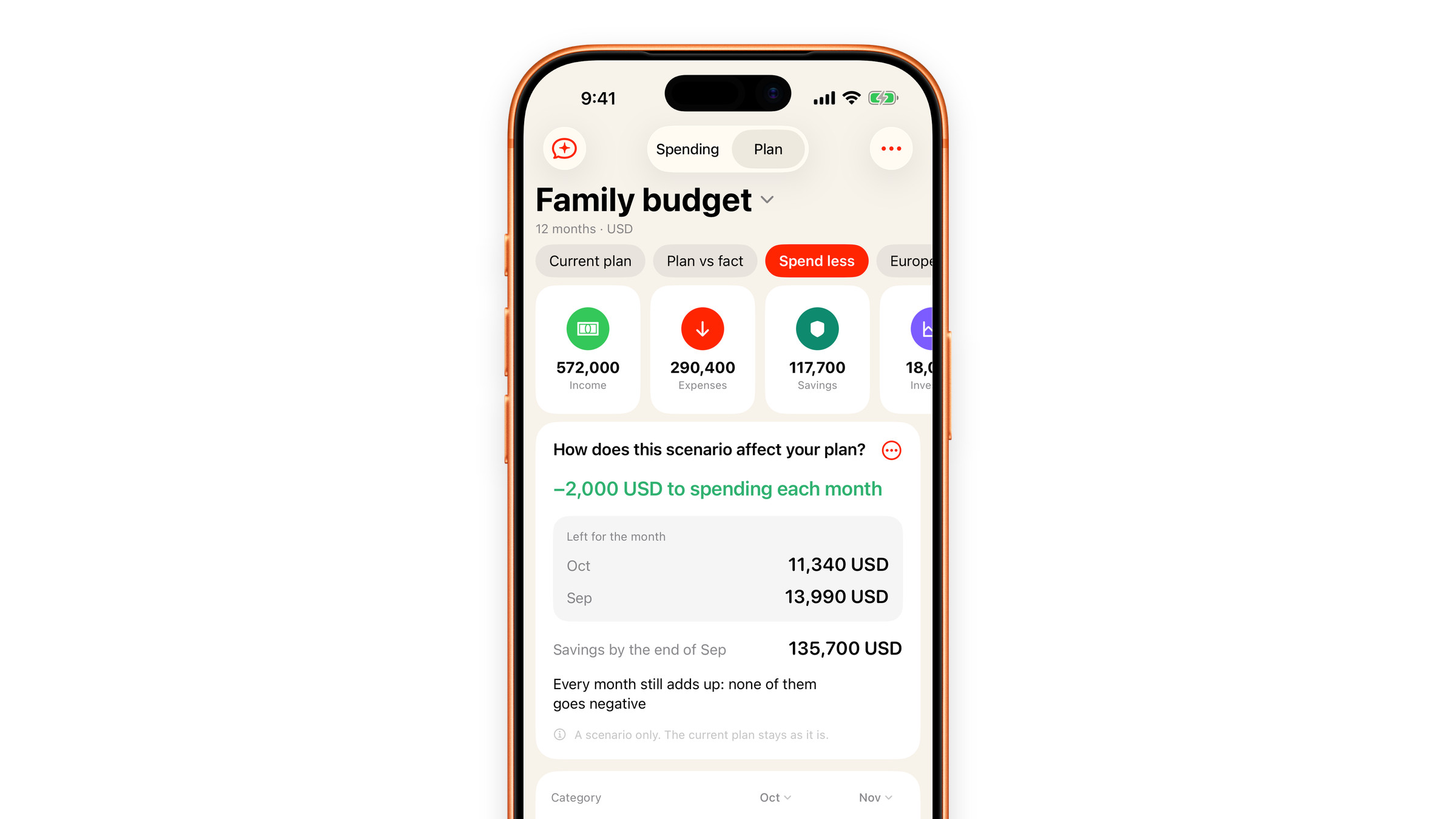
Scenarios live in Plan, the second half of the Spending tab. Above the table there is a row of chips: Current plan first, then every scenario you have made, then a Scenario chip that starts a new one.
Making one
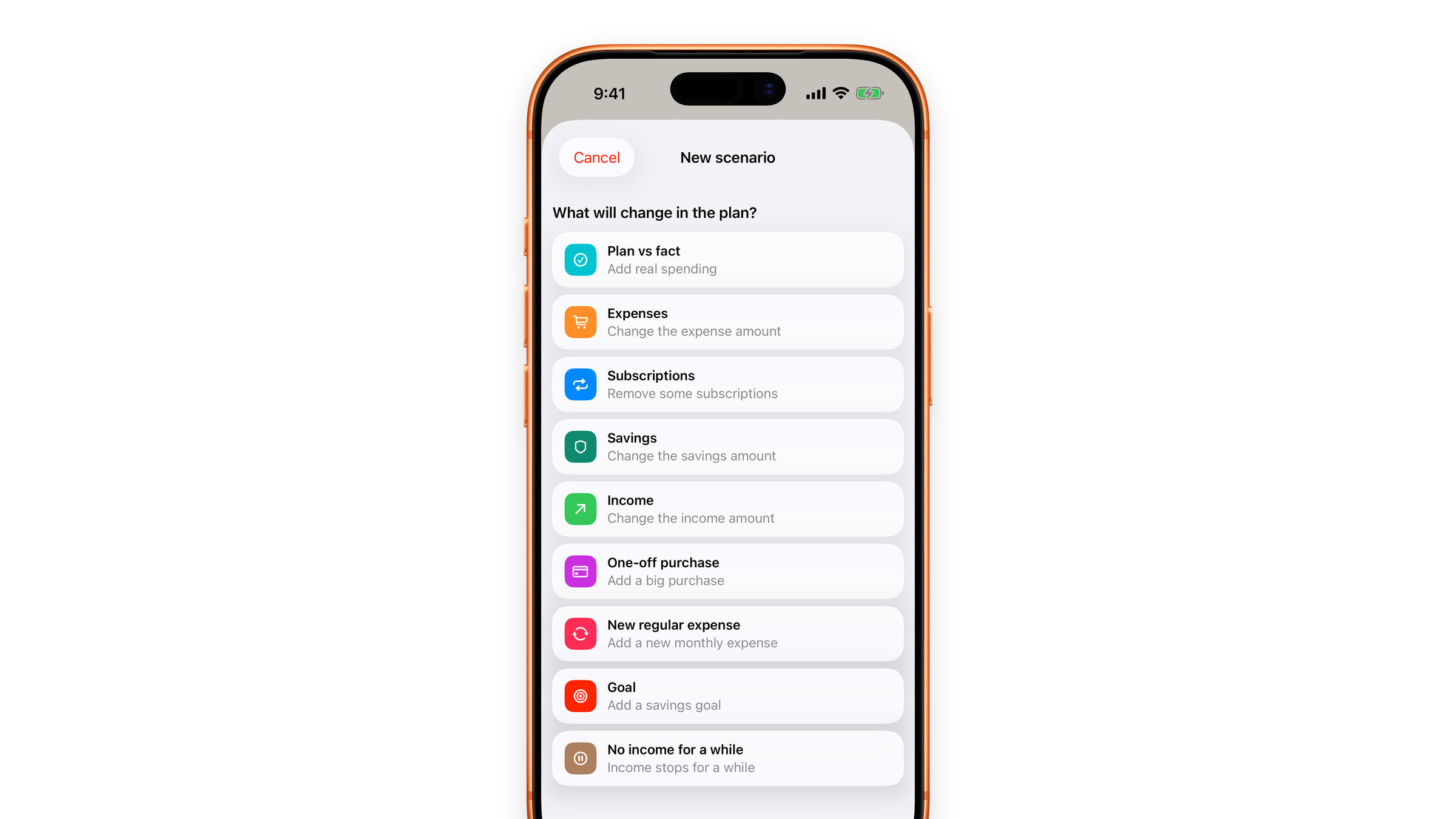
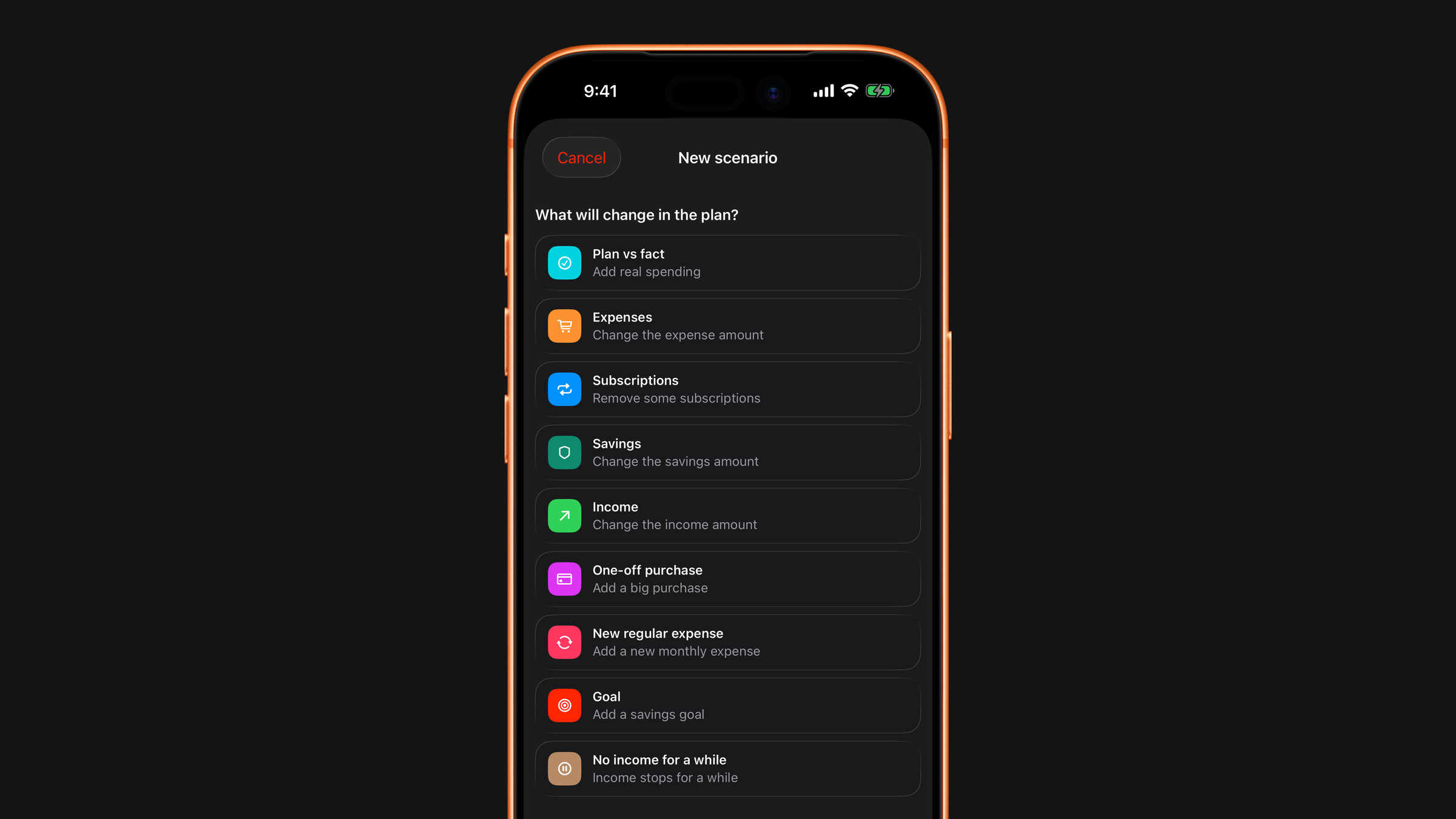
- Tap the Scenario chip. The sheet asks "What will change in the plan?" and lists the kinds below.
- Choose one. It opens a screen with the single thing it needs. For Expenses, Savings and Income the field opens with your current monthly amount, and a "Now" line under it repeats that figure, so you correct it instead of recalling it.
- Name it something you will recognise later, "Bigger apartment", "Saving more", and tap the check mark at the top right (Create).
The scenario opens in the same table as your plan, month by month, with the change already worked in, and the tiles above the table show its totals. You can still change cells inside the scenario, and those changes stay in the scenario too.
What the answer looks like
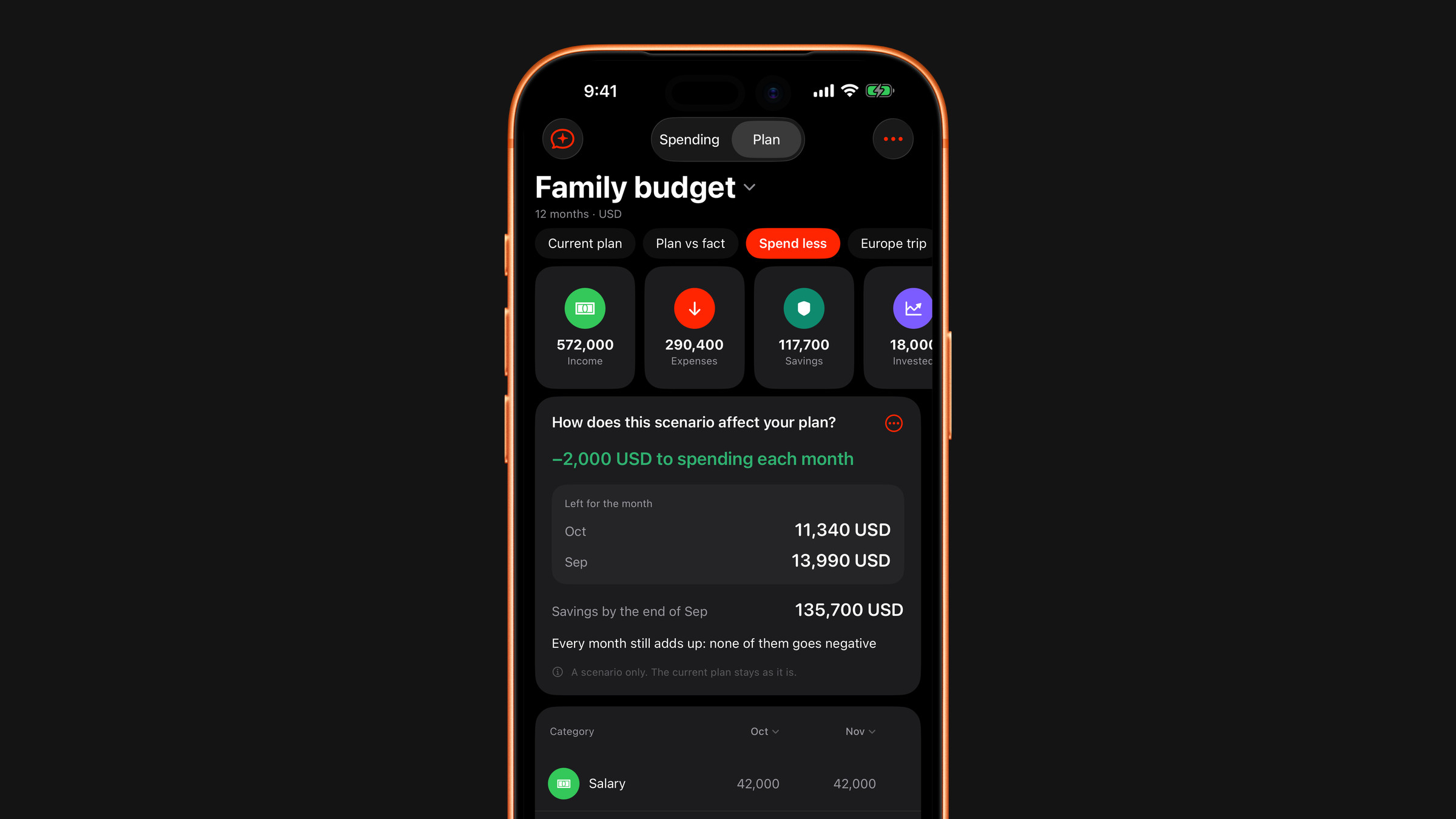
Above the table sits a card that answers the question: How does this scenario affect your plan? (How does this purchase affect your plan? for a one-off purchase). It gives:
- the change in one line, for example "−2,000 USD to spending each month";
- Left for the month, for the first month, the last month and, for a purchase, the months around it. A short scenario shows every month. Each month's leftover stands on its own, and the card never adds them up;
- Savings by the end of the last month;
- a sentence on whether every month still adds up, or in which month the plan asks for more money than there is;
- a note when the money would run out sooner or later than in the current plan.
A Goal gets a different card, What does this goal take?, with the amount to put aside each month to reach your target by the end of the period.
What you can ask
- Plan vs fact: real life next to the plan, described below.
- Expenses: a different monthly total for what you spend.
- Subscriptions: tick the subscriptions you would cancel.
- Savings: a different amount put aside each month.
- Income: a raise, a cut, a different job.
- One-off purchase: something large, with its amount and the month it lands in.
- New regular expense: a payment you do not have yet, added to every month.
- Goal: an amount you want to have saved by the end of the period.
- No income for a while: how many months, from 1 to 12, with nothing coming in, and Savings to live on, the cushion the expenses are paid from meanwhile. It starts from what the plan already knows is set aside.
Every scenario also asks Project the plan for: how many months ahead it is calculated, so a question about the next three months does not need a three-month plan. The default is the horizon of your plan.
Nothing moves until you say so
A scenario sits next to the plan and never rewrites it. Editing, duplicating, renaming or deleting one leaves Current plan untouched: the menu on the answer card, like a press and hold on the scenario's chip, offers Edit scenario, Duplicate, Rename and Delete scenario. When a scenario turns out to be the life you actually want, Apply to plan in the card's menu hands those numbers to the plan. The scenario then leaves the row of chips, because it has become the plan, and the message that follows offers Undo if you change your mind.
Your subscriptions and expenses do not rewrite the plan either: when they change, it asks before it moves. See Keep your plan up to date.
Plan and fact
Plan vs fact puts real life next to the plan. For every month the table has two columns: Plan, read only here, and Fact, where you tap a cell and type what actually happened that month. The cell offers Same as plan for a month that went exactly as planned, and Clear takes a figure back. A dash means there is no fact yet.
Under the rows, Expenses and Left over are totalled for each month: the plan in gray, the fact in color and the difference under it. The tiles at the top show the same for Income, Expenses, Savings and Left over, counted only over the months where you have entered at least one fact, so two filled months are not compared with a whole year.
The planned figures are read only here: to change the plan itself, go back to Current plan. The Plan column is your current plan, so it follows when you edit it. There is one fact per plan, so choosing Plan vs fact again opens the one you already keep rather than starting a second.
Free and Premium
The Subscriptions scenario is free, and it asks for nothing to be typed in, you tick the subscriptions you would drop and see the plan without them. If the plan has no Subscriptions row yet, creating this scenario adds one with your current subscriptions, so the saving shows up month by month, and the form says so before you create it. The other kinds, Plan vs fact among them, are part of Premium. So is a scenario period longer than 12 months.
Did this answer your question?