
My plan still shows the old subscription price
Why a changed subscription does not move your plan on its own, and where to tap to bring the numbers over.
You raised a subscription, cancelled one or added a new one, and the year in Plan still counts the old amount. Nothing is broken: the planner never rewrites your plan by itself. A plan is a decision you made, so new data waits for your word instead of quietly reshaping the months ahead.
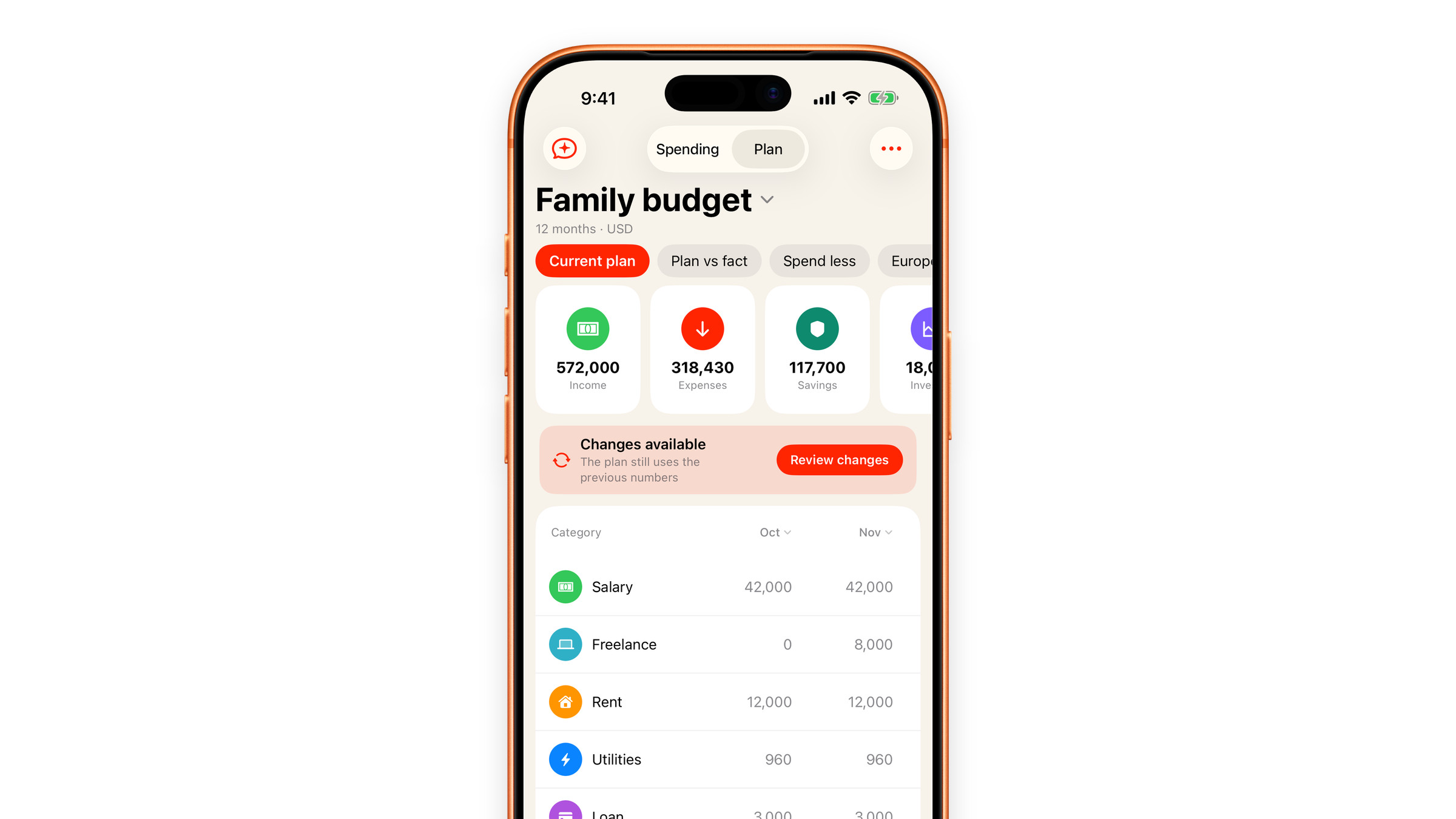
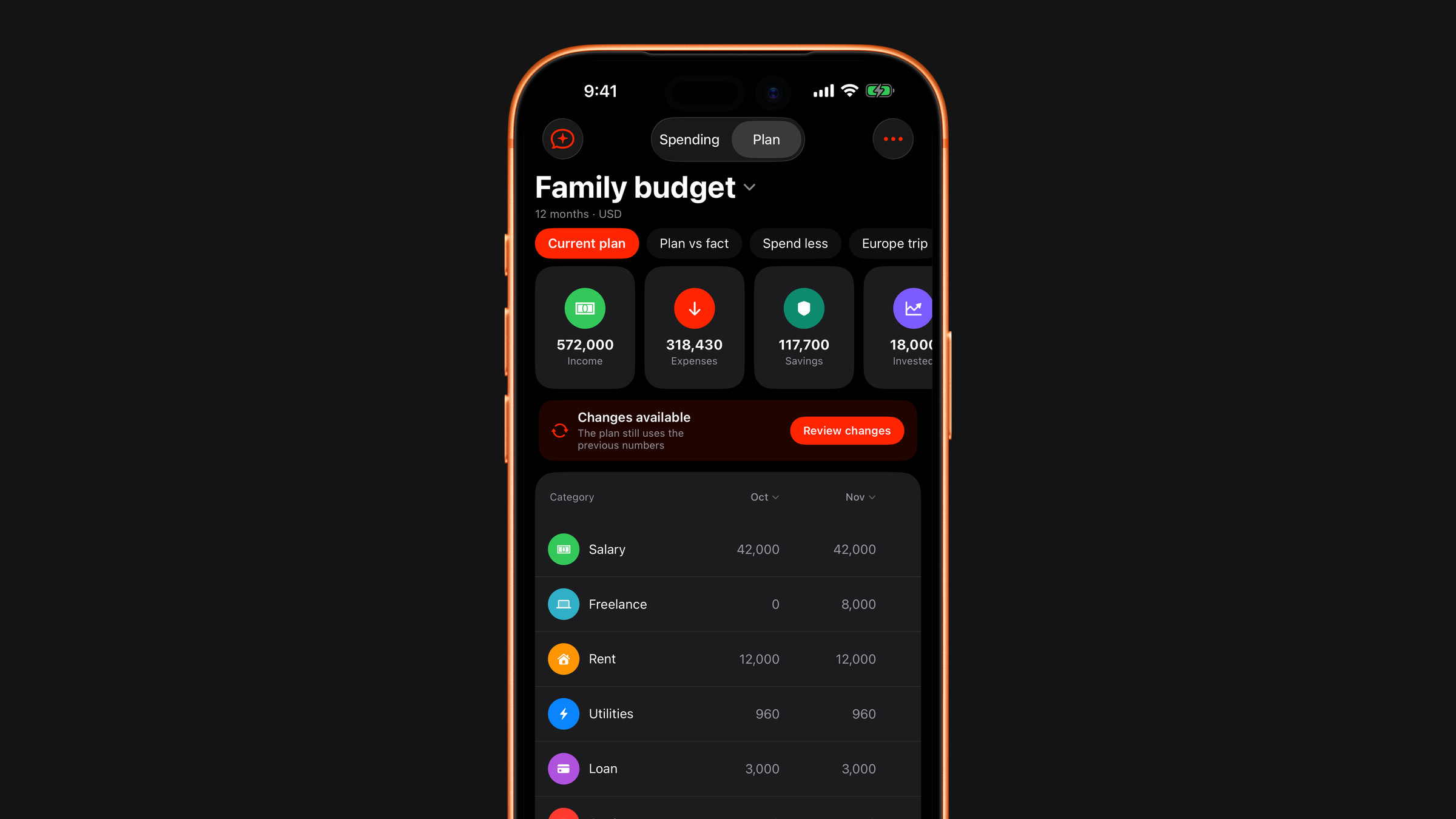
Bring the numbers over
- Open the Spending tab and switch to Plan at the top.
- A prompt appears: "Your subscriptions changed", with what the planner noticed.
- Tap Review changes, look at the old and the new amounts, and tap Update plan. The new amounts go into the plan and the year is recalculated.
If you already tapped "Not now"
The plan stays as it was, and a Changes available note sits under the summary tiles saying that the plan still uses the previous numbers. That note is the reason the two screens disagree, and it is also the way back: tap it, or tap Review changes on its right, and the comparison opens with Update plan on it.
The planner raises the same change once, so the note is what keeps it in view. It stays while the decision is open and disappears when you apply the update, which is the moment the plan and your subscriptions agree again. It also disappears if your subscriptions go back to the amounts the plan already holds.
If there is no prompt and no note
Then the row in question is probably not following your data. Only rows that came from the app's own data are compared with it: Subscriptions, Spending or Receipts from the Add category menu, marked with a small circular-arrows icon next to the name. A row you typed yourself keeps your number, and so does a linked row you have switched to a rule of its own.
Also open the row's menu and check What goes in. A Subscriptions row adds up only the subscriptions ticked there, so when you ticked only a selection, a subscription you add later is not part of it until you tick it. With everything ticked the row follows every subscription.
See also: Keep your plan up to date.
Did this answer your question?