
Split a subscription's cost
Sharing a family plan? Tell Subscrr how many people chip in, and your totals count only your share.
A family Netflix plan paid from your card is not really *your* expense: most of it comes back from the people you share it with. Without telling the app that, every total it shows you is inflated.
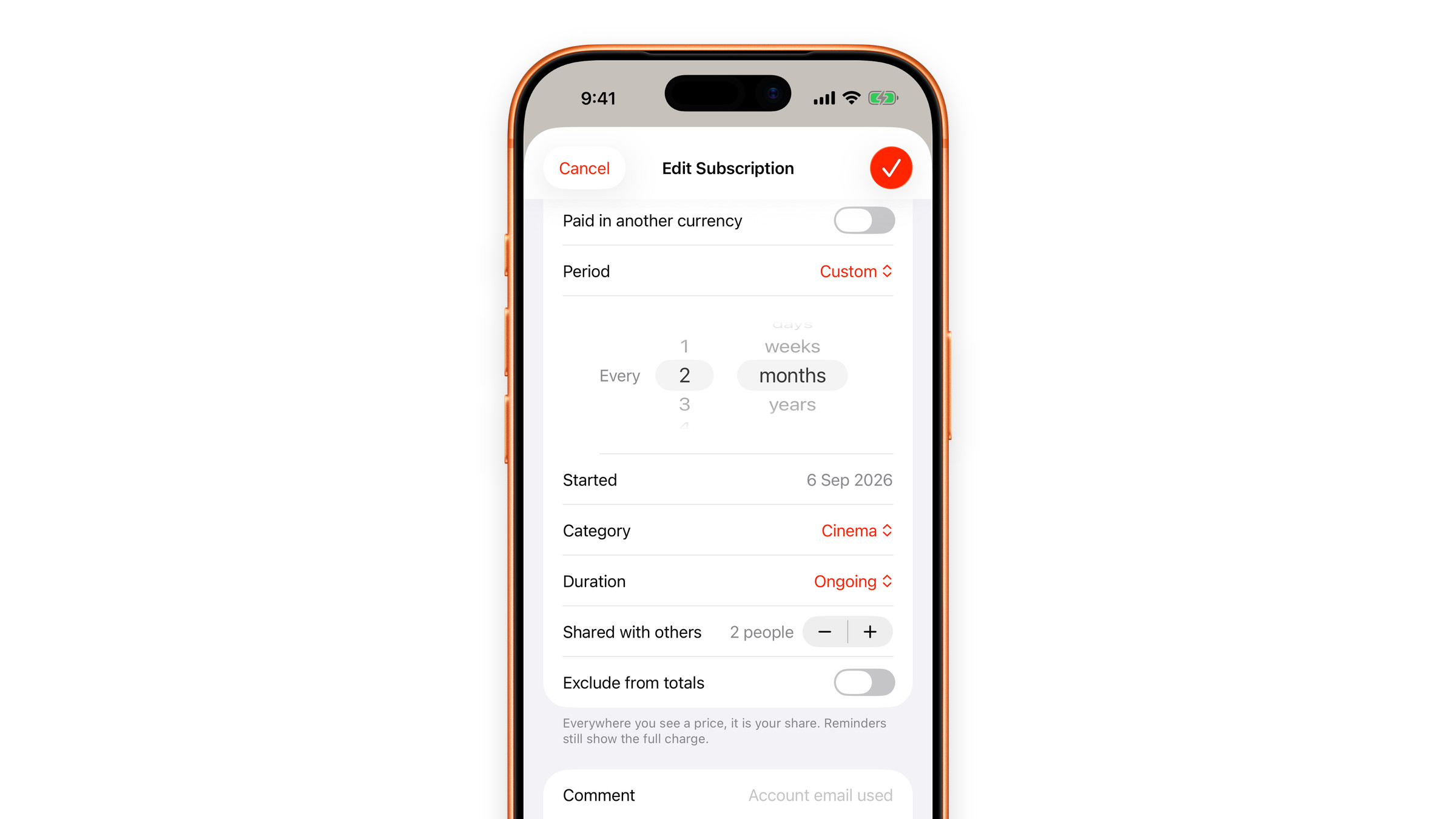
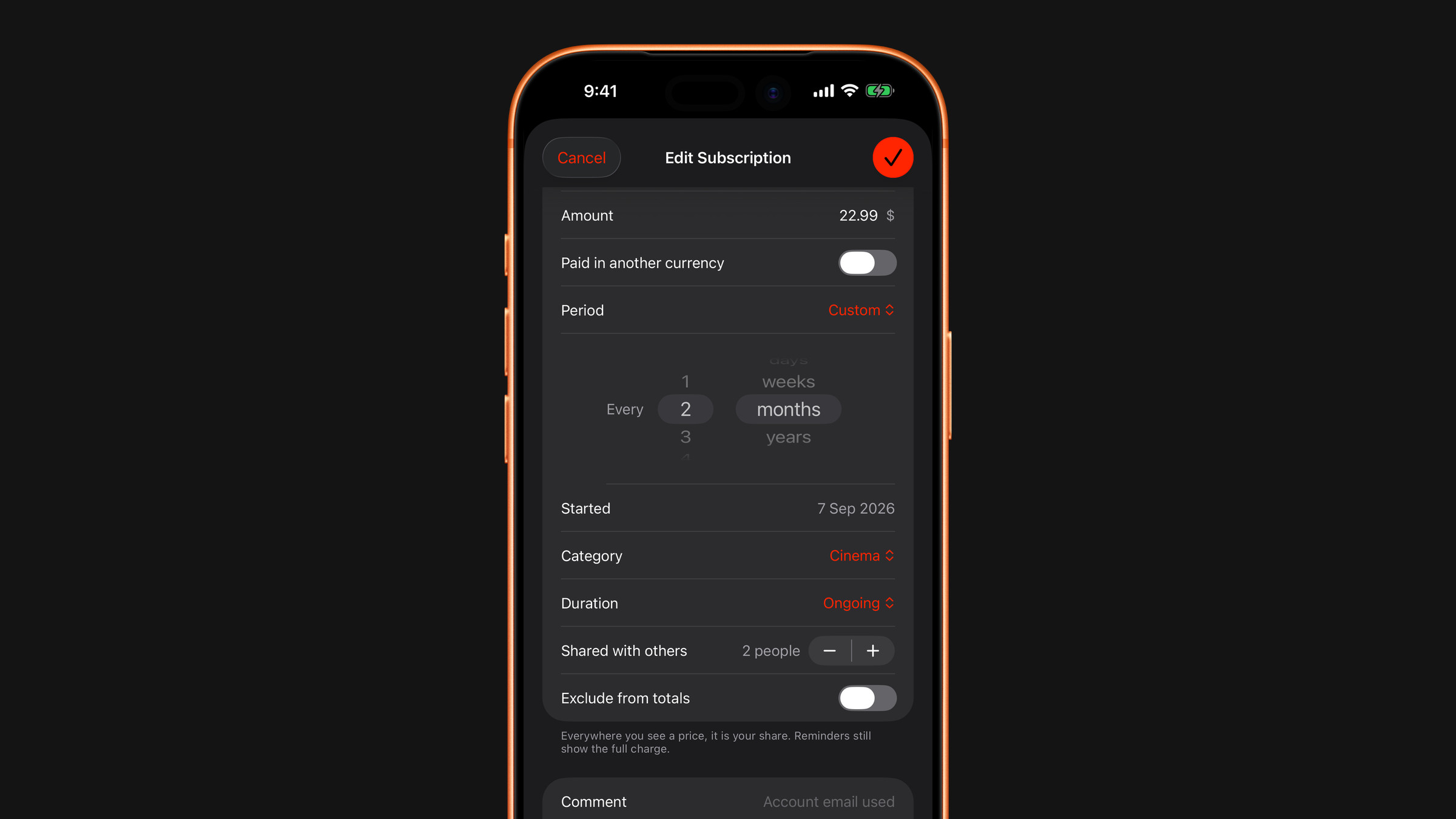
Set it up
- Open the subscription, tap the three dots and choose Edit Subscription, or set it while adding one.
- In Details, find Shared with others and step the count up to how many people share the cost, yourself included. "Just me" means no split.
- Save.
What changes
- Your totals: the monthly and yearly totals on the Overview, its category list and the paid-this-month figure count only your share: the price divided by the number of people.
- The subscription's page: under the ring it names the full price (that is what leaves the card), for example "100 $ split between 3". Per charge, Spent and the whole Cost Summary, per day, week, month and year, are computed from your share.
- The list: shows your share as the price, and a small
1/3-style badge marks split subscriptions.
What does not change
Reminders still show the full charge. The card gets billed for the whole amount, and the reminder's job is to match what the bank is about to take: collecting from your friends is between you and them. The widgets show the full charge for the same reason.
The split is an even one. If your group shares unevenly, set the count that best approximates your part, or track your exact share as a custom price.
Did this answer your question?